

1. Generate a key pair on the Utimaco HSM.
|
›_ Console |
|
# keytool -genkey -keyalg RSA -keysize 2048 -keystore NONE -storetype CryptoServer -storepass 12345678 -providername CryptoServer -alias tomcatsslkey |
Provide information when prompted.
Here:
-
RSAis the key algorithm -
2048is the key size -
NONEis the keystore for HSM -
CryptoServeris the store type -
12345678is the slot PIN -
CryptoServeris the provider name -
tomcatsslkeyis the key name that will be generated on the Utimaco HSM
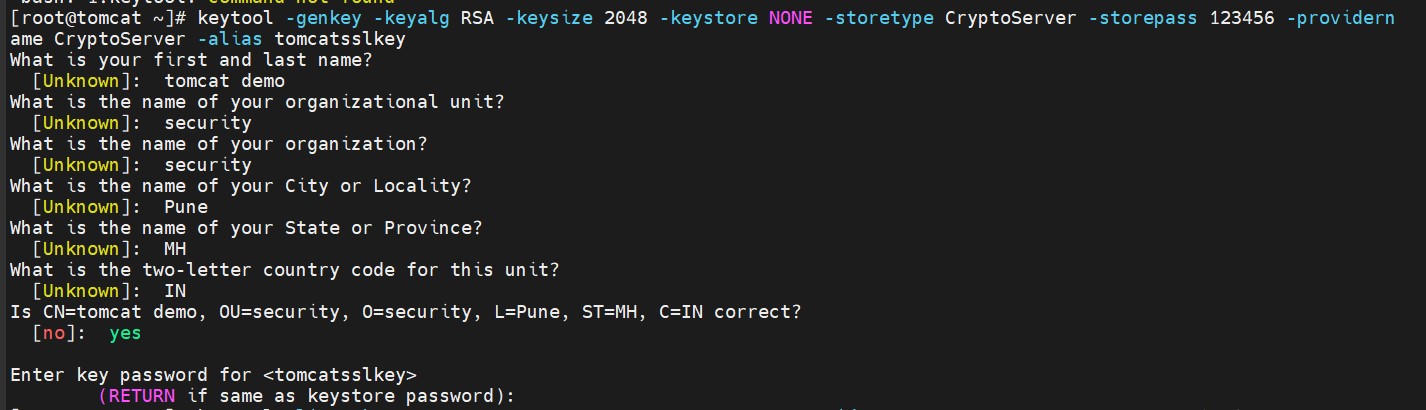
keytool command to generate keys
-
List the keys using the cxitool.
|
›_ Console |
|
|

List keys output using cxitool
-
Verify that the
keytoolcommand shows the created certificate.
|
›_ Console |
|
|
Here:
-
NONEis the key store for HSM -
CryptoServeris the store type -
12345678is the slot PIN -
CryptoServeris the provider name
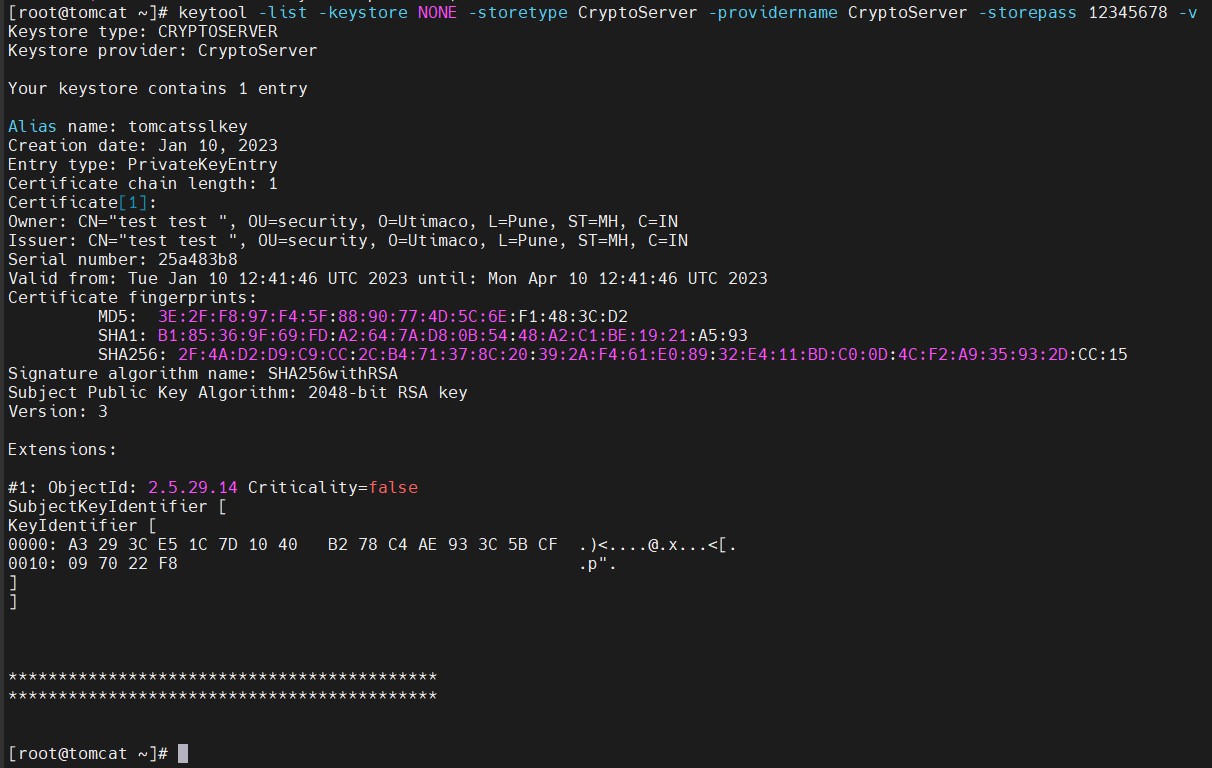
keytool list output