

-
Stop the Postgres database.
$ /usr/edb/as17/bin/pg_ctl -D /var/lib/edb/as17/data -l $HOME/logfile stop
-
Start the Postgres database and view the database.
$ /usr/edb/as17/bin/pg_ctl -D /var/lib/edb/as17/data -l $HOME/logfile start
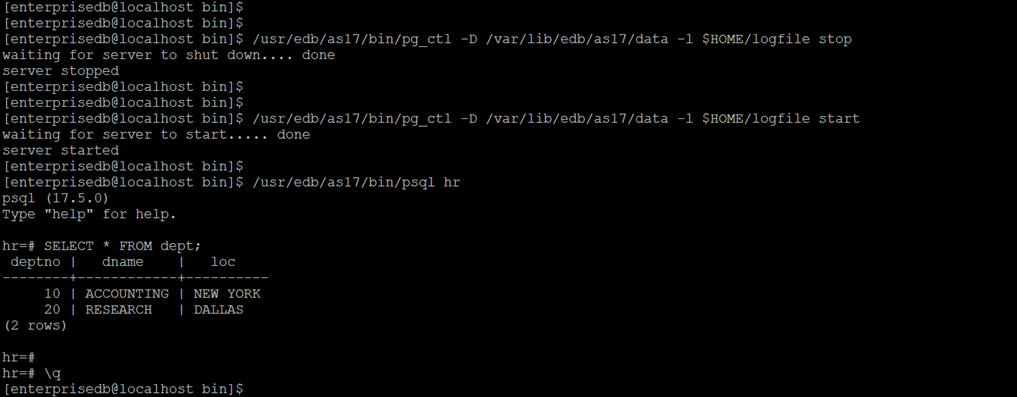
Linux server: steps for verification
-
Verify the ESKM KMIP logs.
The steps for ESKM KMIP logs are mentioned in Log rotation and interpretation.
The figure below shows that the master key is used for decryption when the database is started.
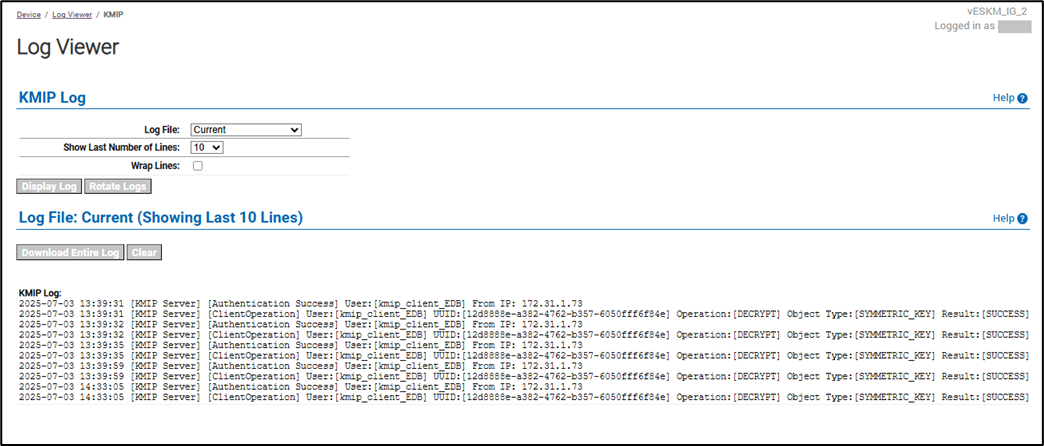
ESKM server: ESKM KMIP logs of key used for decryption