

-
Generate the key pair using below p11tool2 command
|
›_ Console |
|---|
|
Only RSA key is supported with GnuPG PKCS11 SCD.
-
Verify that the keys are generated
|
›_ Console |
|---|
|
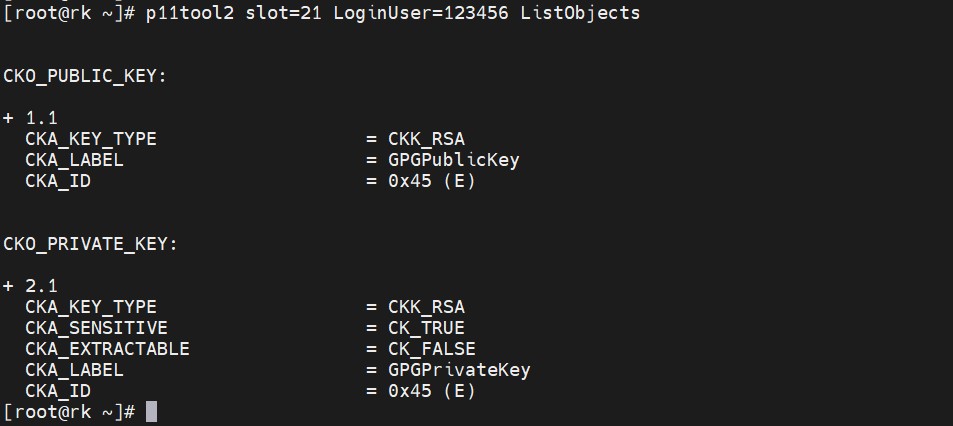
Listing keys on HSM slot
-
Install opensc and openssl-pcs11
|
›_ Console |
|---|
|
-
Open openssl shell and load the dynamic engine
|
›_ Console |
|---|
|

Loading dynamic engine in openssl
-
Run the following command to generate a self-signed certificate. Provide slot PIN when prompted.
|
›_ Console |
|---|
|

Generating self-signed certificate
Here gpgslot is the token label and GPGPrivateKey is the key on the Utimaco HSM.
After this a certificate gpgcert.pem is generated.
Type exit to exit from openssl prompt
It is recommended to use CA signed certificate for production environment.
-
Convert the certificate from pem to der
|
›_ Console |
|---|
|
-
Import the certificate to Utimaco HSM
|
›_ Console |
|---|
|

Importing certificate to Utimaco HSM
Here gpgslot is the token label, 45 is the CKA_ID of the private key on the HSM and gpgcert.der is the certificate name.
-
Verify that the certificate has been imported to Utimaco HSM
|
›_ Console |
|---|
|
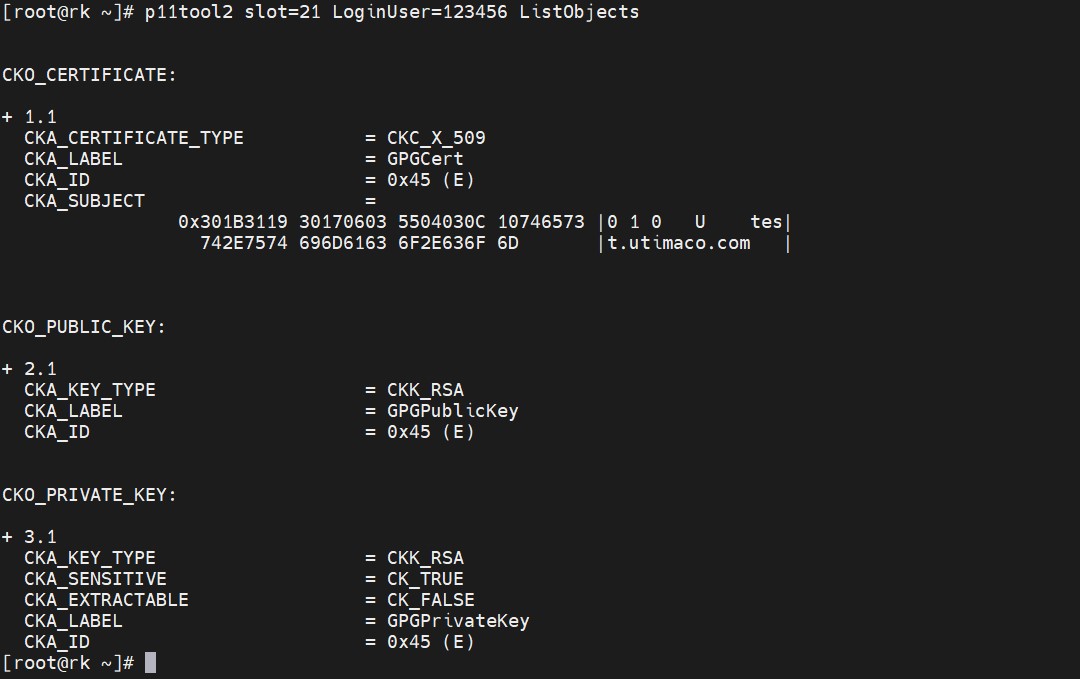
Listing keys and certificate on HSM slot