

-
Generate the key pair using the below
p11tool2command.
# ./p11tool2 Slot=0 LoginUser=Gnupg1234 PubKeyAttr=CKA_LABEL="GPGPublicKey",CKA_MODULUS_BITS=2048,CKA_ID=0x45 PrvKeyAttr=CKA_LABEL="GPGPrivateKey",CKA_EXTRACTABLE=CK_TRUE,CKA_ID=0x45 GenerateKeyPair=RSA
Only RSA keys are supported with GnuPG PKCS11 SCD.
-
Verify that the keys are generated.
# ./p11tool2 Slot=0 LoginUser=Gnupg1234 ListObjects
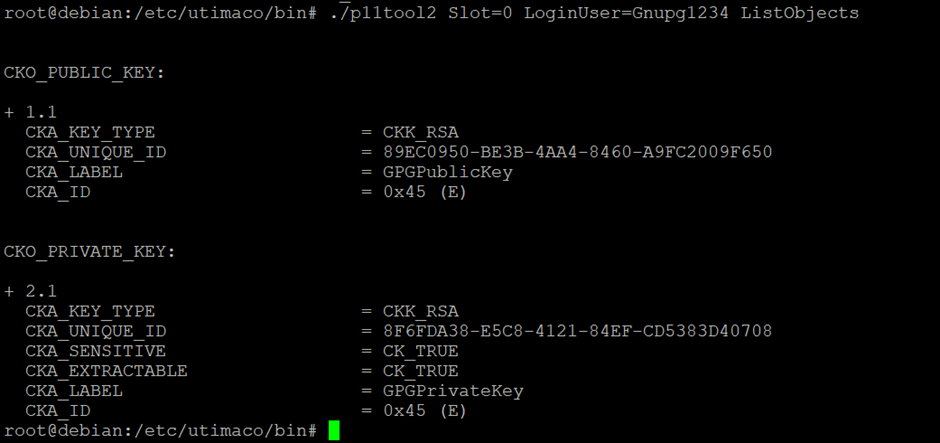
Listing keys on HSM slot
-
Install
openscandopenssl-pkcs11.
# apt update
# apt install -y libengine-pkcs11-openssl
-
Open
opensslshell and load the dynamic engine.
# openssl engine dynamic \
  -pre SO_PATH:/opt/openssl-1.1.1/lib/engines-1.1/pkcs11.so \
  -pre ID:pkcs11 \
  -pre LIST_ADD:1 \
  -pre LOAD \
  -pre MODULE_PATH:/etc/utimaco/lib/libcs_pkcs11_R3.so
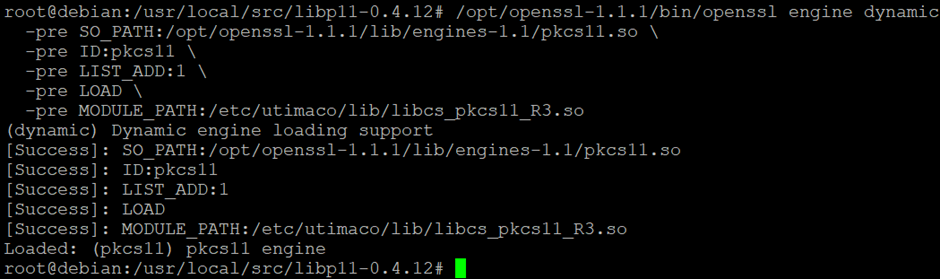
Loading dynamic engine in openssl
-
Run the following command to generate a self-signed certificate. Provide slot PIN when prompted.
openssl req -new -x509
  -engine pkcs11 \
  -keyform engine \
  -key "pkcs11:id=%45;type=private" \
  -sha256 \
  -days 365 \
  -out test.pem \
  -subj "/CN=test.utimaco.com/O=Integration"
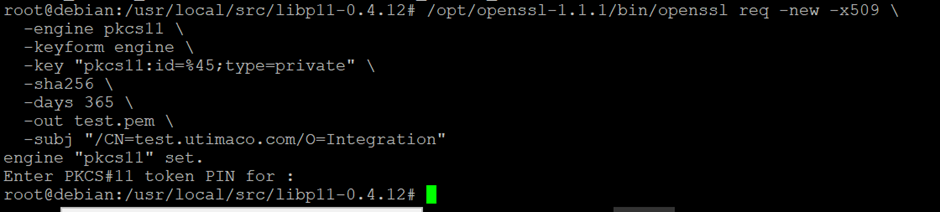
Generating self-signed certificate
After this, a certificate test.pem is generated.
Type “exit” to exit from openssl prompt.
It is recommended to use a CA signed certificate for production environment.
-
Convert the certificate from
pemtoder.
# openssl x509 \
  -in test.pem \
  -out test.der \
  -outform DER
-
Import the certificate to Utimaco HSM.
# pkcs11-tool \
  --module /etc/utimaco/lib/libcs_pkcs11_R3.so \
  -l \
  --slot 0 \
  --write-object test.der \
  --type cert \
  --id 45 \
  --label "GPGCertificate"

Importing certificate to Utimaco HSM
-
Verify that the certificate has been imported to Utimaco HSM.
# p11tool2 slot=0 LoginUser=Gnupg1234 ListObjects
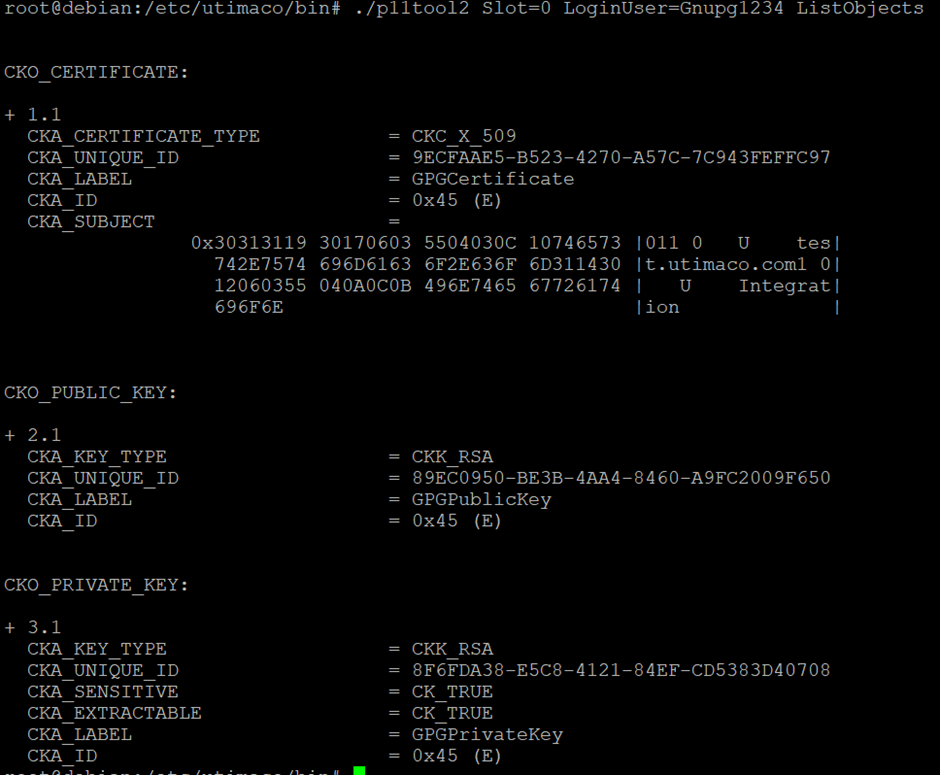
Listing keys and certificate on HSM slot