

-
Stop HashiCorp Vault service and check the status of the service.
# systemctl stop vault.service
# systemctl status vault.service
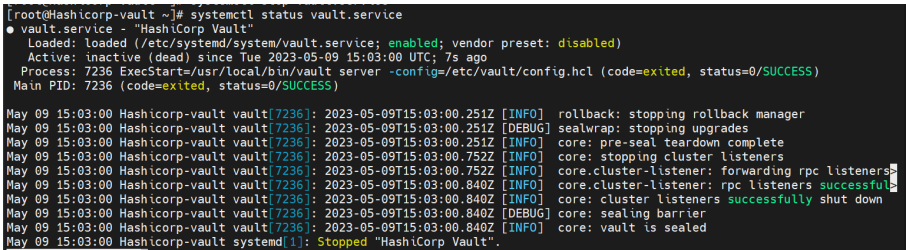
Stop Vault Service
-
For rotating the keys, update the configuration file
/etc/vault/config. hclwith a new key label and the old key label of the root key and hmac key in the seal“pkcs11”section, as shown below.
# vi /etc/vault/config.hcl
# PKCS#11 Seal, Utimaco HSM Integration
seal "pkcs11" {
lib = "/opt/utimaco/lib/libcs_pkcs11_R3.so"
slot = "<slot_no>"
pin = "<slot_PIN>"
default_key_label="hsm_demo"
key_label = "hsm_demo1"
default_hmac_key_label="demo"
hmac_key_label = "demo1"
generate_key = true
}
Do not delete the old keys from the HSM as the old keys will still be used to decrypt the old data. Here, default_key_label and default_hmac_key_label are old key labels. New keys will have the label values from key_label and hmac_key_label.
-
Restart the Vault service.
# systemctl restart vault.service
# systemctl status vault.service
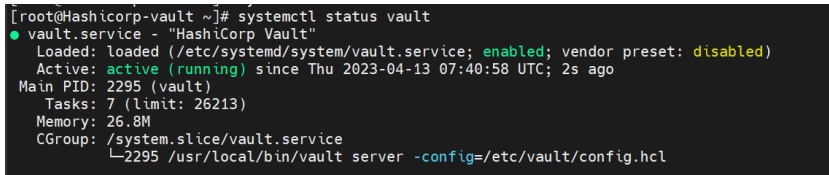
Start Vault Service
-
Verify that the keys got generated on the HSM.
# p11tool2 slot=<slot_no.> LoginUser=<slot_PIN> ListObjects
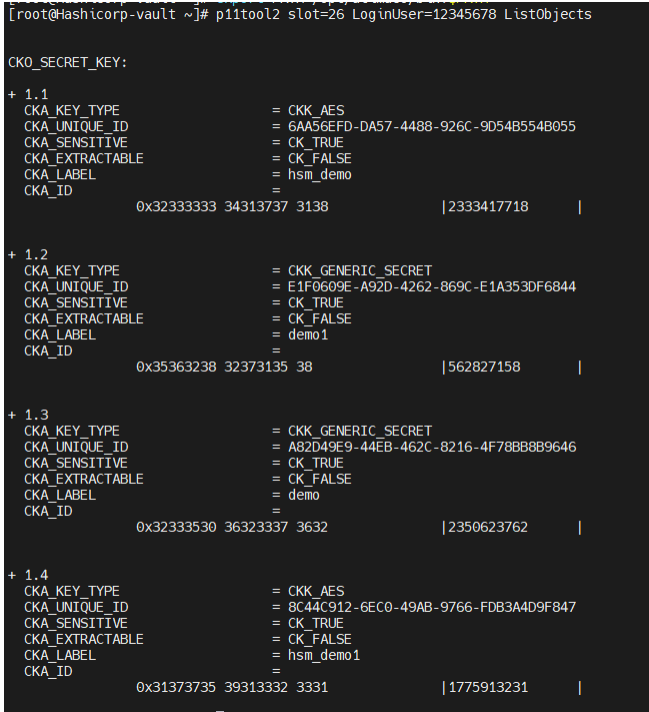
List Keys
-
Log in to Vault using the Initial Root Token saved earlier.
# vault login <initial_root_token_vaule>
-
Verify that you can list the secrets.
# vault secrets list -detailed
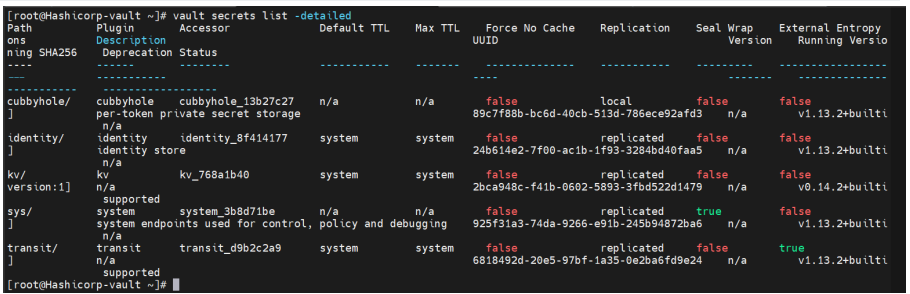
List the Secret Keys
-
Verify that you can retrieve the secret data.
# vault kv get kv/opt/vault/secret
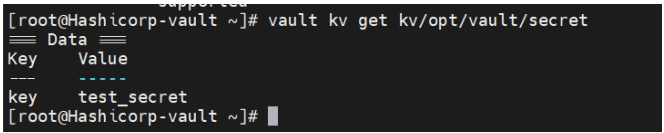
Retrieve Secret Data