

-
Generate an EC keypair on Utimaco HSM.
|
›_ Console |
|---|
|
Provide information when prompted. Here:
-
EC is the key algorithm.
-
NONE is the keystore for HSM.
-
CryptoServer is the storetype.
-
12345678 is the slot PIN.
-
CryptoServer is the provider name.
-
jbosseckey is the key name that will be generated on Utimaco HSM.
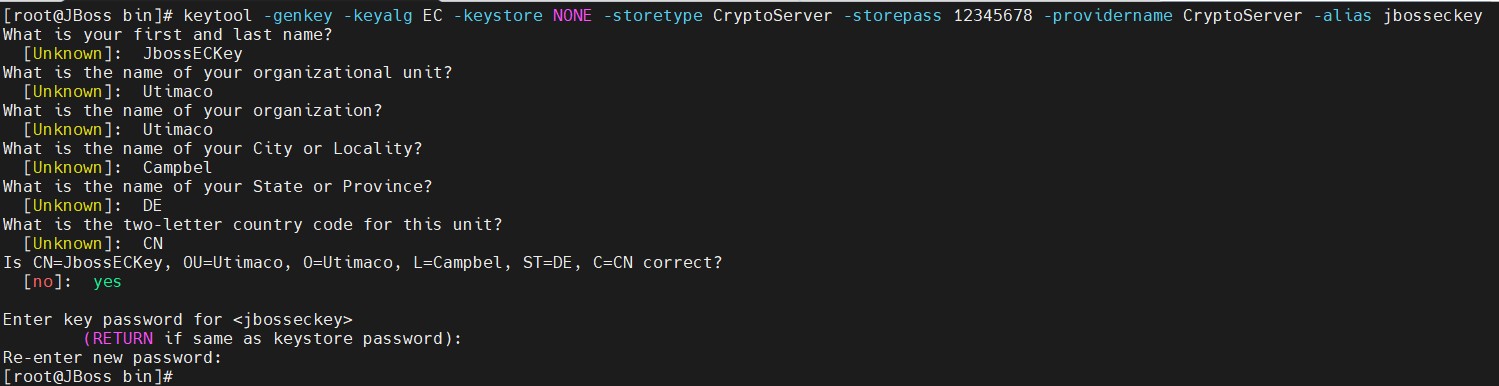
Key generation using keytool command
2. Verify that the keys have been generated.
|
›_ Console |
|---|
|
Here:
-
NONE is the keystore for HSM.
-
CryptoServer is the storetype.
-
12345678 is the slot PIN.
-
CryptoServer is the provider’s name.

List keystore entries
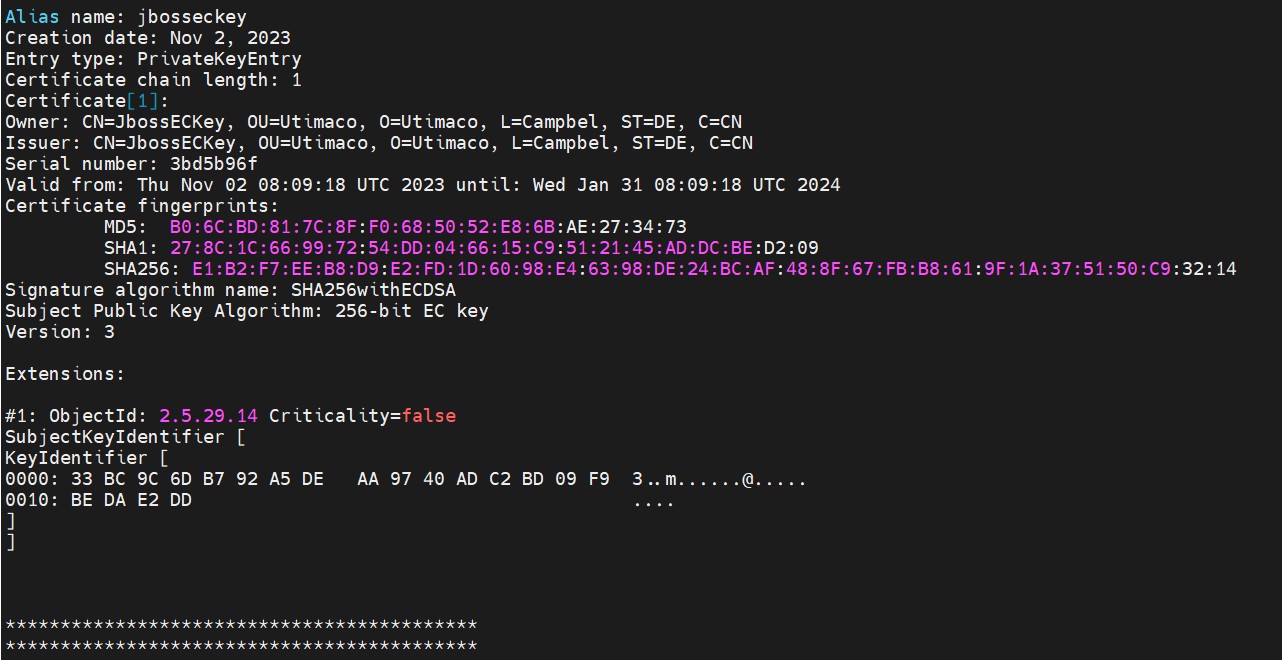
List keystore entries
-
List the keys using cxitool.
|
›_ Console |
|---|
|

List keys output using cxitool
-
Generate a CSR using the Keytool command.
|
›_ Console |
|---|
|

CSR generation
Provide the keystore password when prompted. Here:
-
NONE is the keystore for HSM.
-
CryptoServer is the storetype.
-
CryptoServer is the provider name.
-
jbosseckey is the key name.
-
jbosseckey.csr is the CSR file name that will be generated.
-
Get this CSR signed by CA.
-
Copy the signed certificate along with Root CA certificate on the JBoss server.
-
Import the Root certificate into the HSM keystore. Type yes when prompted.
|
›_ Console |
|---|
|
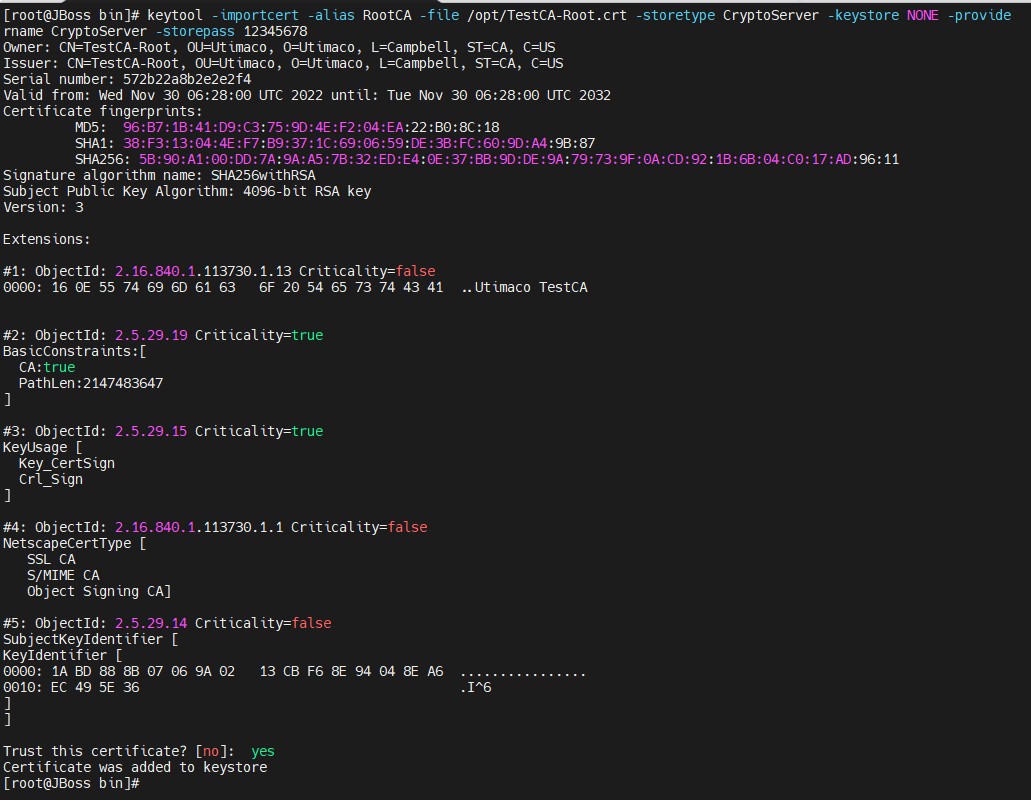
Importing root CA certificate into keystore
-
Import the signed certificate using the command below.
|
›_ Console |
|---|
|

Import signed certificate into keystore
-
List the keystore entries.
|
›_ Console |
|---|
|
Here:
-
NONE is the keystore for HSM.
-
CryptoServer is the storetype.
-
12345678 is the slot PIN.
-
CryptoServer is the provider’s name.

keytool list output
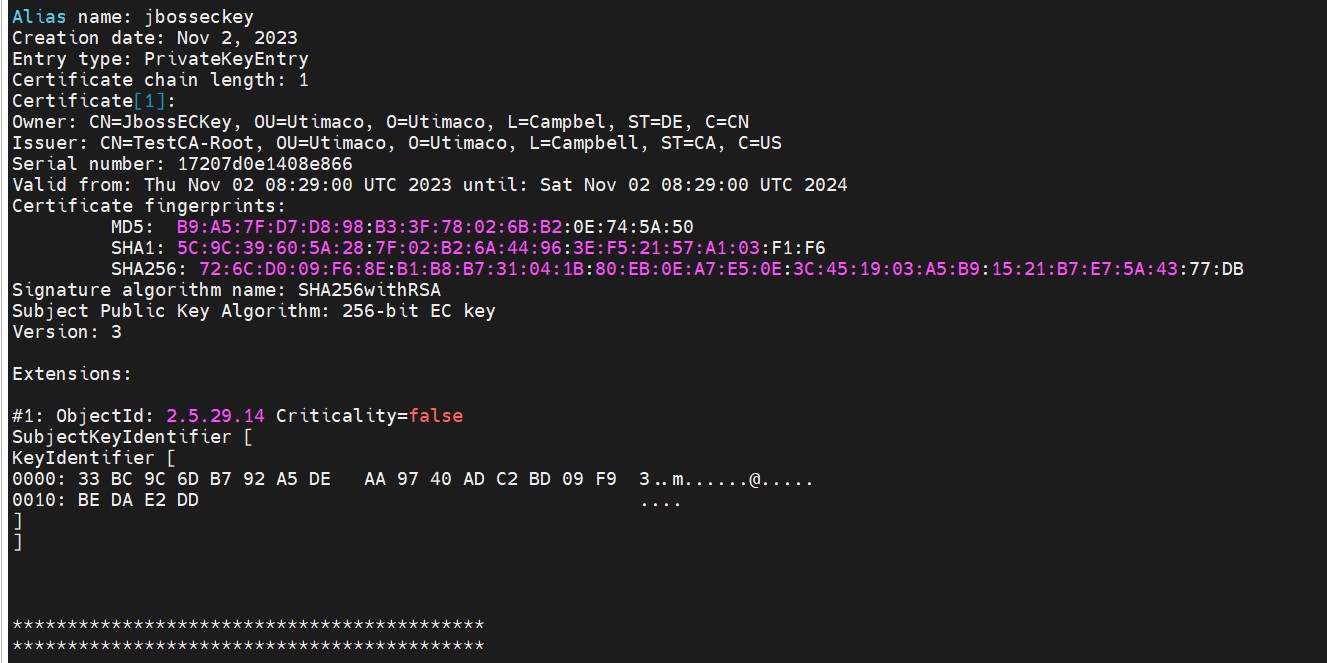
keytool list output