

To create an HSM (PKCS#11) Crypto Worker, please follow the steps below:
-
Open the SignServer Administration Web.
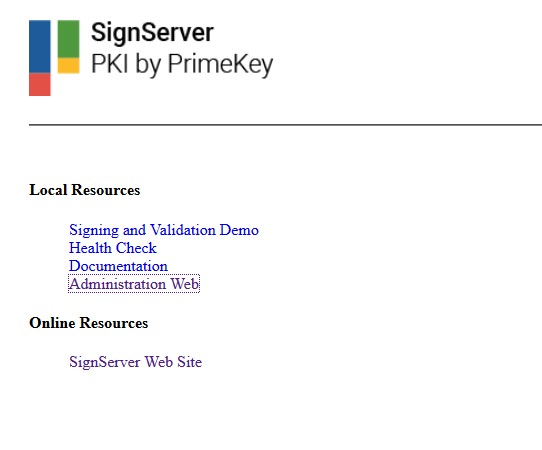
SingServer web
-
Click on Workers in the top menu.
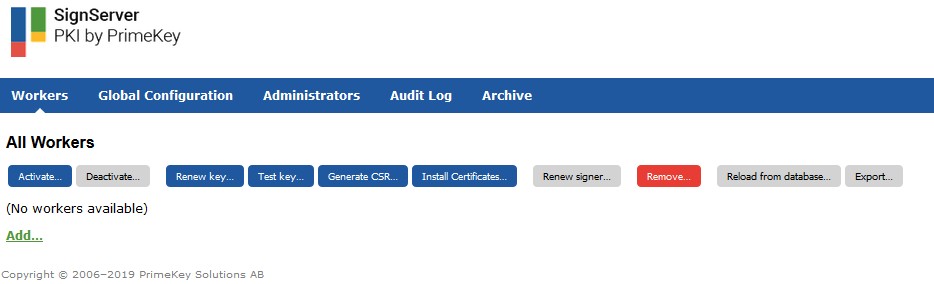
Signserver Workers page
-
Click on Add… below the workers list.
-
Click on From Template.
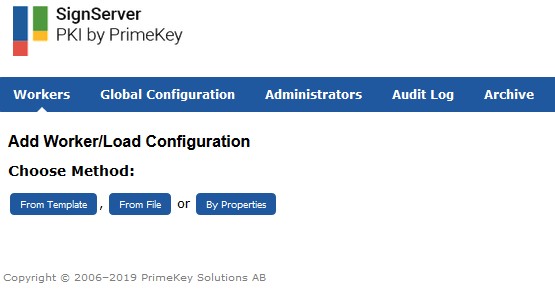
Signserver Add Worker
-
Select the pkcs11-crypto.proprties template and click on Next.
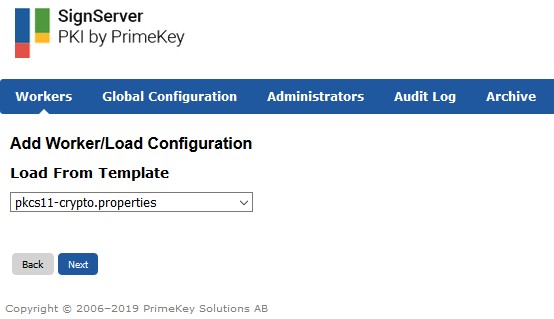
Signserver selecting a template
-
In the configuration text area, modify the property
WORKERGENID1.LIBRARYNAMEtoWORKERGENID1.SHAREDLIBRARYNAME=Utimaco. If required, the values for slot numbers can be edited to correspond to the configured slot in the HSM.
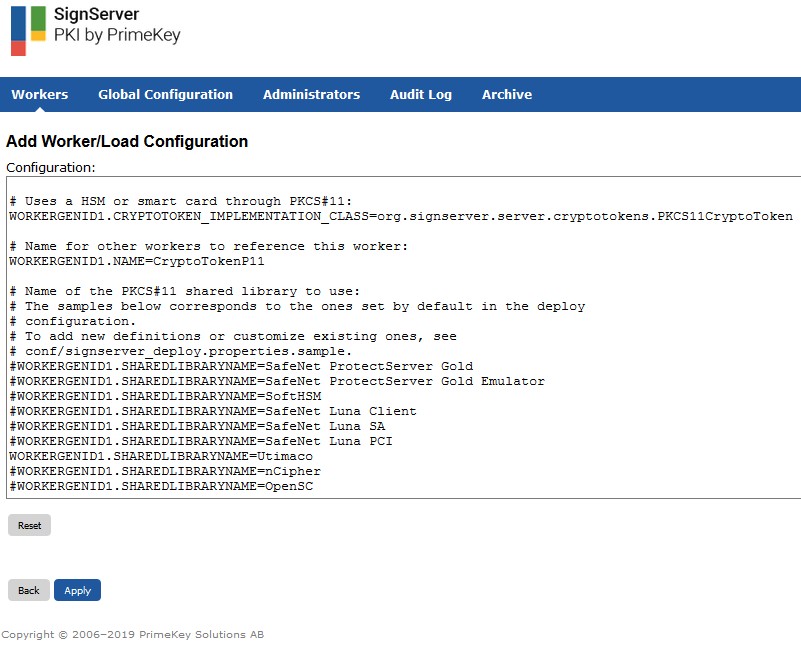
Signserver Workers configuration example
-
Click on Apply.