1. Create a PowerShell script file with name Export_Certificate.ps1 at appropriate location and add the following content into the script file.
|
Export_Certificate.ps1
|
|
$SelfCertificate = Get-ChildItem -Path Cert:\CurrentUser\My\ | WhereObject {$_.Subject -eq "CN=Authenticode Certificate"}
#Exporting the Self Signed Certificate at the appropriate location
Export-Certificate -FilePath "C:\Authenticode\Authenticode
Certificate.cer" -Cert $SelfCertificate
|
-
Launch PowerShell as Administrator, and run Export_Certificate.ps1.
|
›_ PowerShell
|
|
> . \Export_Certificate.ps1
PS C:\> C:\Authenticode\Export_Certificate.ps1
Directory: C:\Authenticode
Mode LastWriteTime Length Name
---- ------------- ------ ----
-a---- 3/24/2022 6:35 AM 1329 Authenticode Certificate.cer
|
-
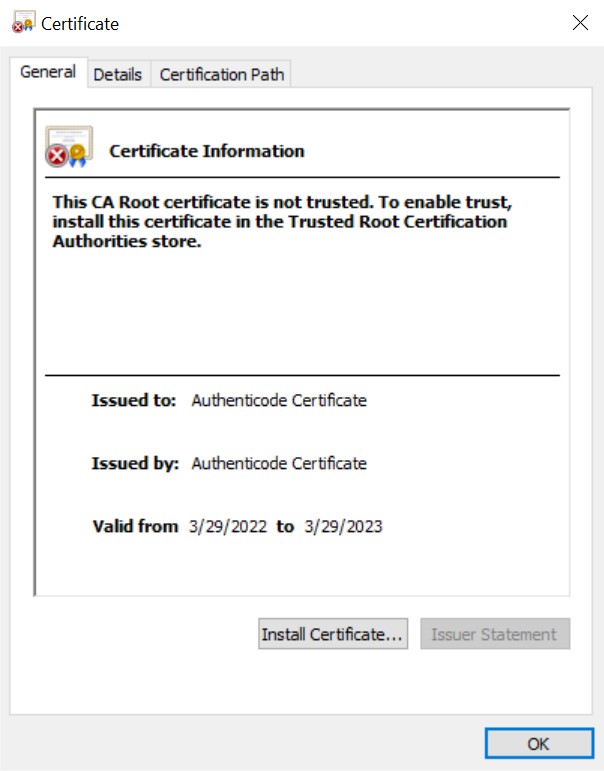
To view the Properties, double-click on the exported certificate.
Exported certificate details