

-
Under Action column, click Edit icon to edit the existing cloud instances.
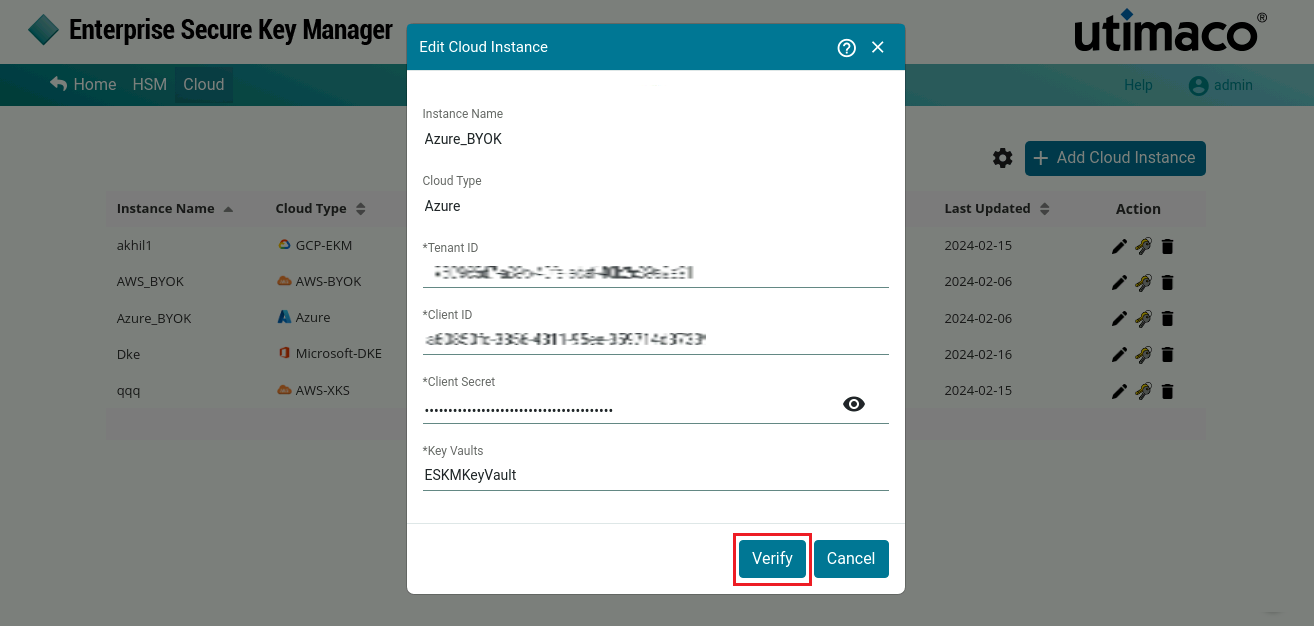
Verify Cloud Instance
-
The Edit Cloud Instance pop-up window will appear. Modify the existing cloud instance details if necessary and click Verify.
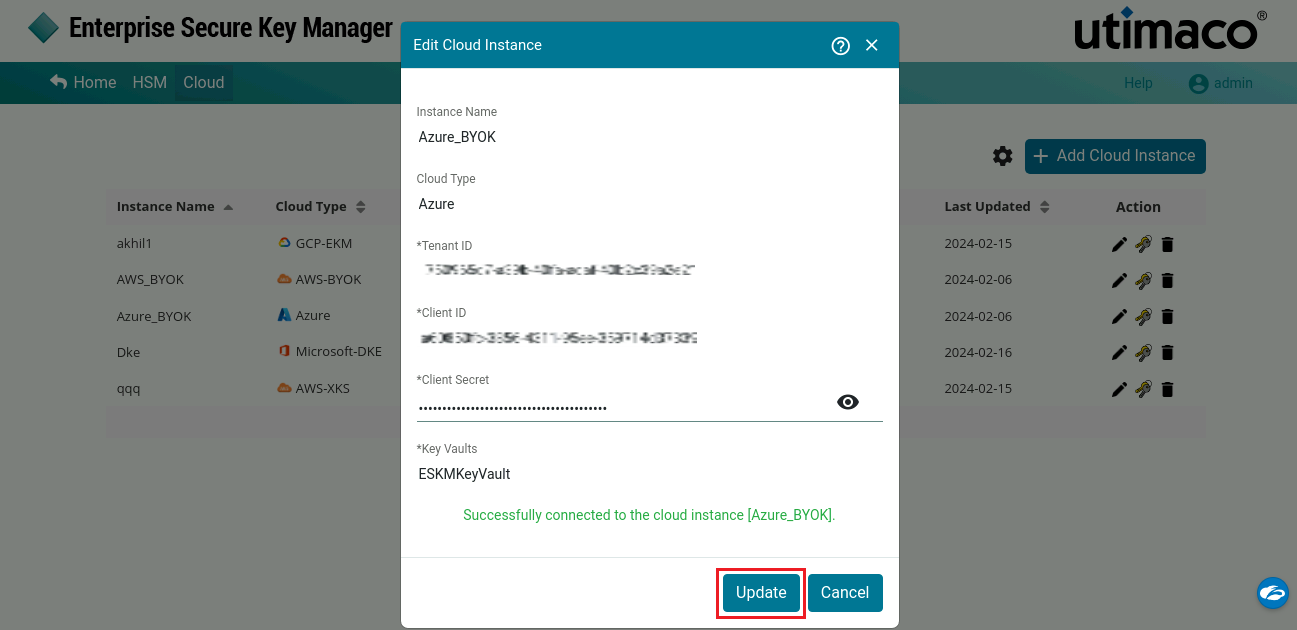
Update Cloud Instance
-
Click Update.
Cloud Instance Instance 2[Azure] updated successfully.
While editing an Azure‑BYOK cloud instance, the Instance and Cloud Type fields cannot be modified.