

-
Click the Manage Keys icon to view keys list available in the cloud instance.
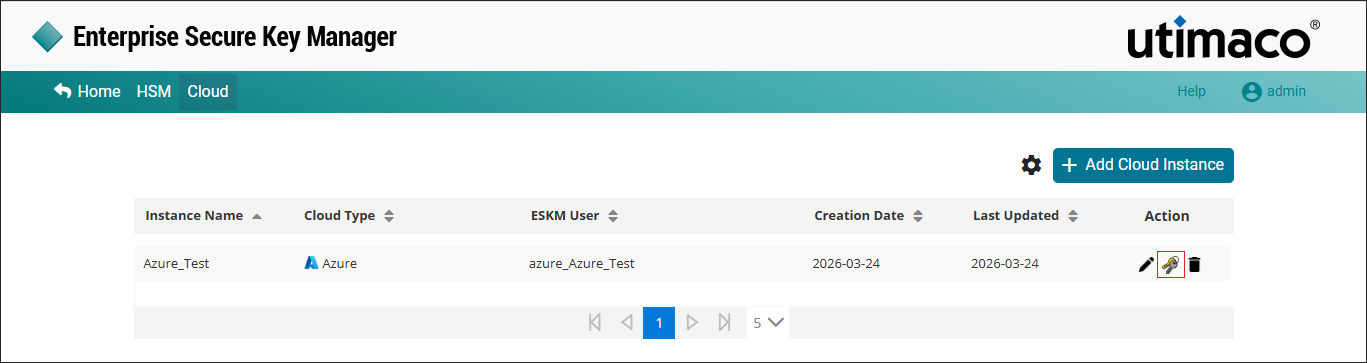
Manage Keys
-
Select the key from the keys list to view key’s detailed information.
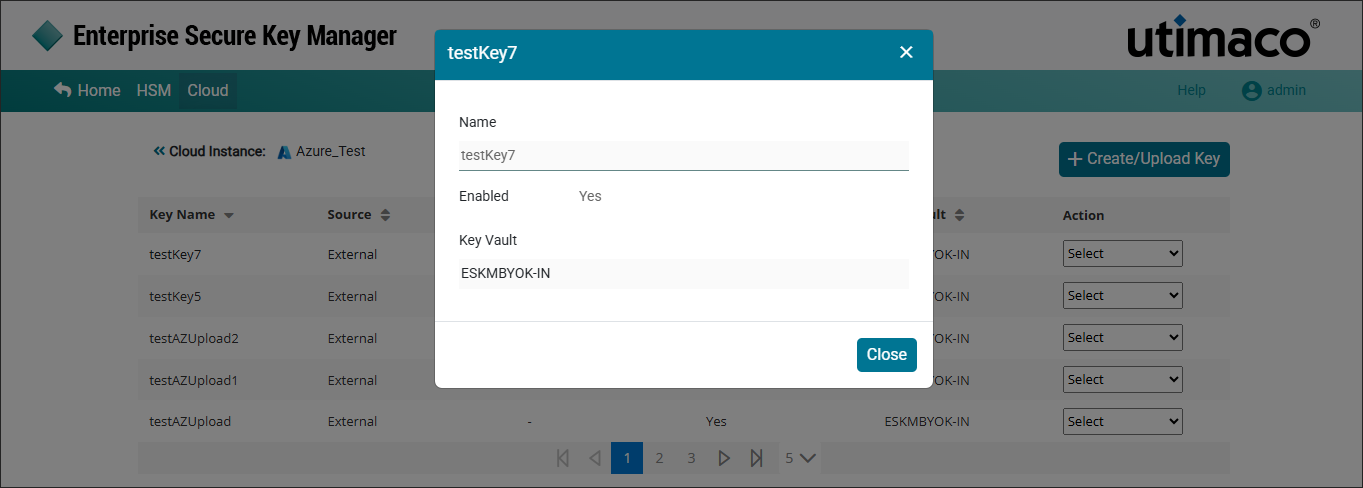
Key Details
|
Parameters |
Description |
|---|---|
|
Key Name |
Name of the key. |
|
Source |
The key source indicates where key is generated. If the key was created in the ESKM, the format will be Instance Name_Key Name(ESKM). If the key is created in the cloud, it will appear as external. |
|
Status |
Status of the key such as Uploaded or Not Uploaded. |
|
Enabled |
Displays either “Yes” if the key is enabled in Microsoft Azure Key Vault or “No” if the key is disabled. |
|
Key Vault |
Key Vault Name created in Microsoft Azure. |
|
Action |
It contains various key actions such as Edit, Delete and Upload. |
CLoud Instance - Keys list parameters