

Figure 17: Certificate Properties
To make the certificate available for use in IIS, run the following command:
|
›_ Console |
|
Where IISCertSigned.cer is the signed certificate provided by the CA.
Install CA certificate in Trusted Root Certificate Authorities if root CA is not installed before installing IIS SSL certificate.
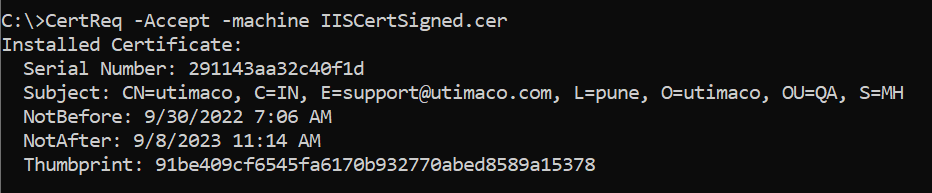
Figure 18: Certreq command Output Window