

Teams allows to specify the default action for opening a file. By default, files will be opened within Teams, but this option can be changed to 'Open in Local App'. If so configured, a double-click on a file would automatically launch the local productivity app and have the file opened in this app. This allows for working with encrypted apps directly from within Teams.
Latest versions of Teams seem to ignore this setting and always open the document in Teams itself. We have no information whether this is a bug or a desired change in the product.
Although not the most convenient option, one can still open encrypted documents right from within Teams using the 'Open in App' Option in the context menu/menu bar.
We recommend:
Manually open all files within the local productivity app.
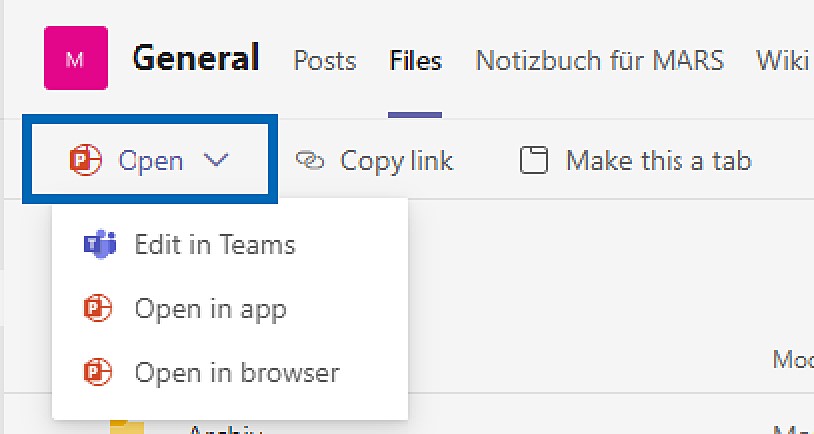
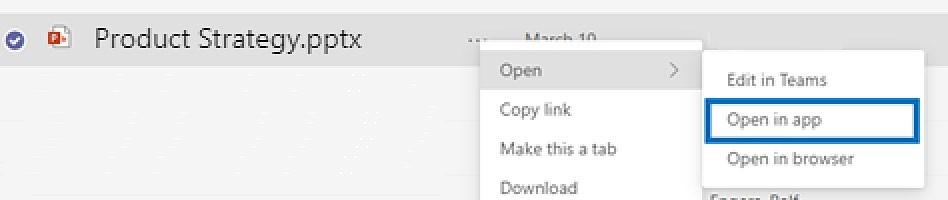
Open in app