

Microsoft Teams uses Microsoft OneDrive to synchronize data between the cloud and the local machine. If you have not yet set up OneDrive on your machine, you will have to do so. Please follow the steps prompted by the software.
Once OneDrive is installed, specify the account you want to use to connect to OneDrive. Use the same account you use in Teams.
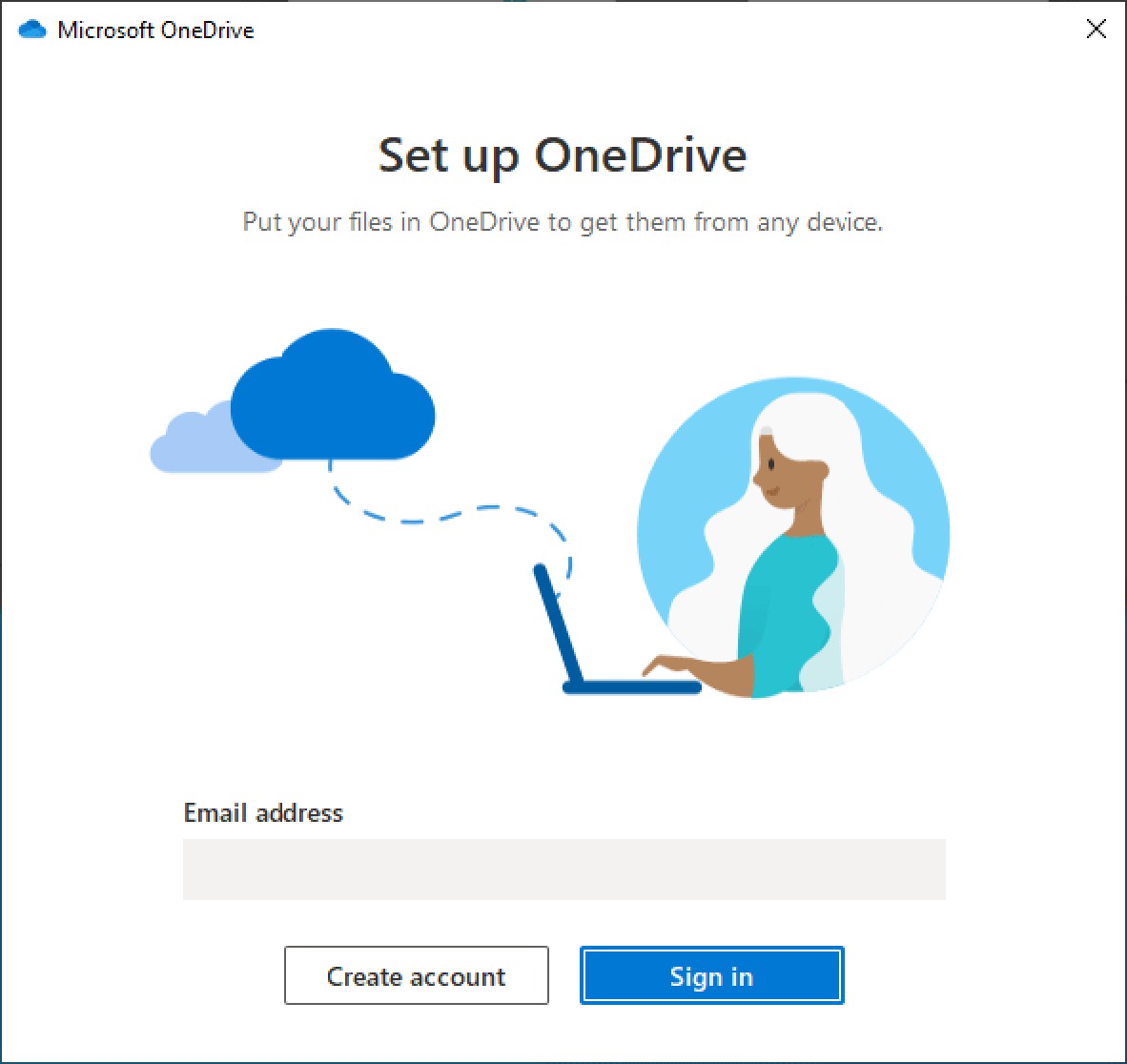
Set up OneDrive
This dialog is only shown if OneDrive has not been set up and configured on your machine yet.
Next, specify the location of the local sync folder. Please make sure that you use the same folder as specified by our Admin in your u.trust LAN Crypt profile.
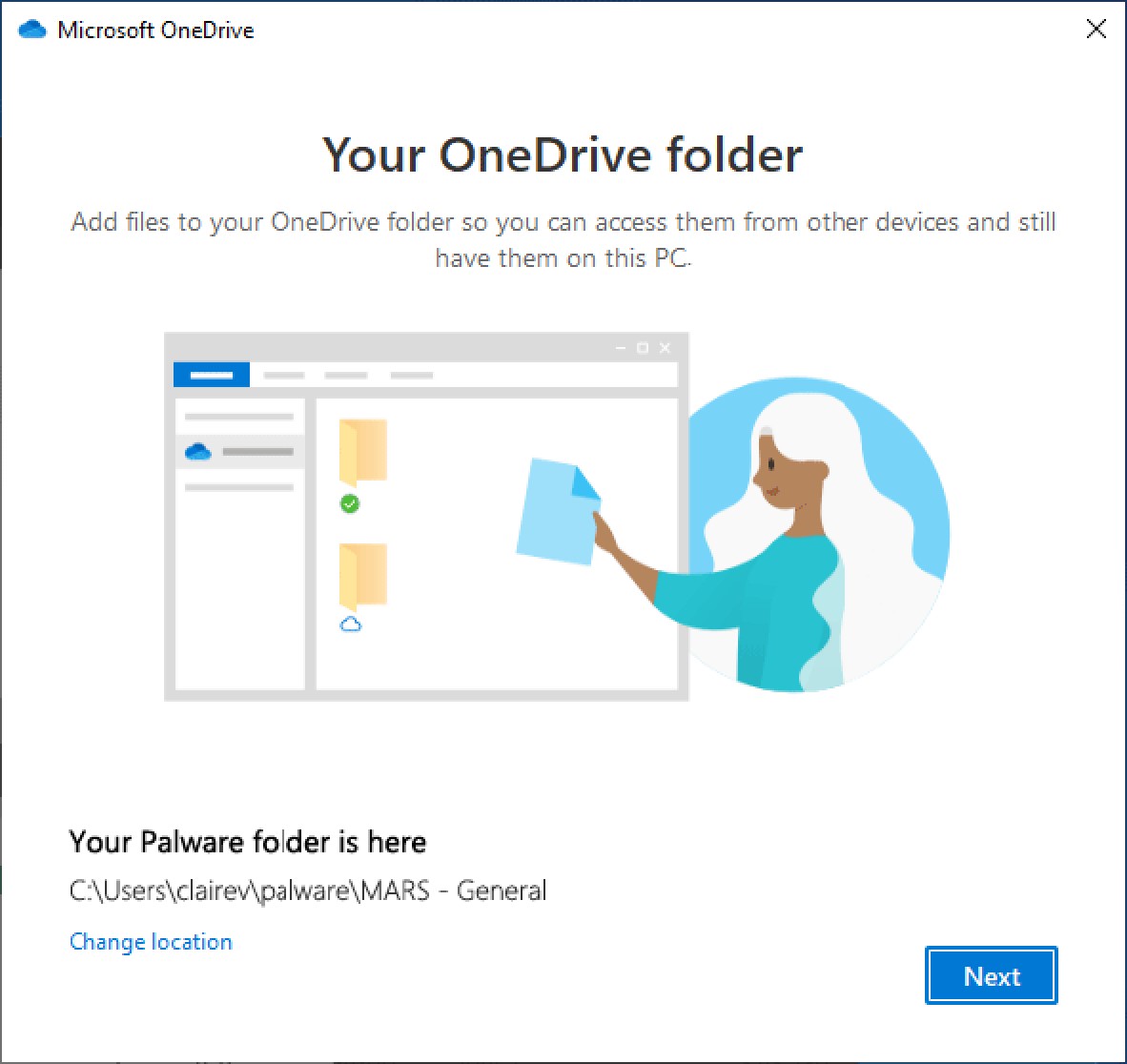
Your OneDrive Folder
Follow the wizard and you'll soon be ready to go.
Your OneDrive is ready for you