

Almost there! Teams is now connected to OneDrive and OneDrive has a connection to your local sync folder. You should now check whether your files have been synced. To do so, navigate to the sync folder in File Explorer. The “Cloud” symbol next to a file entry indicates that the file is only available in the cloud, and thus isn’t synchronized.
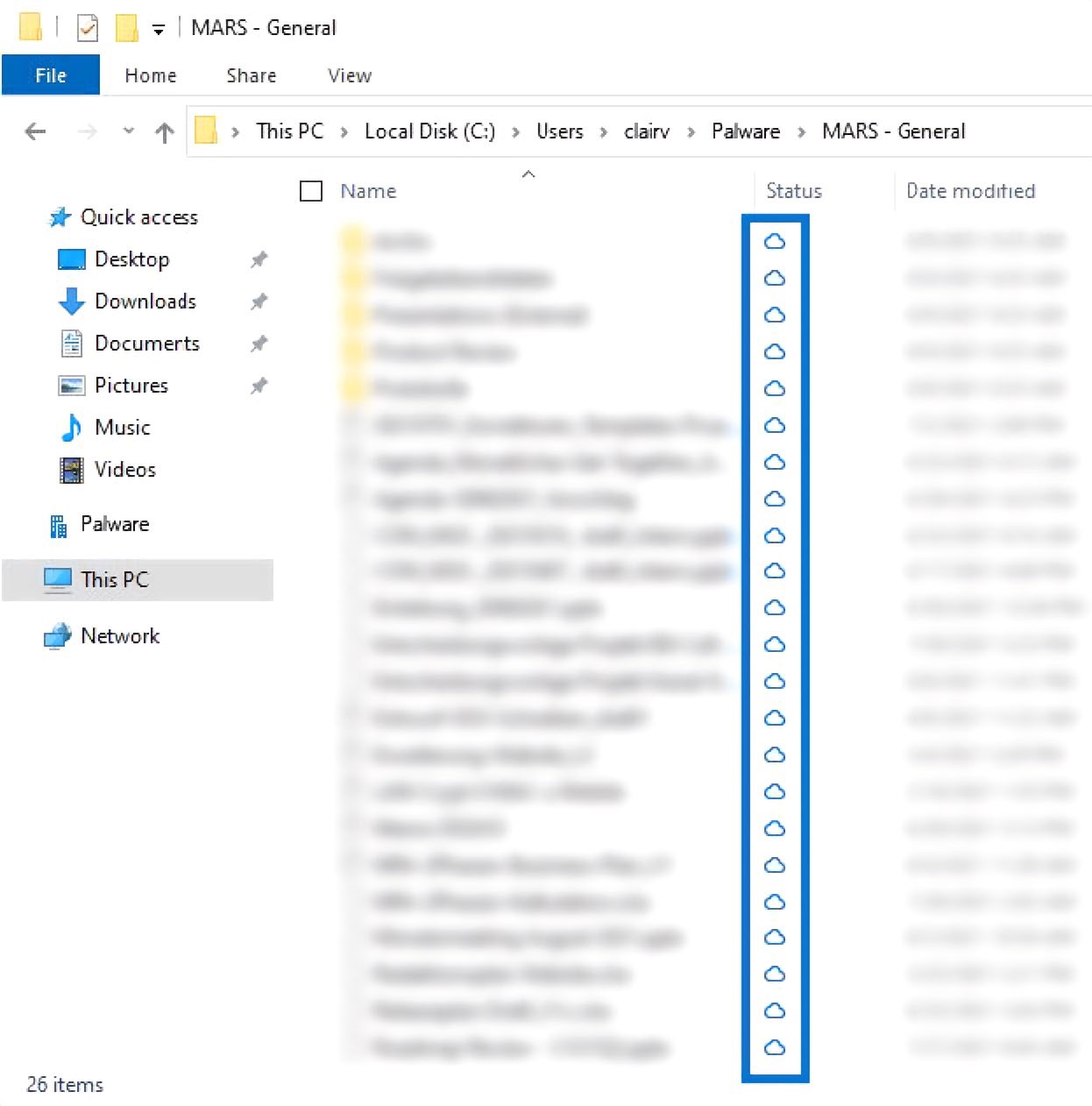
Sync Status