

Functional Testing
Access the ESKM URL from a host from the same or an accessible network after the ESKM installation in Proxmox in order to verify if the ESKM is accessible.
The below image shows the ESKM home page after accessing the IP URL, which is configured after the complete installation of ESKM in Proxmox. Note the IP URL in the address bar.
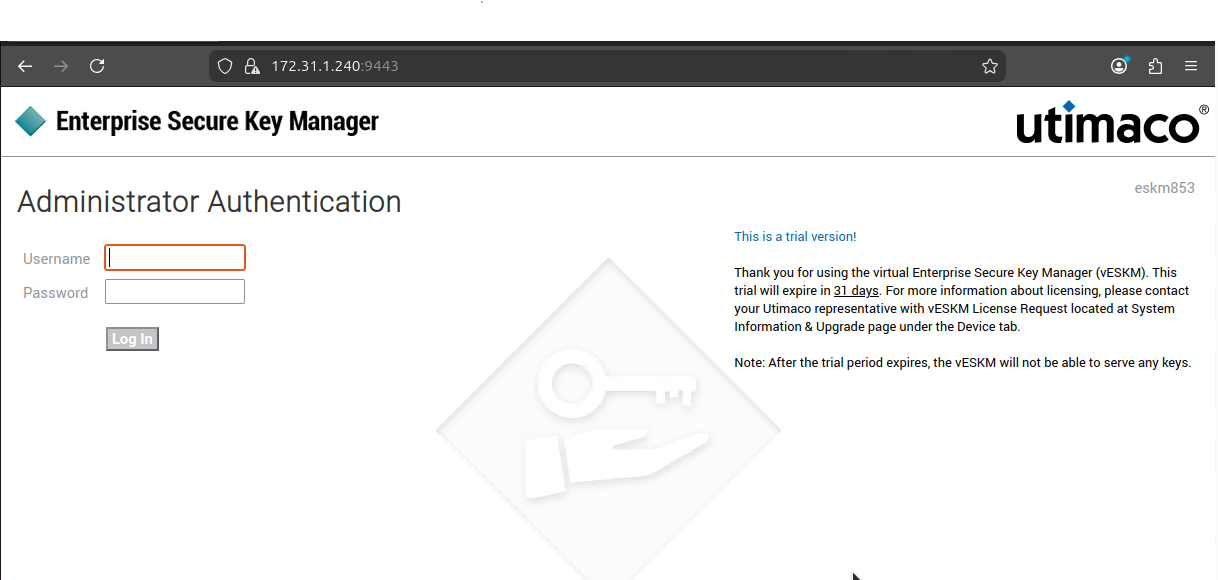
ESKM Login page
Logs and Validation Steps
The ESKM logs can be viewed in Log Viewer -> Audit page under Logs & Statistics section.
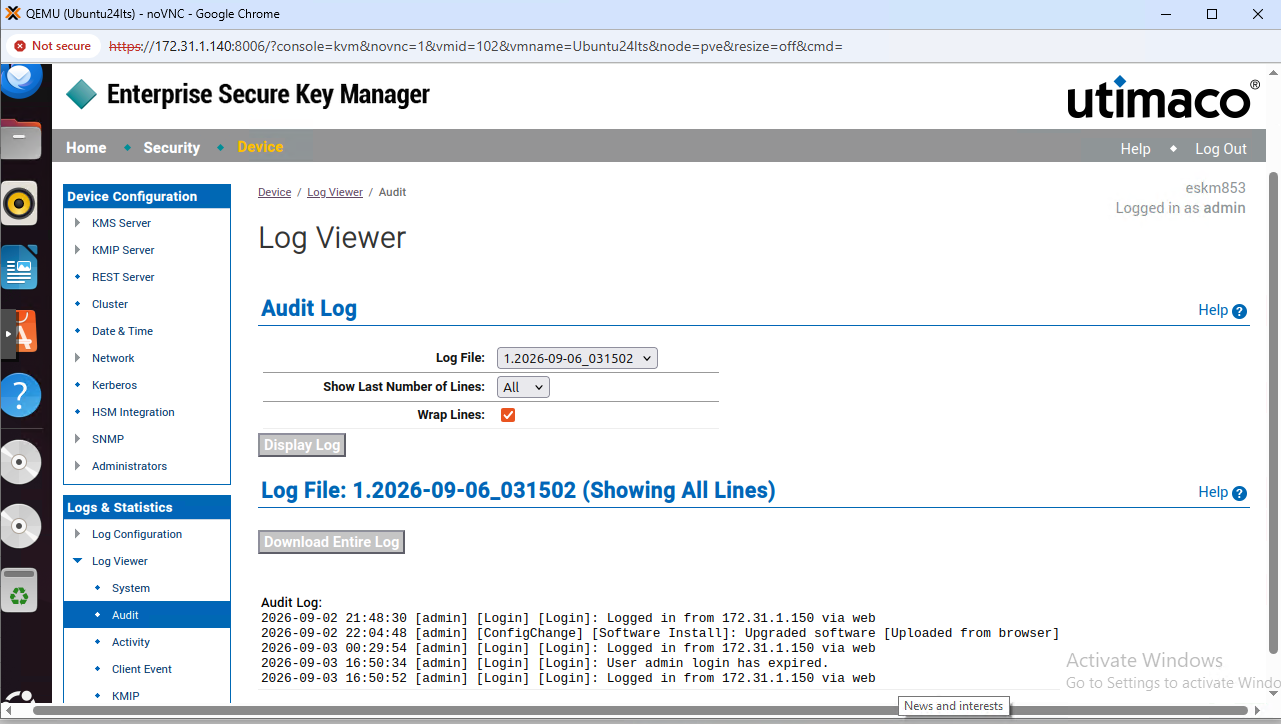
ESKM log viewer