

Device tab will appear on the IDcentral Identity Registration Management Snap-in only when Device License is activated. Once the license is activated and a user is assigned a license, details appear on the Device tab.
For activating device license, follow the steps mentioned in the section IDcentral Smartcard License Configuration.
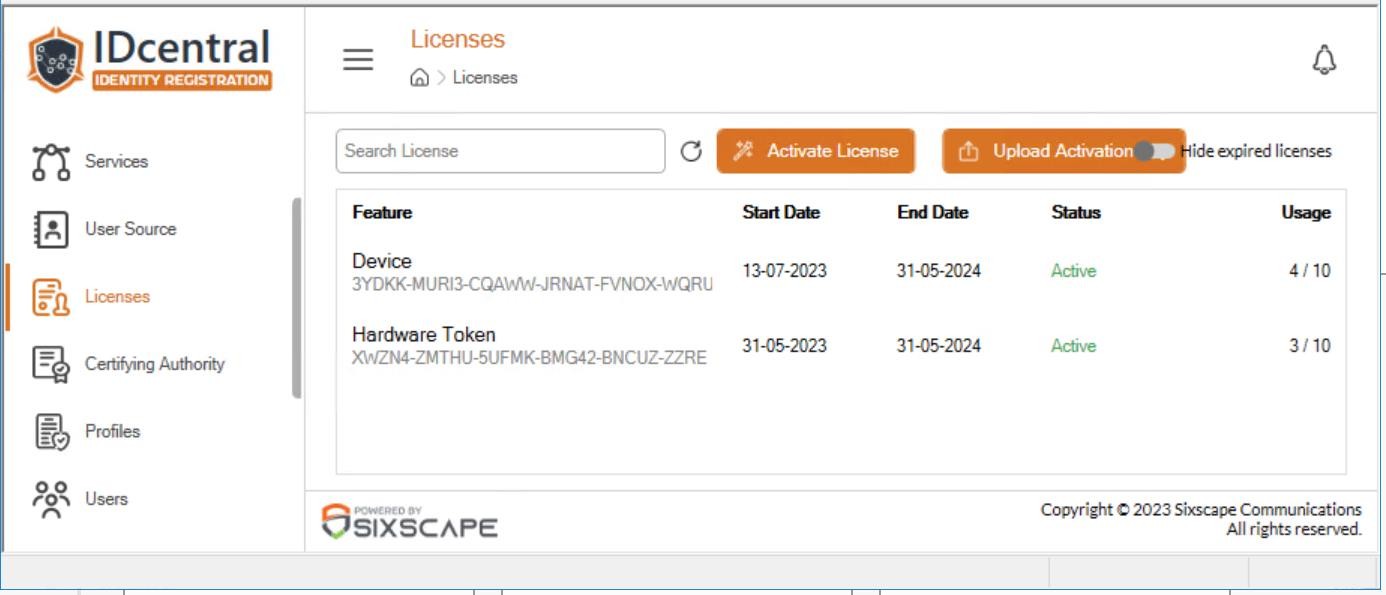
Verifying device license
Once a device is registered to IDcentral Identity Registration, the device information will be listed under Devices view.