

-
Log in to the Windows machine where Splunk Enterprise is configured and log in to Splunk Enterprise.
-
Click the Apps menu and select Search & Reporting. The same link is also available in the Splunk Enterprise dashboard.
-
Enter index=<created_index> in the search bar and verify that the corresponding ESKM logs are displayed in the results.
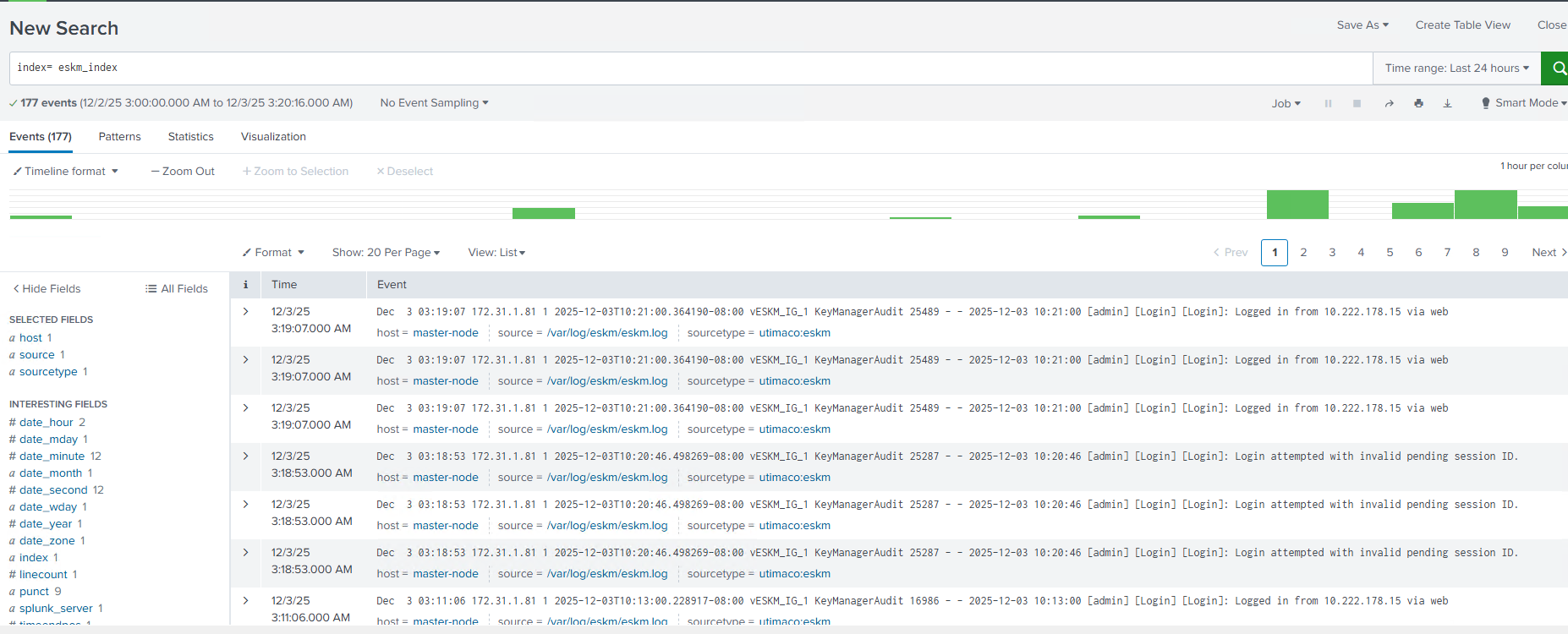
ESKM logs displayed in Splunk