

Flows in CodeSign Protect allow you to enforce actions that must take place when using signing keys or when deleting Projects or Environments. Venafi CodeSign Protect supports creating Code Signing Flow approvals based on a defined approver or approver group or based on the Project Owner and Key Use Approver roles associated with the Code Signing Project.
To create the Signing Flow:
-
In Custom Flows node, from Action Panel, click Add a new Code Signing Flow
-
Enter the name of the flow, click Create
-
Configure the flow by adding Approvers. For more information refer to the Venafi Documentation.
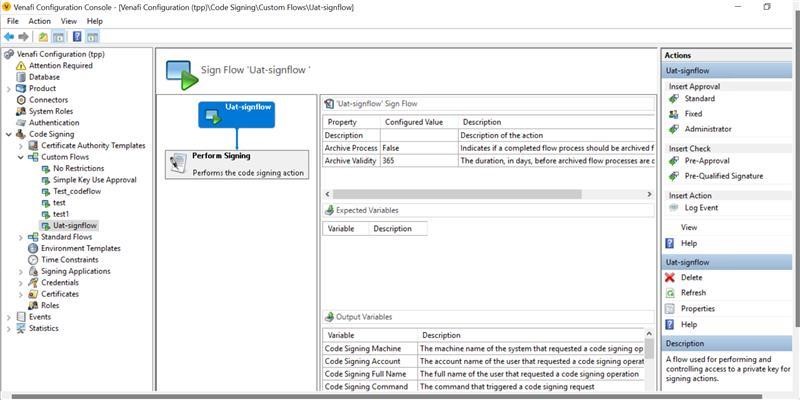
Figure 2: Create Signing Flow Window