

-
Start iDRAC by using any supported browser
-
From iDRAC Dashboard -> Storage -> SEKM
-
Click Generate CSR
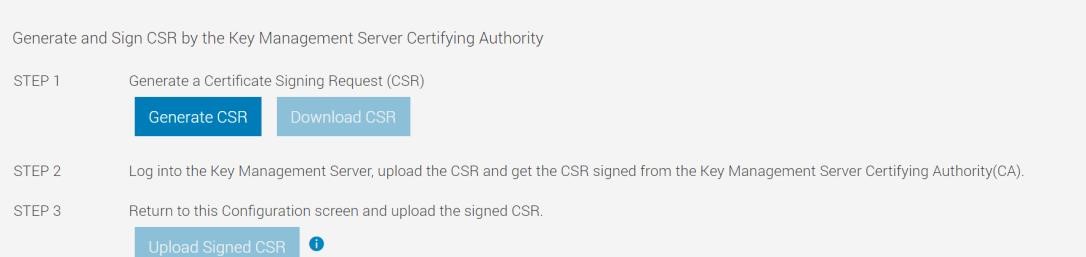
Download CSR option will become available after generating a CSR.
-
In the Generate Certificate Signing Request (CSR) dialog box, select or enter data
-
Click Generate. The CSR file is generated. Save it to your system
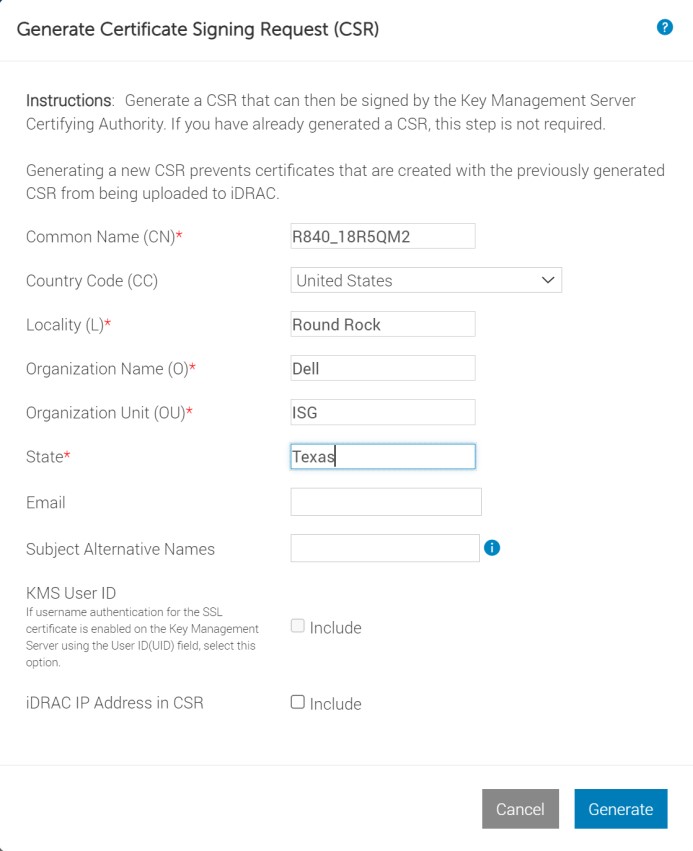
Figure 11: Supplying details for CSR