-
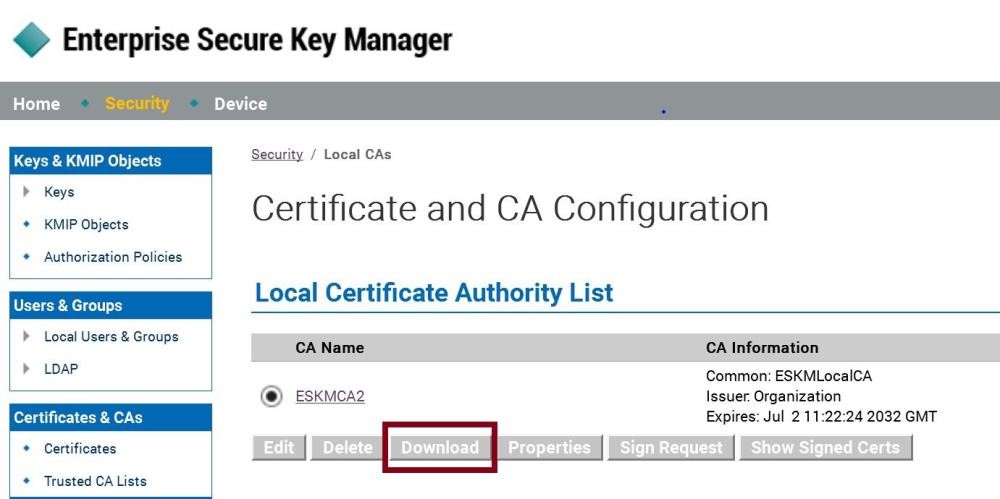
On the Utimaco GUI, click Security Tab → Local CAs
-
Select the Server CA you are using and click Download. The file is saved to your local system
-
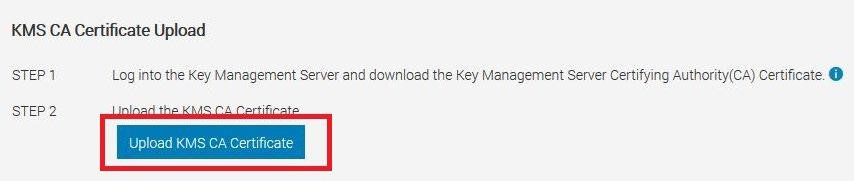
On the iDRAC GUI, in the KMS CA Certificate section, click Upload KMS CA Certificate
-
Upload the Server CA you just downloaded from Utimaco. A message is displayed to indicate the successful upload.