

To create admin user, perform the following steps:
Admin user should not be confused with the administrator which is created on the ESKM to login to the Management Console.
Before proceeding, please make sure that you have created the Local CA, Certificates, and the KMS and KMIP servers are configured. Also make sure that the Date & Time is syncing with the NTP server and HPE StoreOnce and KMS and KMIP services are running.
Please refer to the Configuring the ESKM server page for details.
-
Log in to the Management Console as an administrator and navigate to Security>Local Users & Groups>Local Users.
-
Click on Add.
Please select User Administration Permission and Change Password Permission and do not select Enable KMIP.
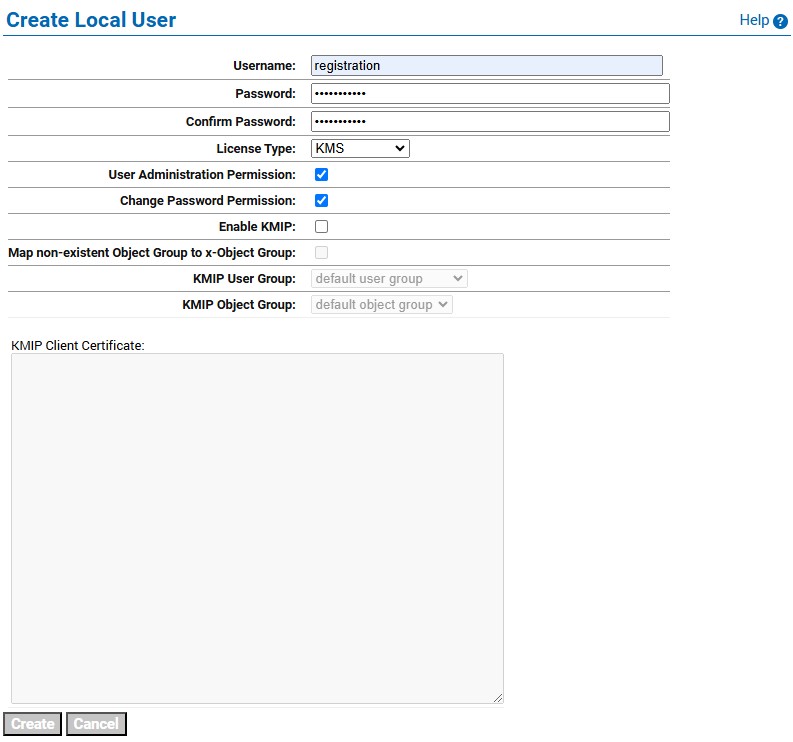
Create Local User
-
Click Create.

Local Users
-
Go to HPE StoreOnce CLI.
-
Enter the command:
keymanager# create <username> <passwrod> <DNvakue>. -
Click enter to obtain the CSR.
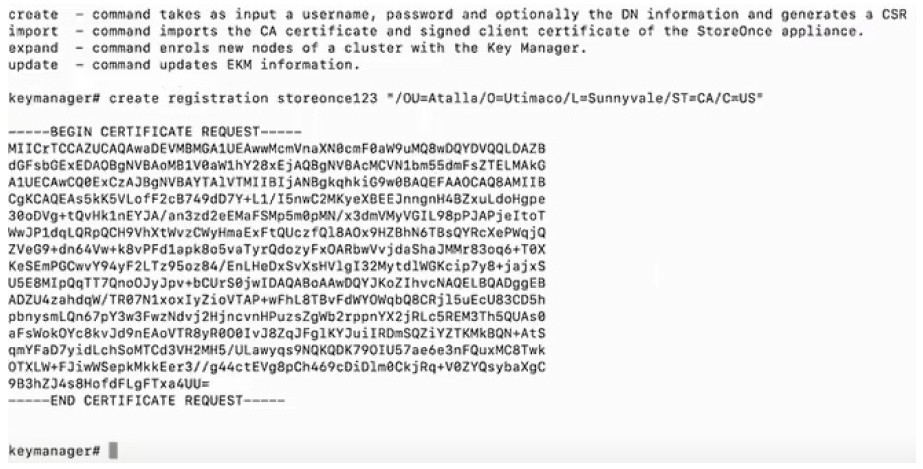
-
Copy the CSR from
-----BEGIN CERTIFICATE REQUEST----- to -----END CERTIFICATE REQUEST--------lines. -
Go to the ESKM Management Console and navigate to Security>Certificates & CAs>Local CAs and click on Sign Request.
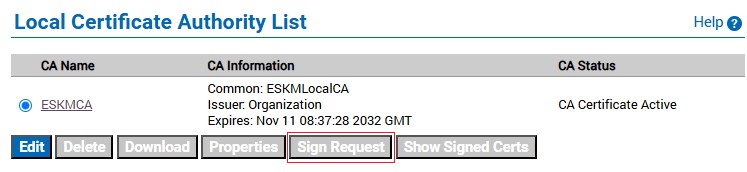
Local Certificate Authority List
-
Paste the CSR from
-----BEGIN CERTIFICATE REQUEST----- to -----END CERTIFICATE REQUEST--------lines into the Certificate Request field. -
Select Client and click on Sign Request.
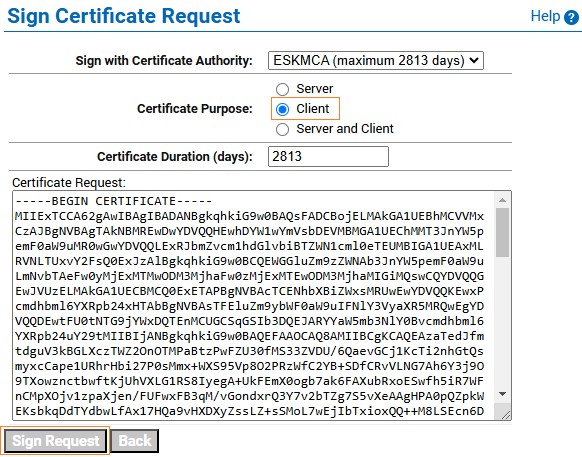
Sign Certificate Request
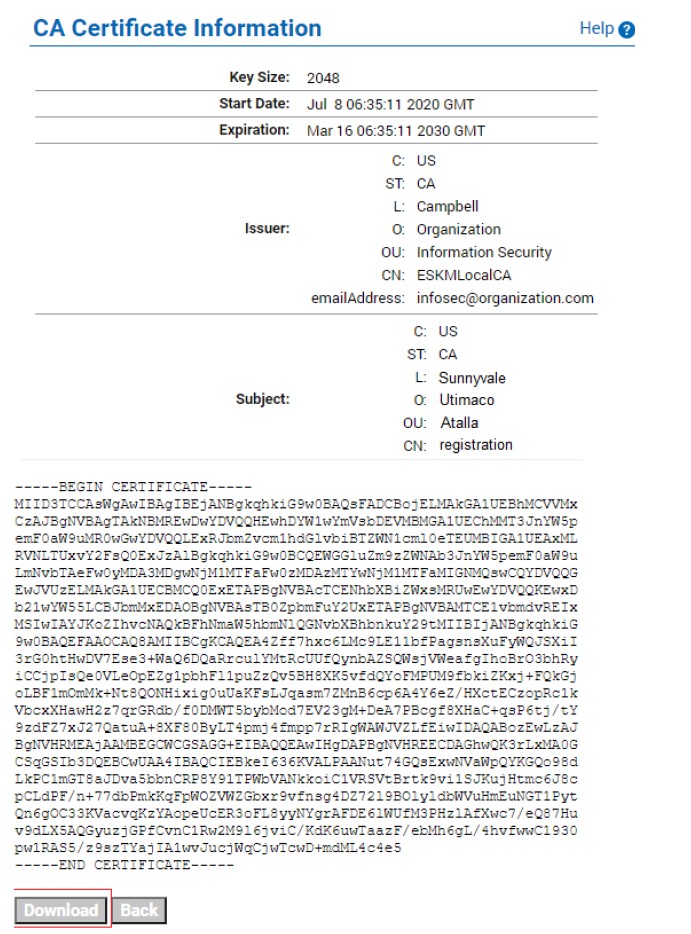
Certificate Information
-
Click on Download to save the certificate onto the system. For example:
signed.crt. -
To download the local CA, navigate to Security>Certificates & CAs>Local CAs.
-
Select the CA Name and click Download to save onto the system. For example
ESKMCA.crt.
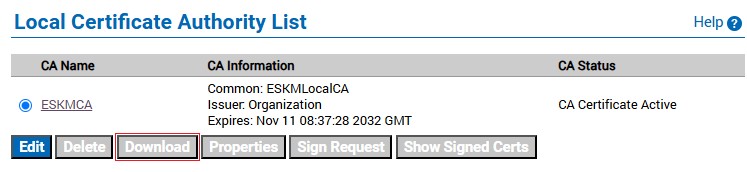
Local Certificate Authority List - Download