

Install JSign
-
Download the latest JSign JAR(7.4) from the official releases page https://github.com/ebourg/jsign/releases.
-
Create a directory
C:\Tools\jsignand copy the downloaded JAR file into that folder. -
Open a PowerShell window in admin mode and open the
jsignfolder. -
Check the
jsignversion.
cd C:\Tools\jsign
java -jar jsign-7.4.jar --version

JSign version detail
Install the PowerShell PKI Module
PKI Module is intended to simplify various PKI management tasks by using automation with
Windows PowerShell. It is intended for Certification Authority (CA) management.
1. Install all the PKI modules using the below command in PowerShell.
C:\> Install-Module -Name PSPKI
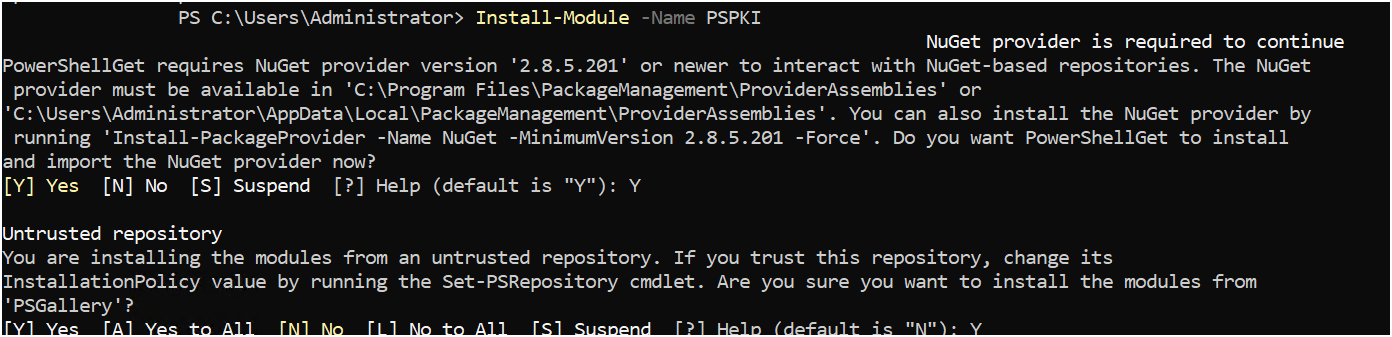
Install PKI module
-
Verify the following PKI modules are installed correctly by running the following command.
Get-Command -Module PKI
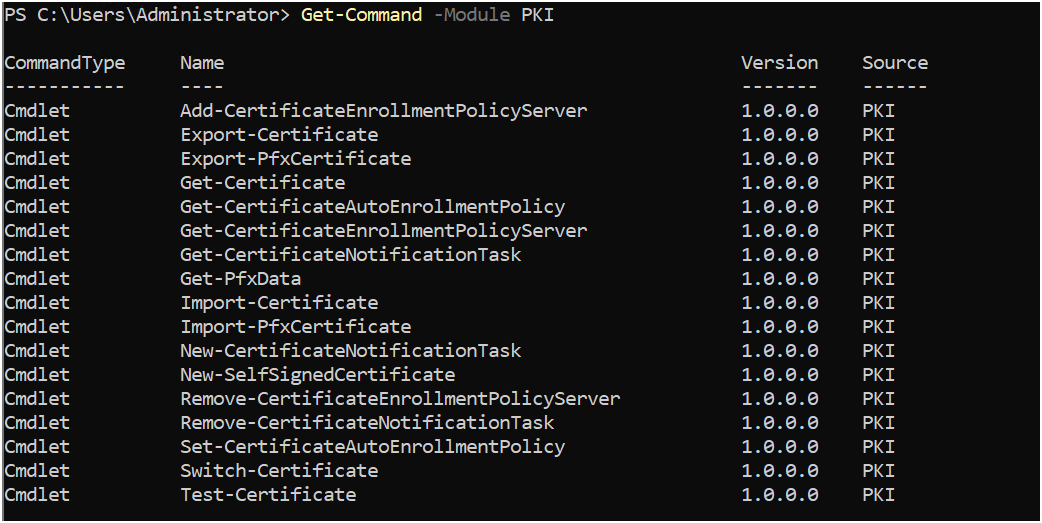
PKI module details