

-
Download the latest libp11 package from Releases · OpenSC/libp11 · GitHub.
|
›_ Console |
|---|
|
-
Extract the file.
|
›_ Console |
|---|
|
-
Go to
libp11directory, build and install libp11using the following commands.
|
›_ Console |
|---|
|
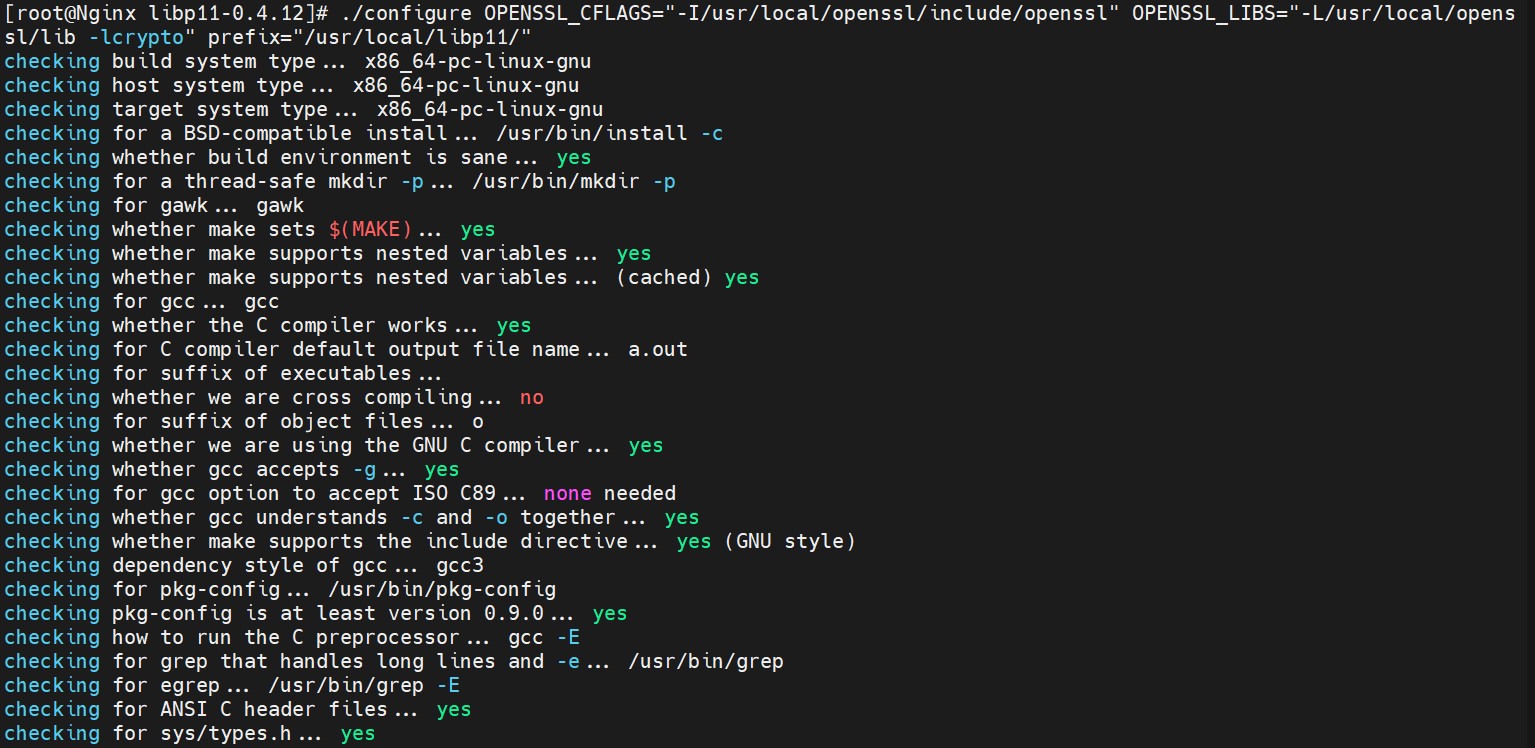
Output of configure command for libp11
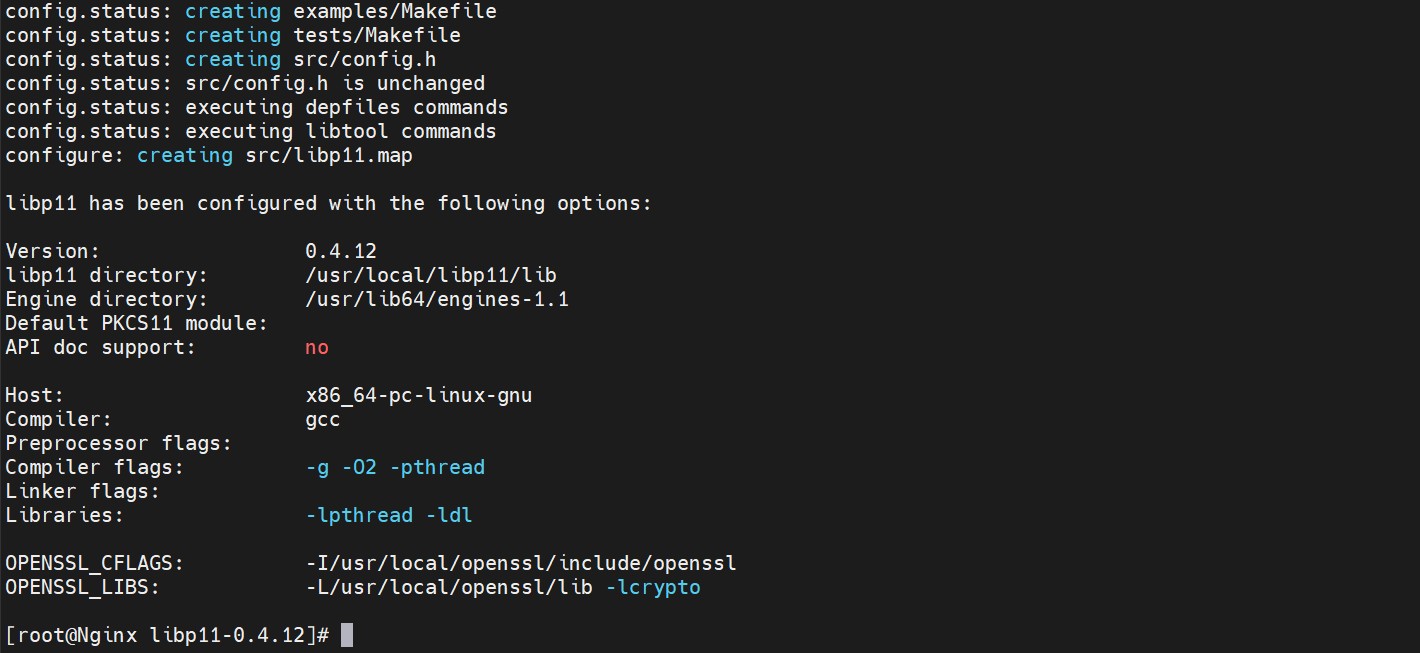
Output of configure command for libp11 (continued)
If you are using existing or pre-installed openssl then change the value of OPENSSL_CFLAGS and OPENSSL_LIBS to their correct path.
Make a note of "Engine Directory" path while running the configure command as the pkcs11.so file is generated inside this directory after running "make install" command.
After rebooting the server, export the library path every time.
# export LD_LIBRARY_PATH=/usr/local/openssl/lib:
/usr/local/libp11/lib/:$LD_LIBRARY_PATH and # export PATH=/usr/local/openssl/bin:$PATH