

-
Log in to Nutanix Prism Element as an administrator.
-
Select Data-at-Rest Encryption on the Settings page.
-
On the Cluster Encryption page, select Manage Keys.
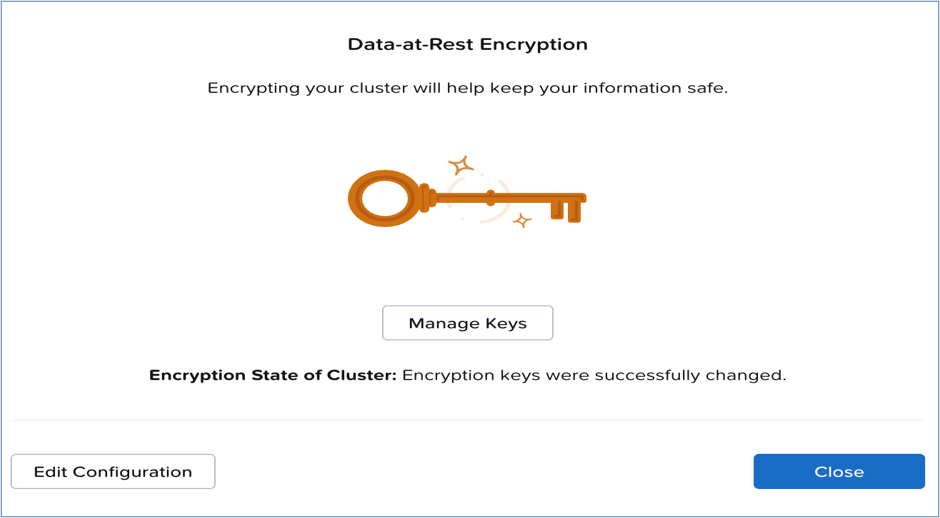
Manage keys
-
Enter and confirm the password.
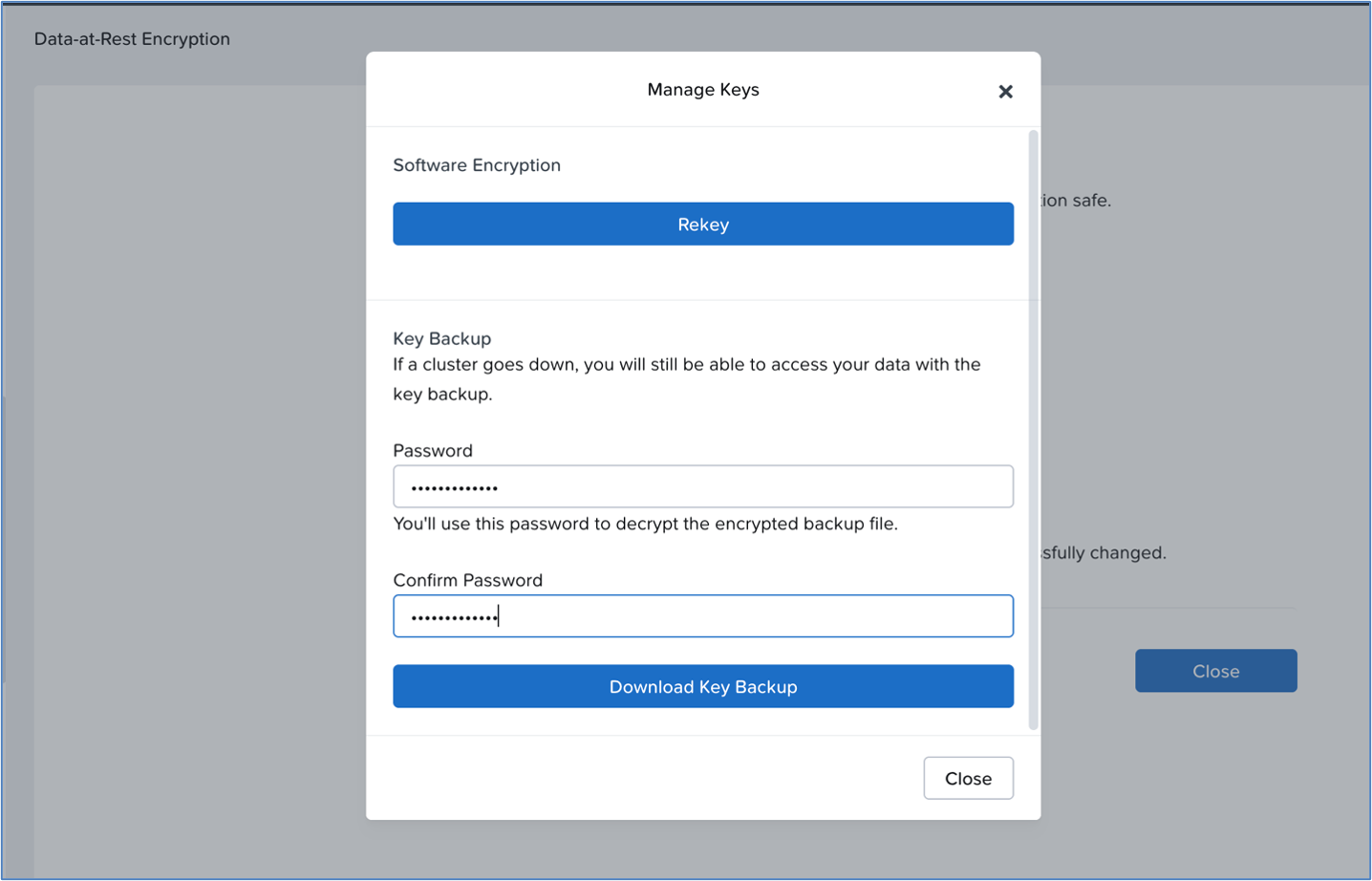
Download key backup
-
Click the Download Key Backup button and click Save.
The backup file is saved in the default downloads location on your local machine.
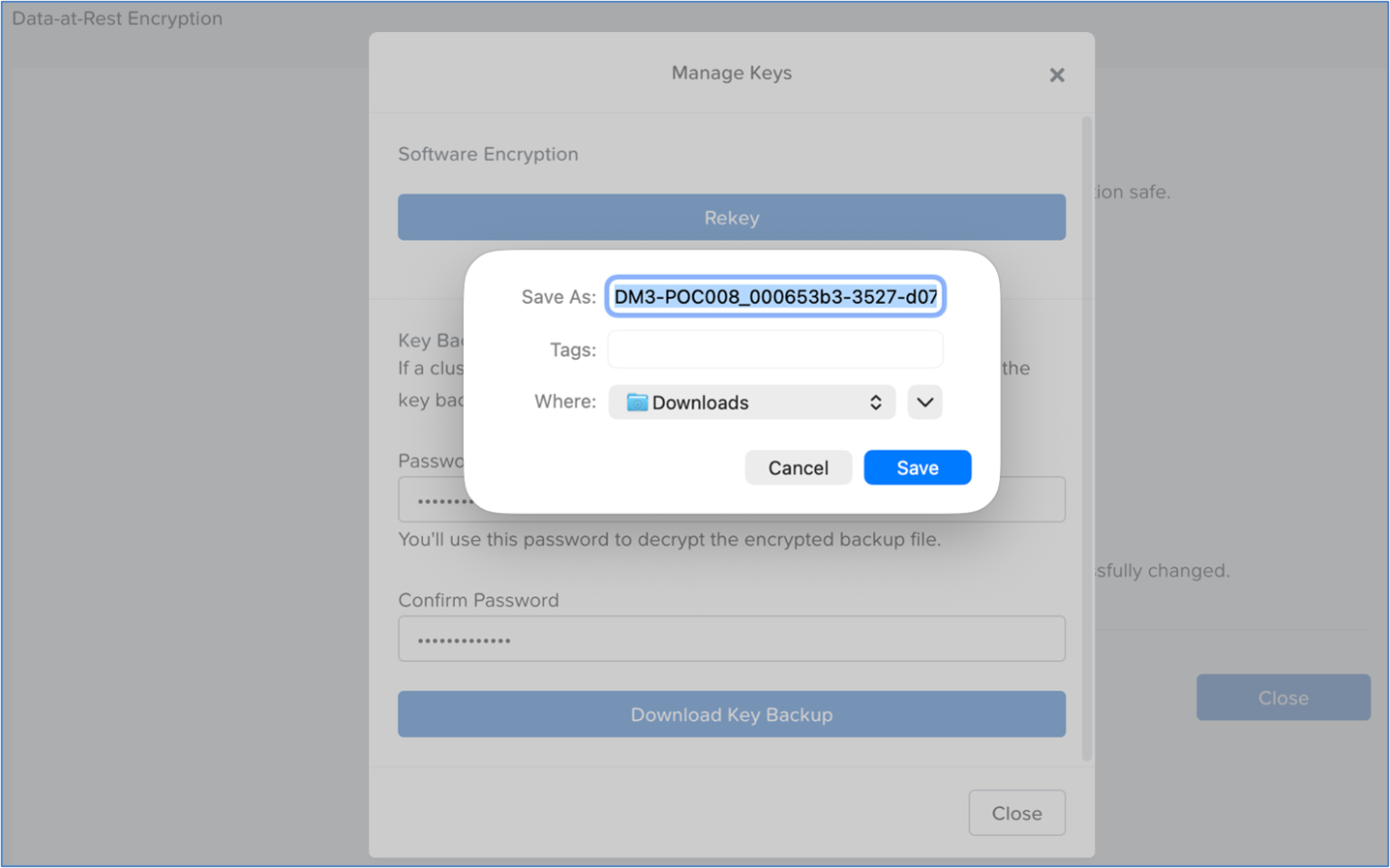
Save key
Verify that the download of the “Key” file is successful and saved in the default download location.
For more information on backing up keys, see Backing up Keys.