

-
Log in to the Nutanix Prism Element web console.
-
In the Table tab, click the Host tab and select the node (host).
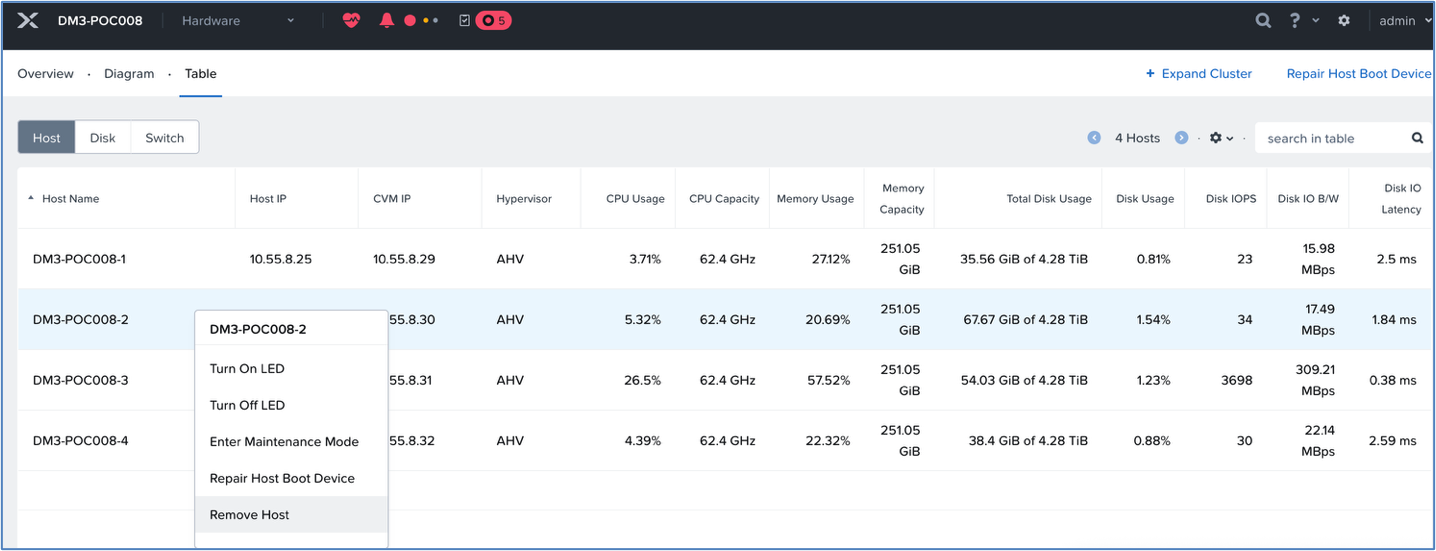
Before removing node
-
Click the Remove Host in the list and click Remove in the confirmation dialog box.
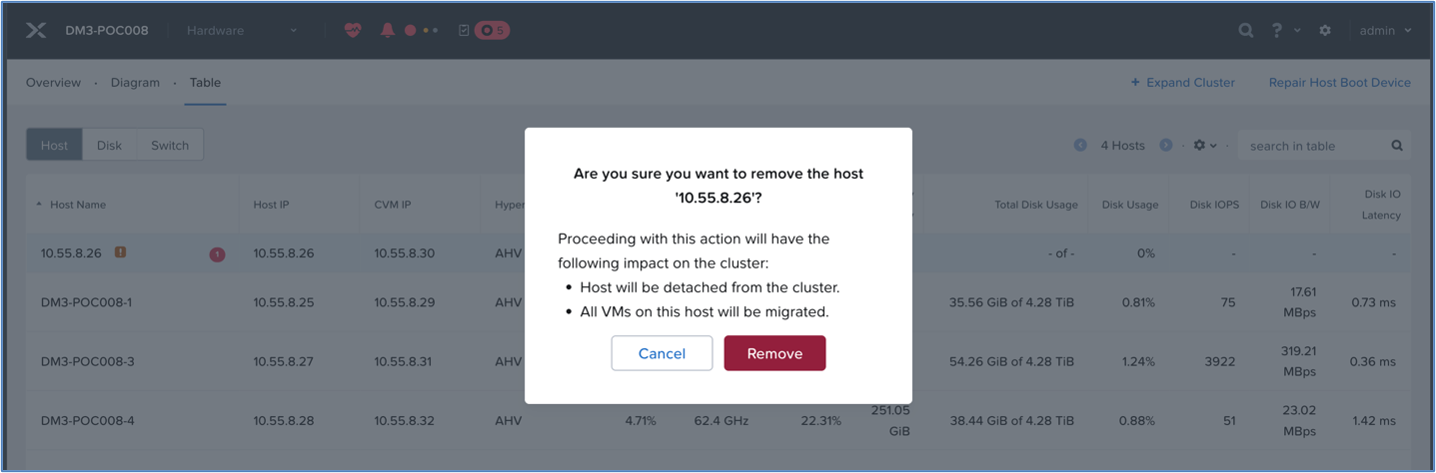
Confirm - remove host
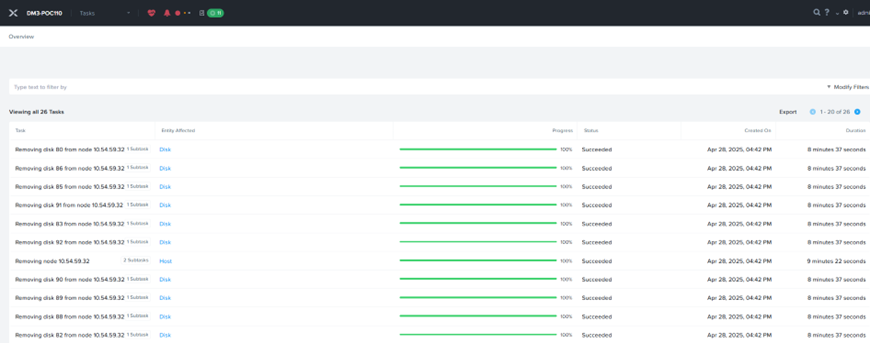
Removing nodes
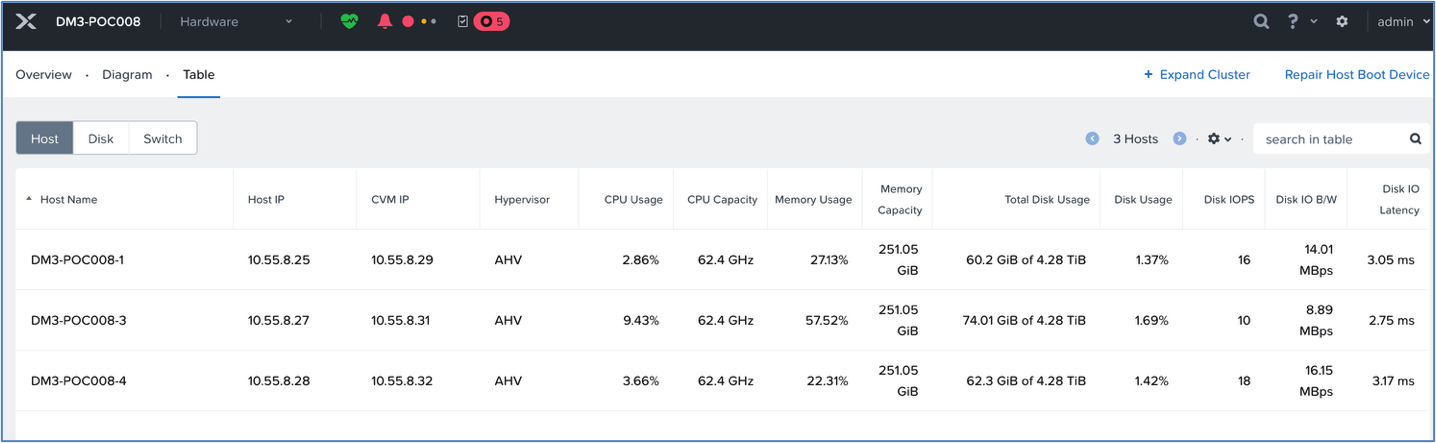
After removing nodes
For more information on removing a node from a cluster, see Removing a Node from a Cluster.
Verify that the node has been removed from the Prism—Hardware page and from the ‘KMS server—Managed Signed Certificate list.'