

-
Go to /localCA directory and create a text file message.txt and enter any value in it.
|
›_ Console |
|
-
Sign the message.txt file using the sender’s private key
|
›_ Console |
|
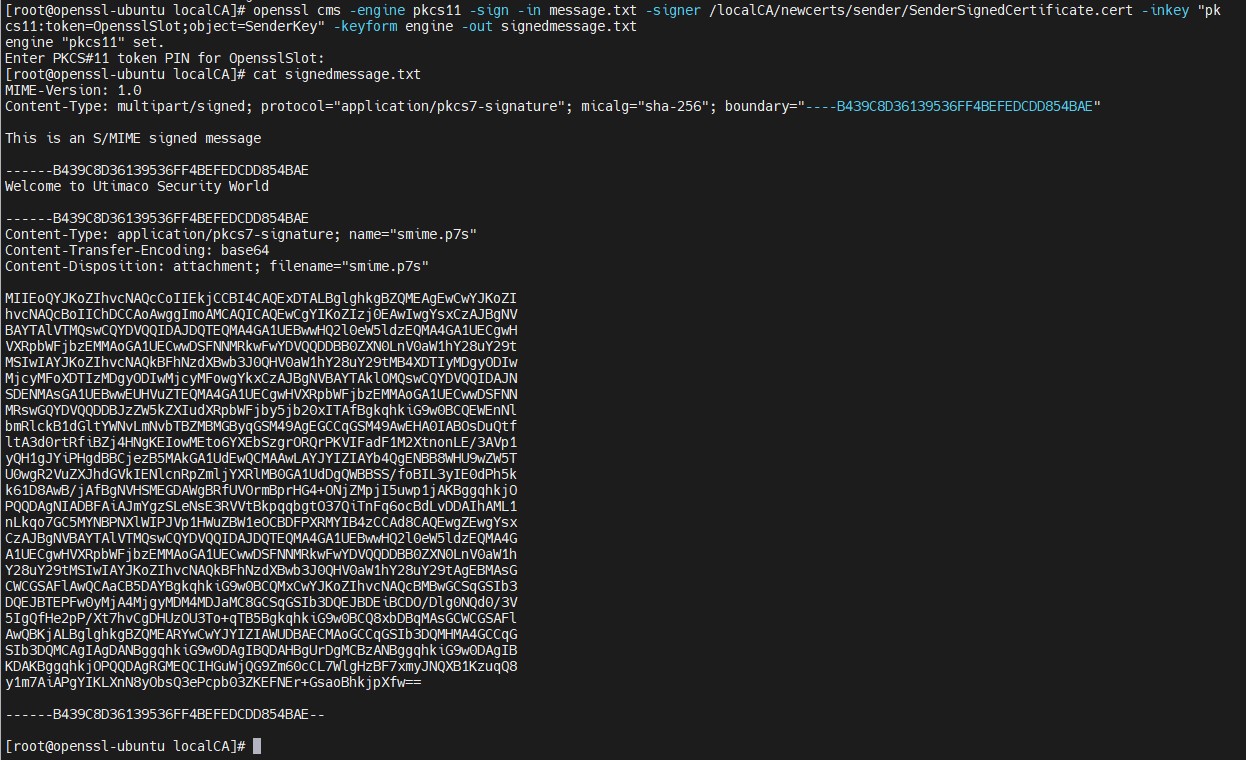
Figure 34: Openssl sign command output and content of signed message file
Here, OpensslSlot is the token label and SenderKey is the key on the HSM. Provide Cryptouser PIN when prompted.
-
Encrypt the signedmessage.txt using the receiver’s public key, supplied with the receiver’s certificate
|
›_ Console |
|

Figure 35: Openssl encrypt command output