

-
Create a secret or password.
|
|
|
|
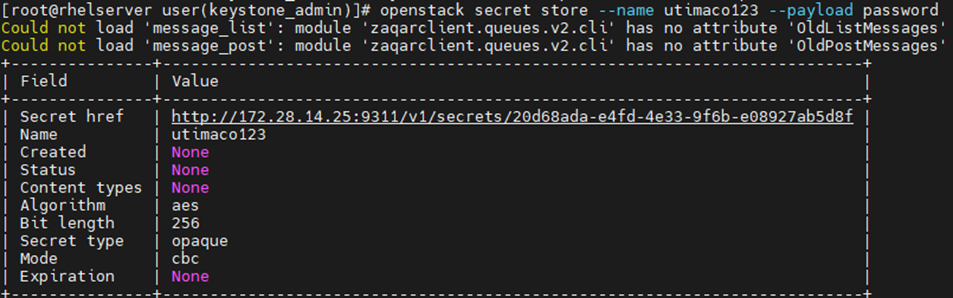
Here utimaco123 is the secret name and its value is password. This secret is stored in an encrypted form in openstack barbican.
-
You can also verify the encryption operation logging in PKCS11 log file cs_pkcs11_R3.log during secret generation as shown below.

-
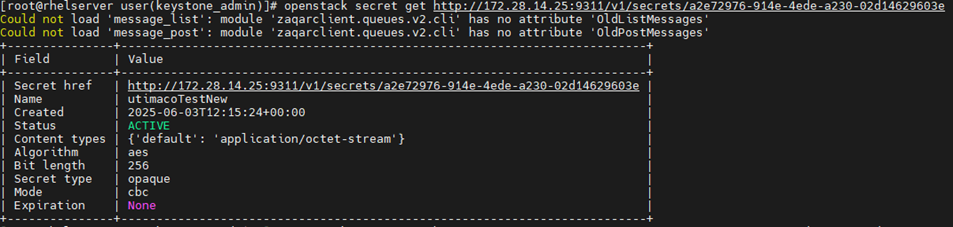
Fetch the secret that was created without its value.
|
|
|
|
-
Fetch the secret that was created with its value.
|
|
|
|

The secret is decrypted first and displayed.
-
You can also verify the decryption operation logging in PKCS11 log file cs_pkcs11_R3.log during secret retrieval as shown below.
