Generating a symmetric key in Barbican

  1. Generate a new 256-bit key using OpenStack order create and store it in Barbican.

›_ Console

# openstack secret order create --name app_key --algorithm aes --mode ctr

--bit-length 256 --payload-content-type=application/octet-stream key

image-20250612-103401.png
Symmetric Key Generation
  1. You can also verify the encryption operation logging in the PKCS11 log file cs_pkcs11_R3.log during secret generation, as shown below.
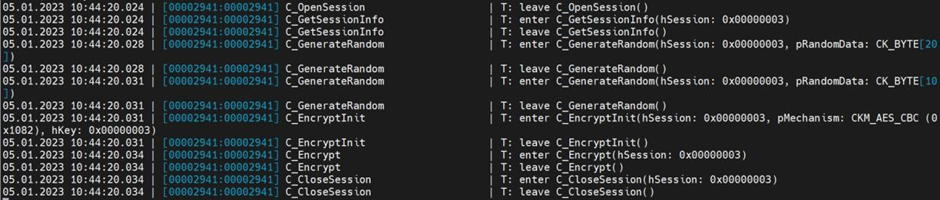
image-20250612-103440.png
pkcs#11 Logs
  1. View the details of the order to identify the location of the generated key, which is shown here as the Secret href value.

›_ Console

# openstack secret order get http://barbican:9311/v1/orders/fb007366-

1965-49b0-97b6-e1306d103a73

image-20250612-103532.png


image-20250612-103552.png
Details of the Order and the order list
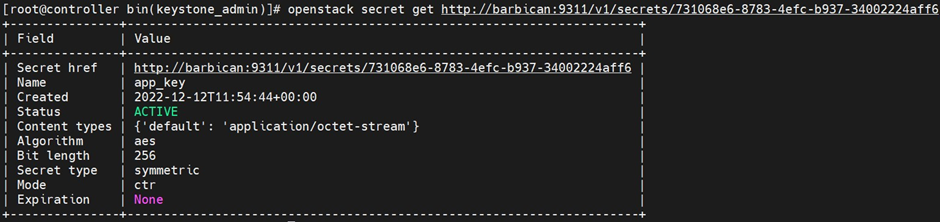
  1. Retrieve the details of the secret.

›_ Console

# openstack secret get http://barbican:9311/v1/secrets/731068e6-87834efc-b937-34002224aff6

image-20250612-103701.png
Retrieve the secret details
  1. Alternatively, you can list the symmetric key that has been generated by the command below.

›_ Console

# openstack secret list

image-20250612-103756.png
Secret listing