

-
Generate client key using the p11tool2 command.
|
›_ Console |
|---|
|
Provide the slot PIN when prompted.

Generate RSA key command output
-
Generate certificate request for client. Provide the slot PIN when prompted.
|
›_ Console |
|---|
|
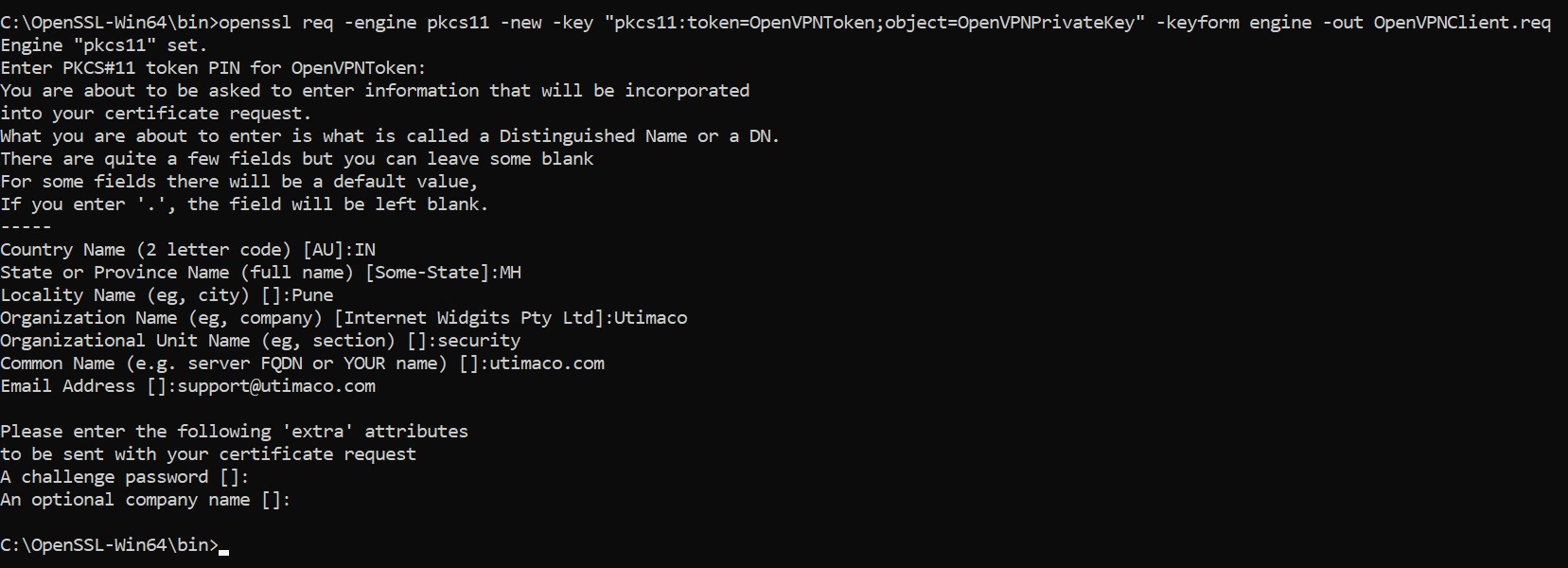
Certificate request command output
-
Copy the OpenVPNClient.req file to
C:\Program Files\OpenVPN\easy-rsa\pki\reqs. -
Go into directory
C:\Program Files\OpenVPN\easy-rsaand start easy-rsa shell.
|
›_ Console |
|---|
|
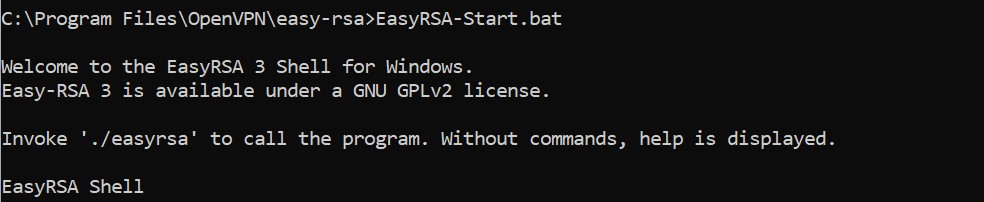
EasyRSA shell
-
Sign the client CSR.
|
›_ Console |
|---|
|
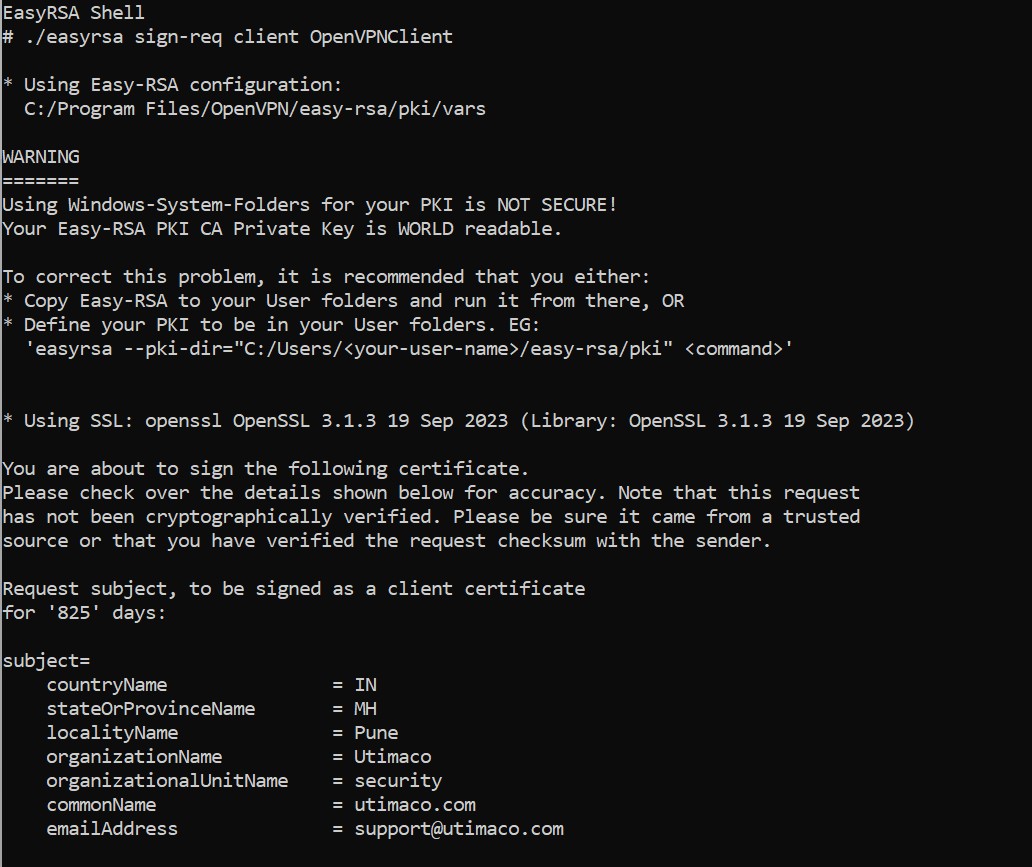
Client CSR signing
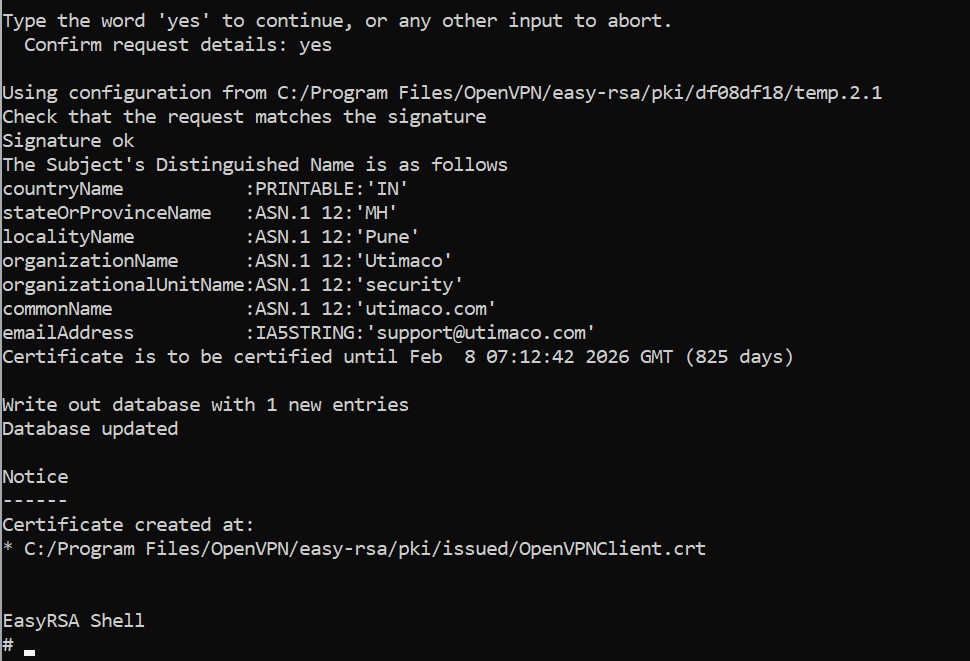
Client CSR signing
-
To import the certificate into HSM, convert the certificate file (
.crt) into.derformat using the below command.
|
›_ Console |
|---|
|

Convert certificate into .der format
-
Import certificate into HSM using the command below. Provide slot PIN when prompted.
|
›_ Console |
|---|
|

Import certificate command output
-
List objects of HSM using the command below. Provide the slot PIN when prompted.
|
›_ Console |
|---|
|
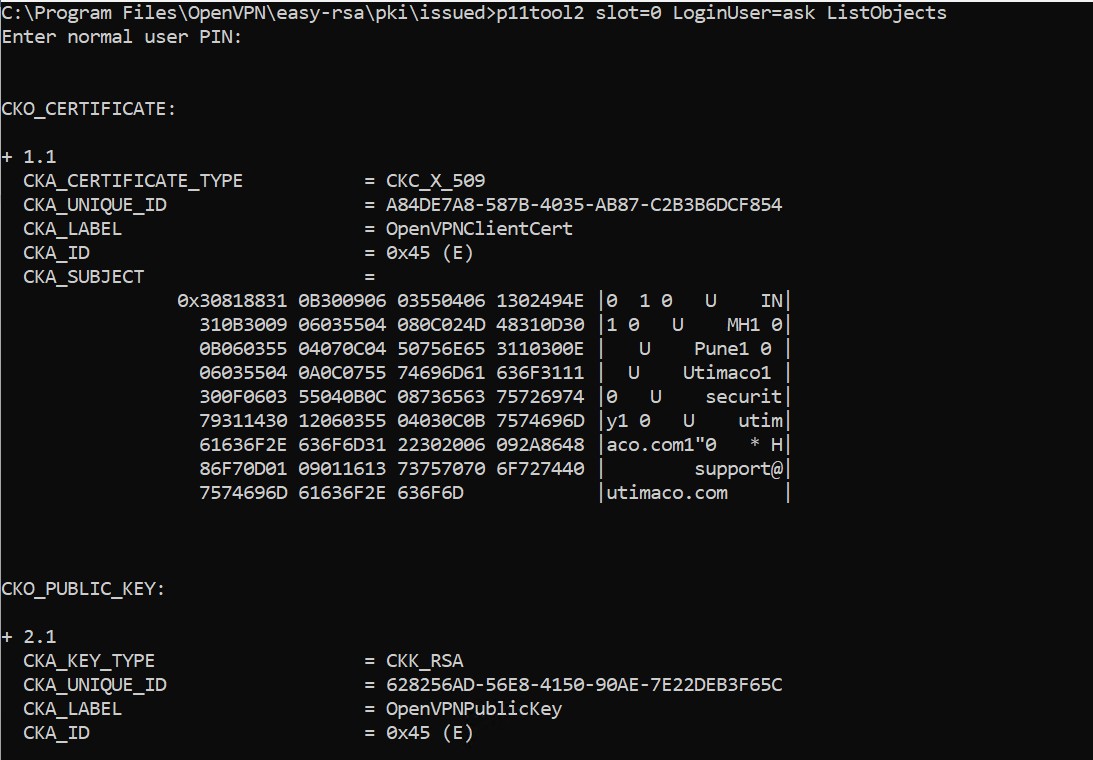
List objects command output
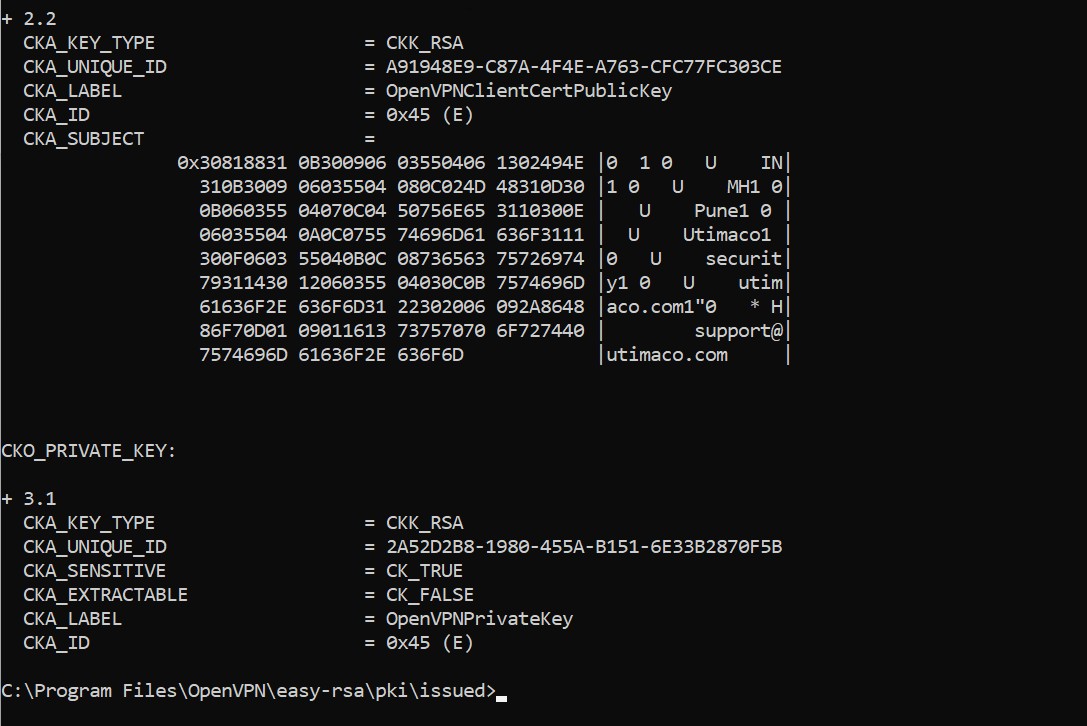
List objects command output