

Steps below are only for demonstration. Follow OpenVPN documentation for more details about the CA configuration for production environment.
-
Go to directory
C:\Program Files\OpenVPN\easy-rsaand runEasyRSA-Start.bat.
|
›_ Console |
|---|
|
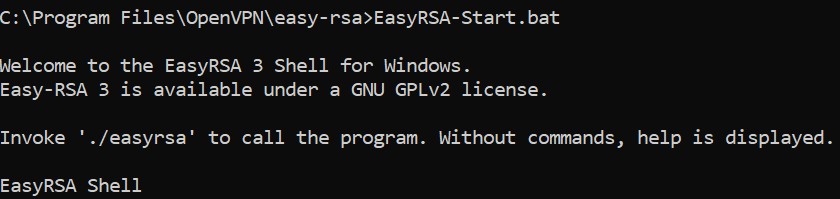
EasyRSA shell
-
Initializes the PKI directory for a new PKI.
|
›_ Console |
|---|
|
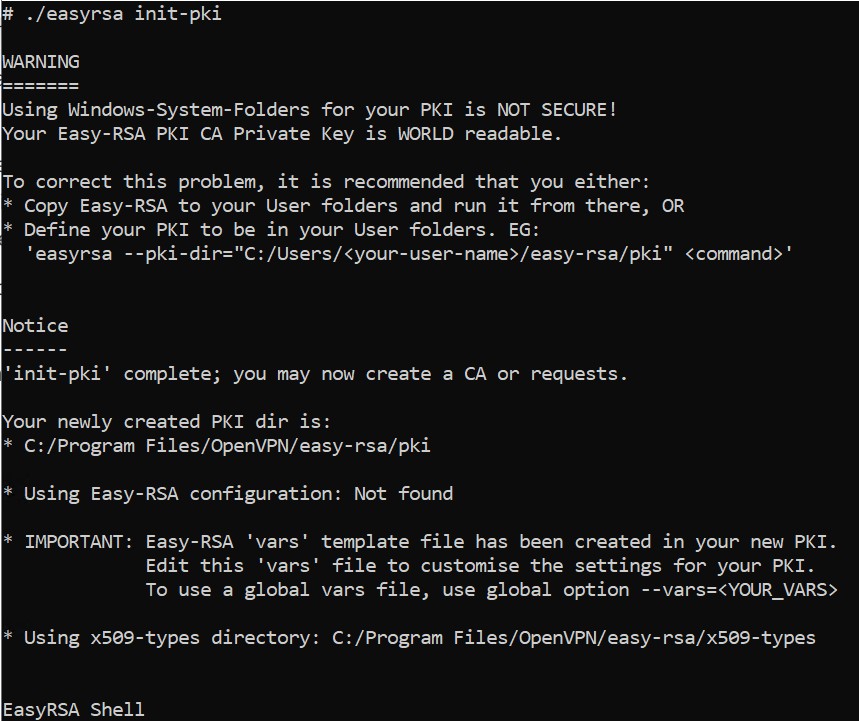
init-pki command output
-
Creates a new CA.
|
›_ Console |
|---|
|
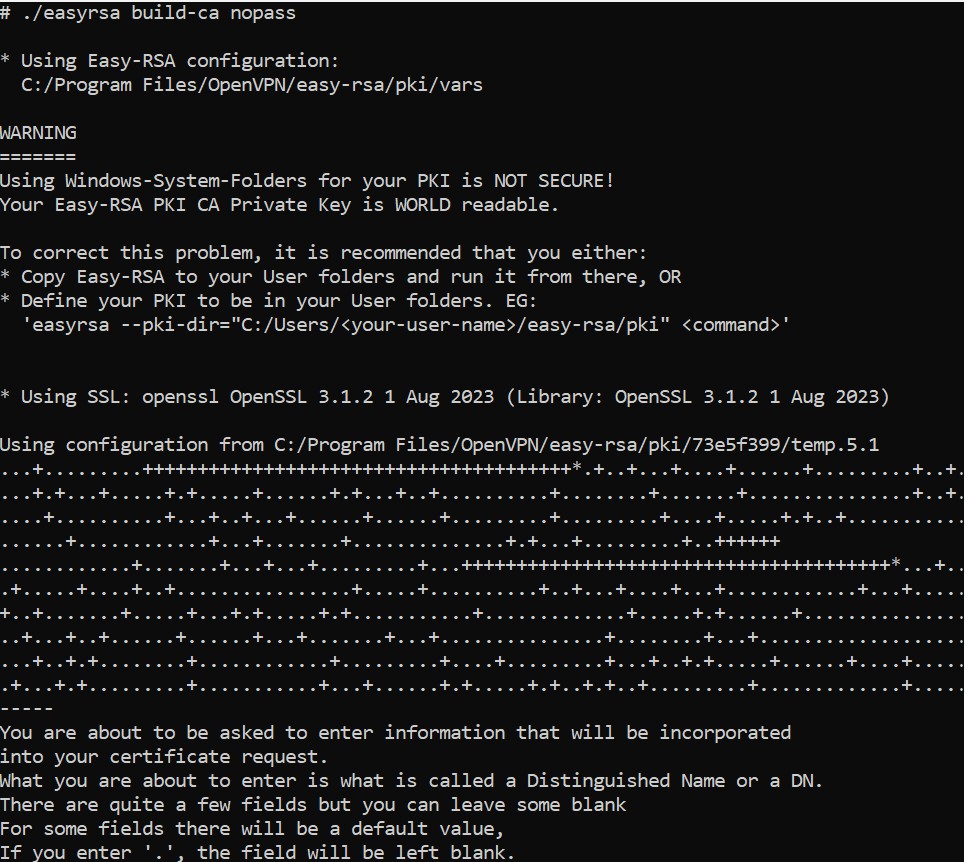
Building CA
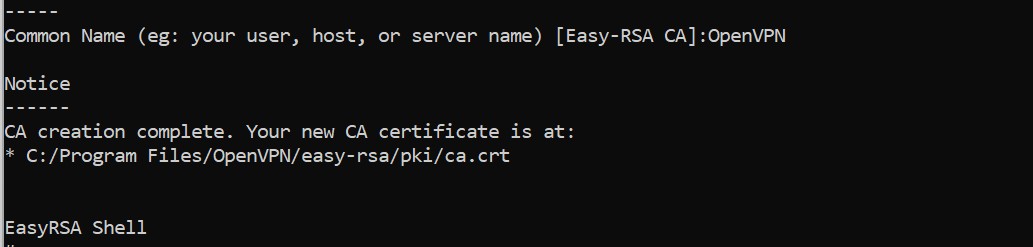
Building CA
-
Generate a keypair and certificate for the server.
|
›_ Console |
|---|
|
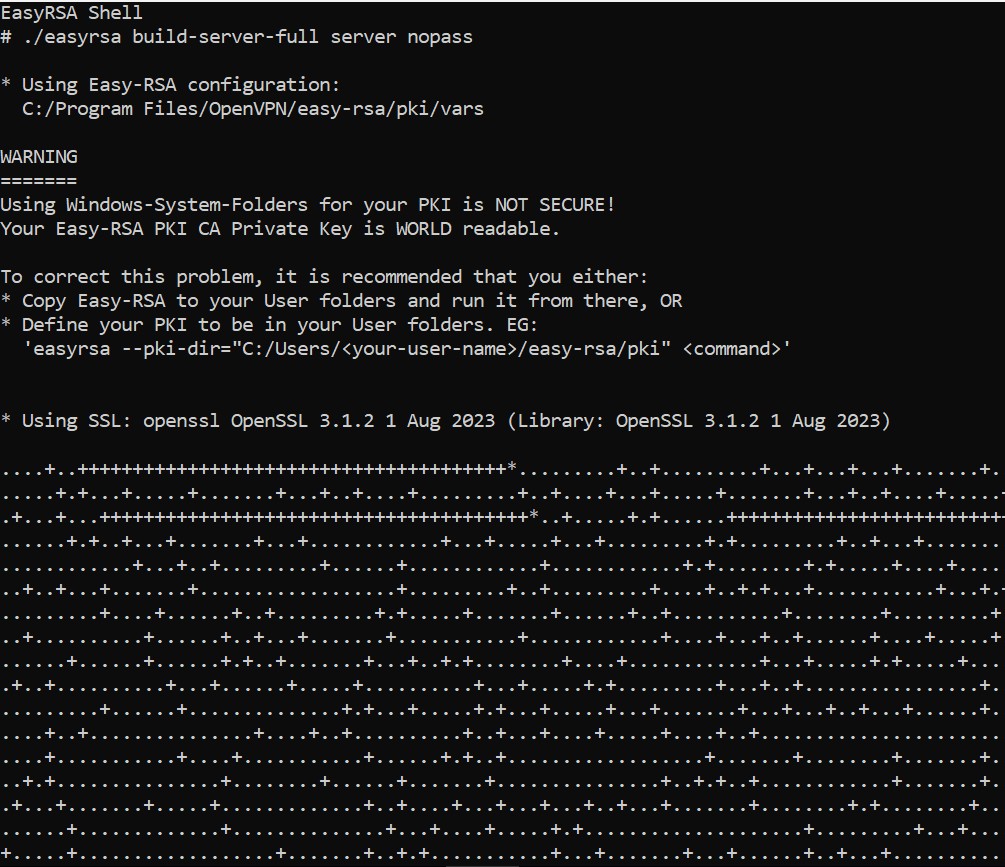
Creating server key and certificate
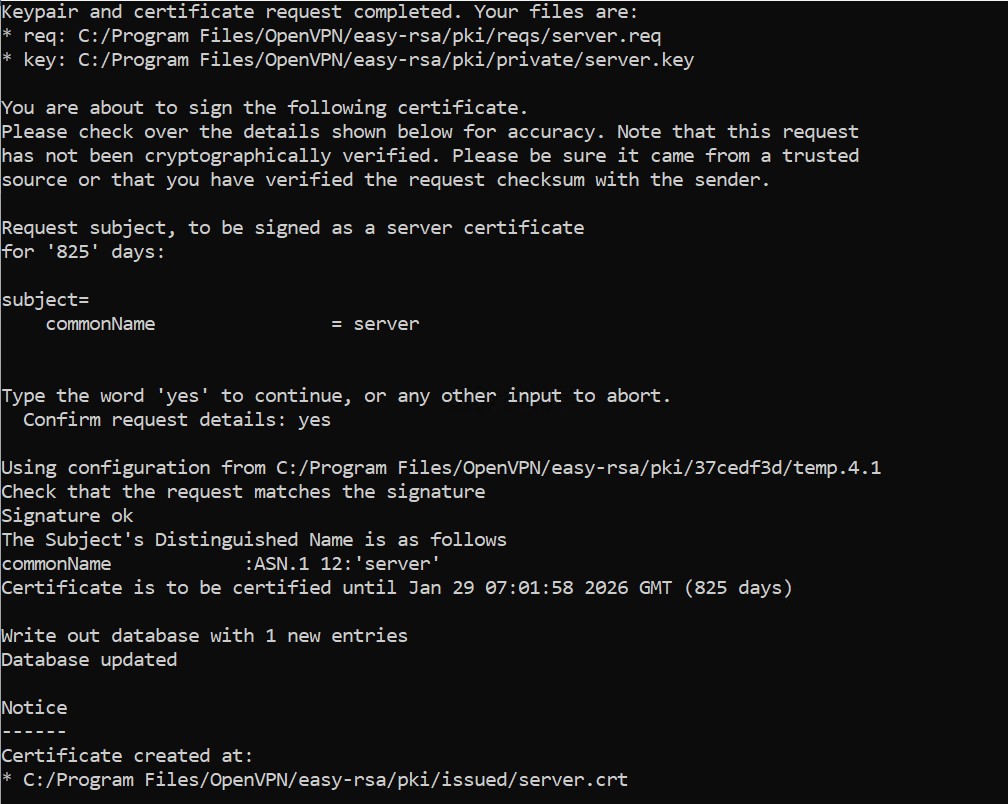
Creating server key and certificate
-
Generate dh parameter required by server during TLS handshake while connecting with clients.
|
›_ Console |
|---|
|
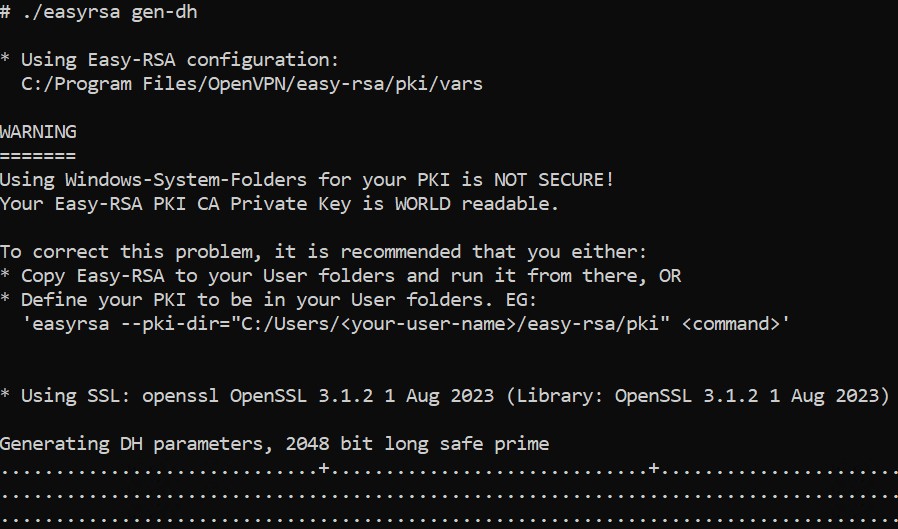
Generation of dh parameter
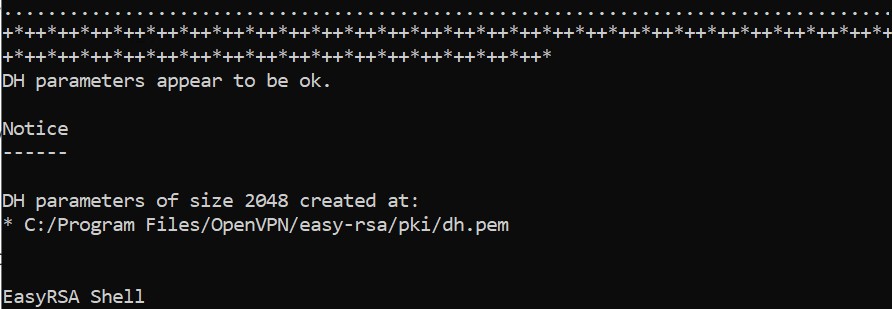
Generation of dh parameter
-
Add or update the following lines in
C:\ProgramFiles\OpenVPN\configauto\server.ovpnfile.
|
server.ovpn |
|---|
|
-
Restart OpenVPN from services.
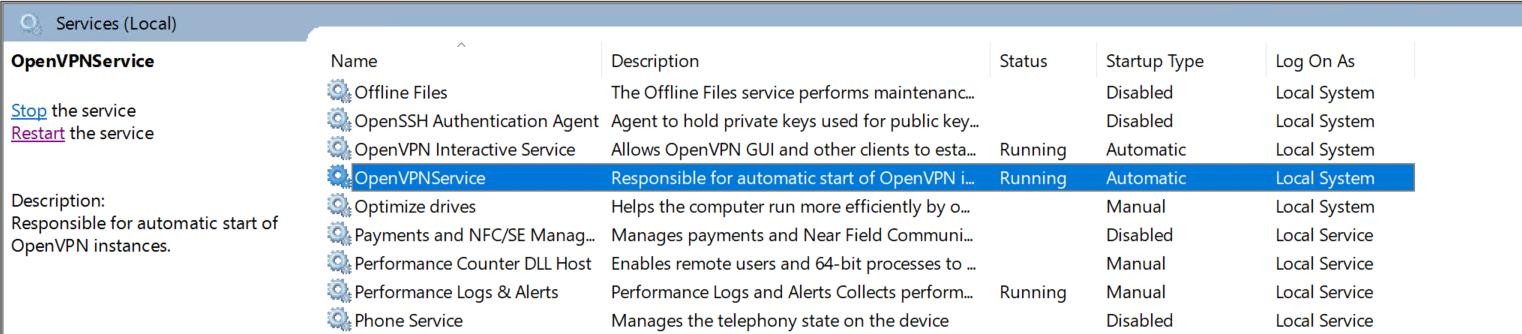
OpenVPN service