

-
Go to ESKM Management Console > Security > Cloud Integration.
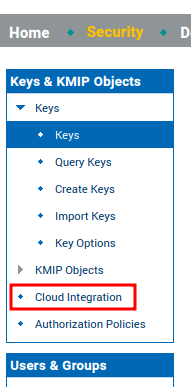
Cloud Integration
-
Go to Cloud and click Add Cloud Instance.
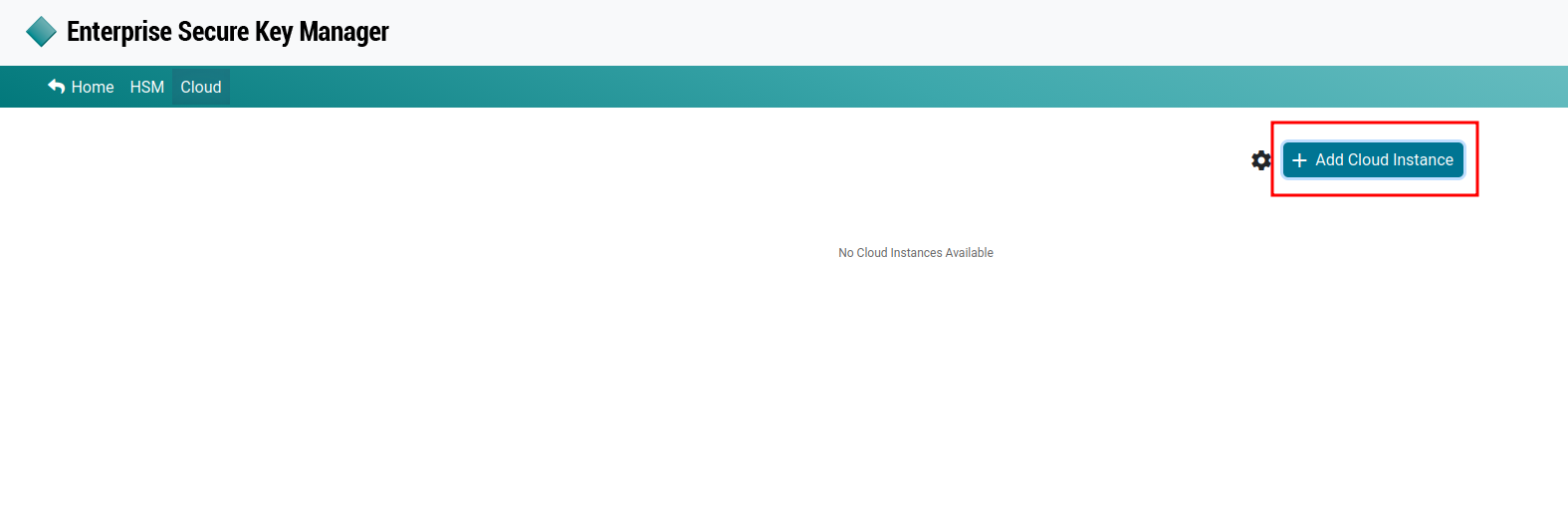
Add Cloud Instance
-
Enter an Instance Name and select OCI-BYOK from the Cloud Type dropdown list.
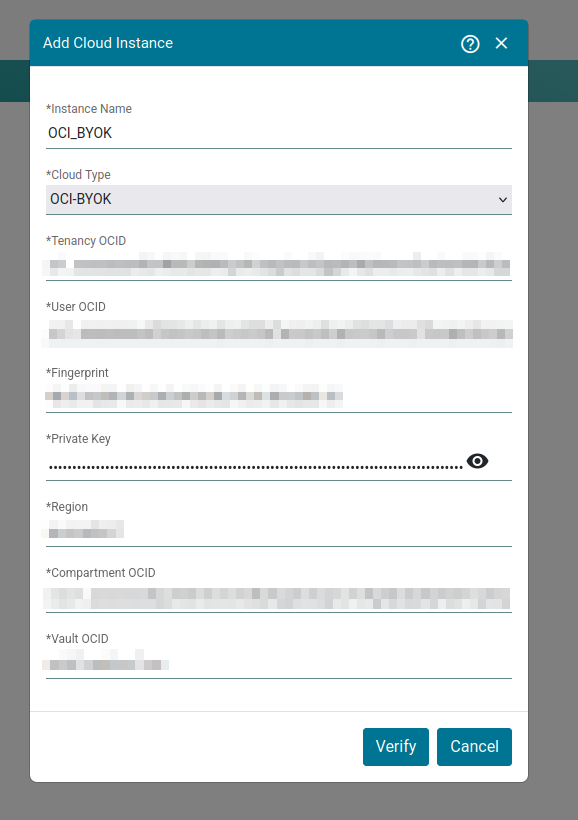
Add Cloud Instance — OCI Configuration
-
Enter the required OCI information in the following fields:
-
Tenancy OCID
-
User OCID
-
Fingerprint
-
Private Key
-
Region
-
Compartment OCID
-
Vault OCID
-
-
Click Verify to verify the OCI configuration.

OCI-BYOK Cloud Instance