

-
Locate the configured OCI-BYOK cloud instance and click Manage Keys.
-
Select the key to be modified and click Edit from the Action column.

Edit Action Column
-
Modify the required key tags.
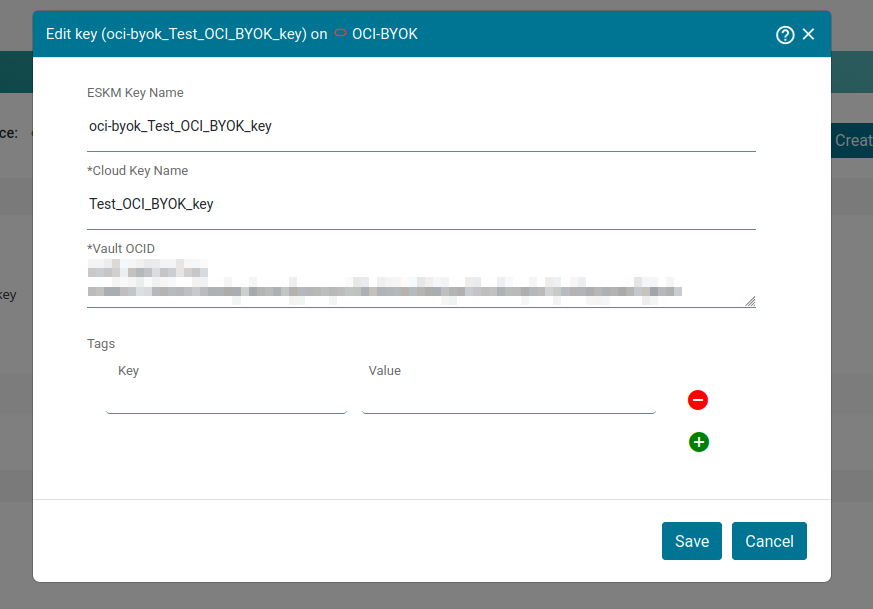
Edit Key
-
Click Save.
Only key tags can be edited.