

OCI users are used to access and manage resources within the OCI environment. Users must be created within the domain and assigned the permissions required for their respective roles.
-
In the OCI Console, go to Identity & Security > Domains.
-
Select the Default domain.
-
Select User Management.
-
Click Create User.
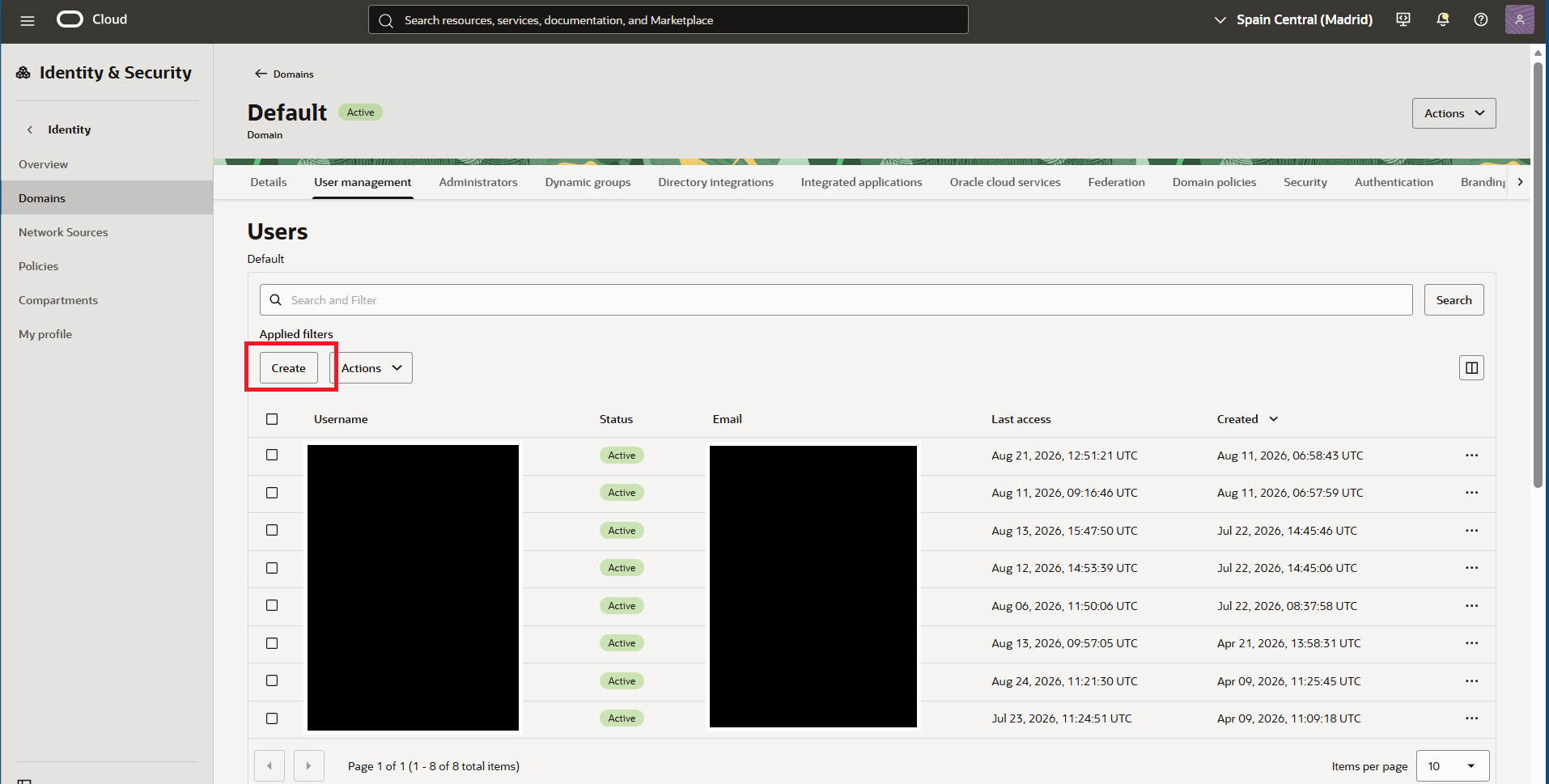
OCI User Create
-
Enter the required user information, including the user name and email address.
-
Configure the required authentication settings.
.png?cb=f1cc60e7699ae9a214b5c144cb5ace53)
OCI User Creation
-
Enable multi-factor authentication (MFA) for the user.
-
Add the user to the Administrators group.
-
Click Create.
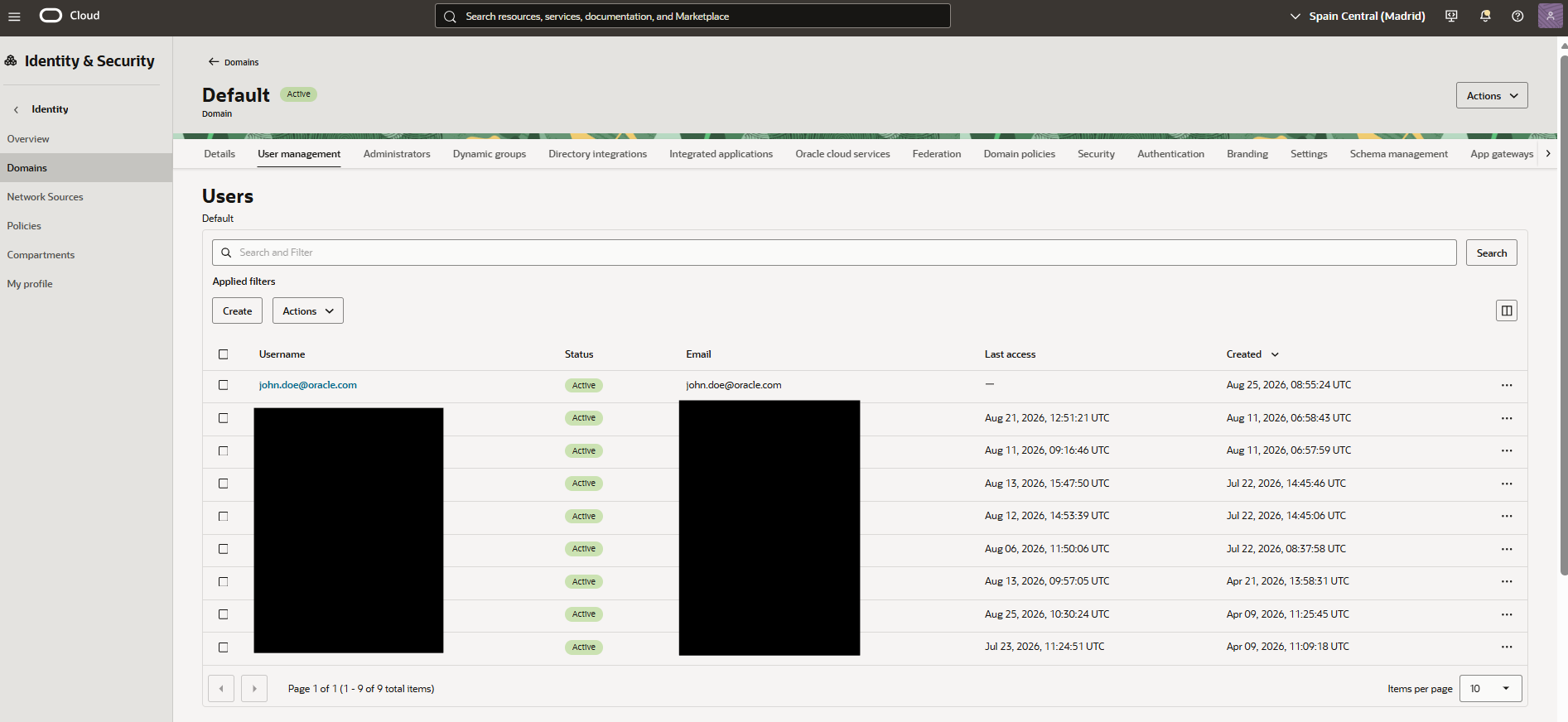
User Created
Users can subsequently be assigned to one or more groups according to their required access permissions.