

The following procedure describes how to create the OCI Vault required for the OCI-BYOK integration. The Vault is used to store the keys imported from the Utimaco ESKM.
-
In the OCI Console, go to Identity & Security > Key Management > Vaults.
-
Click Create Vault.
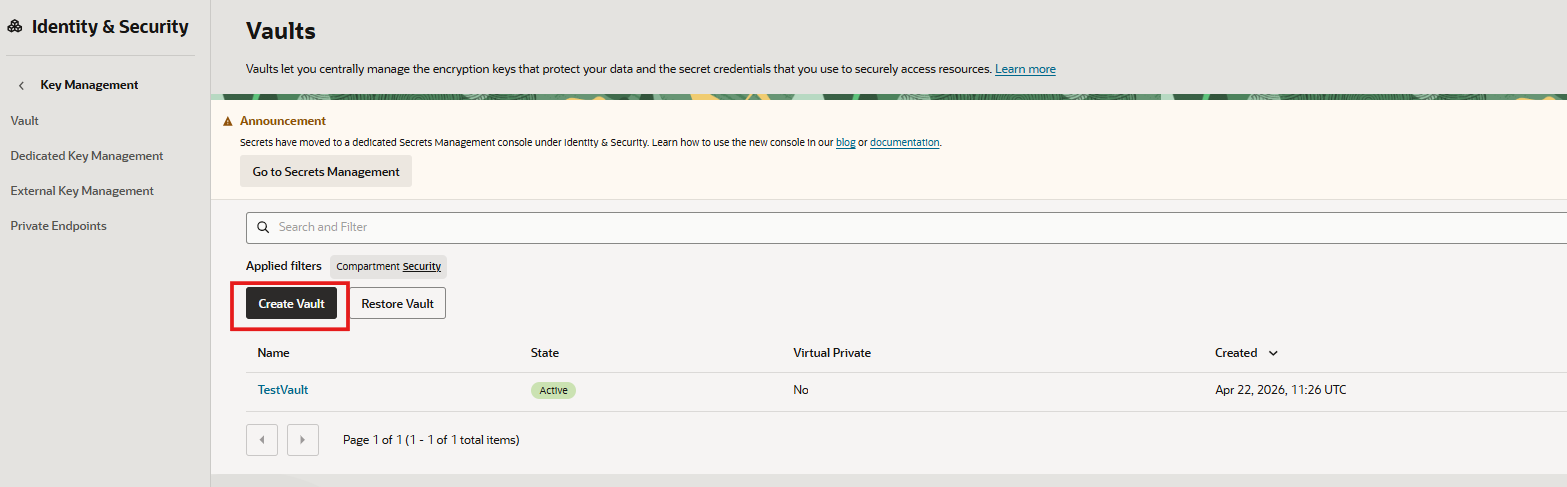
Create Vault
-
Select the required Compartment.
-
Enter a name for the Vault.
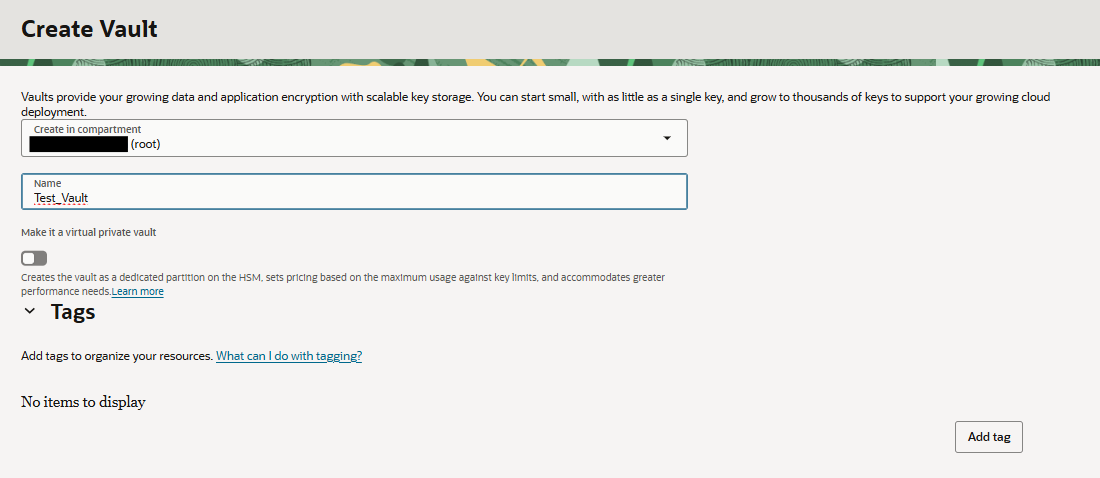
Vault Creation
-
Complete the Vault creation.
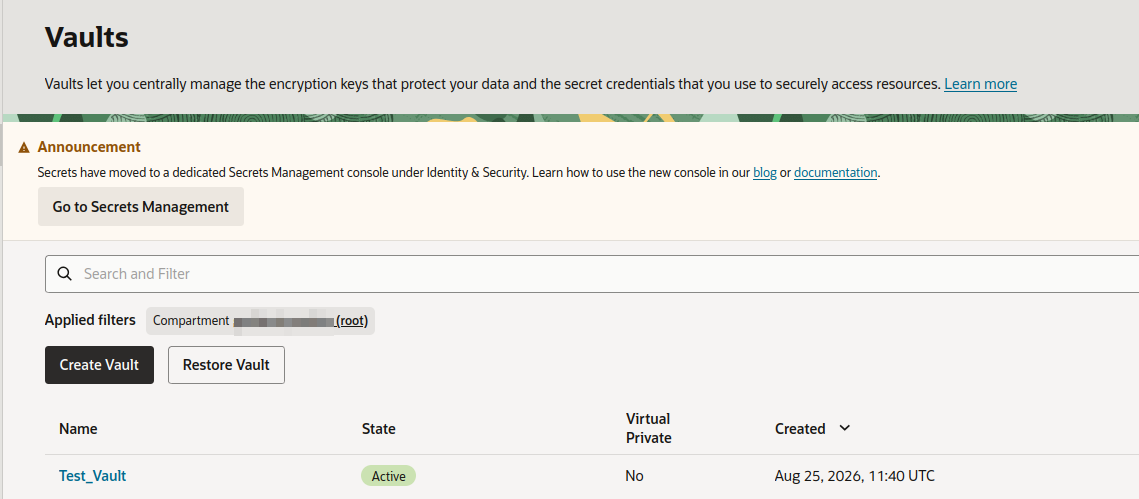
Vault Created