

To use an HSM for key generation, it should be configured in a Key policy for a client. Navigate to the Policy menu on the left.
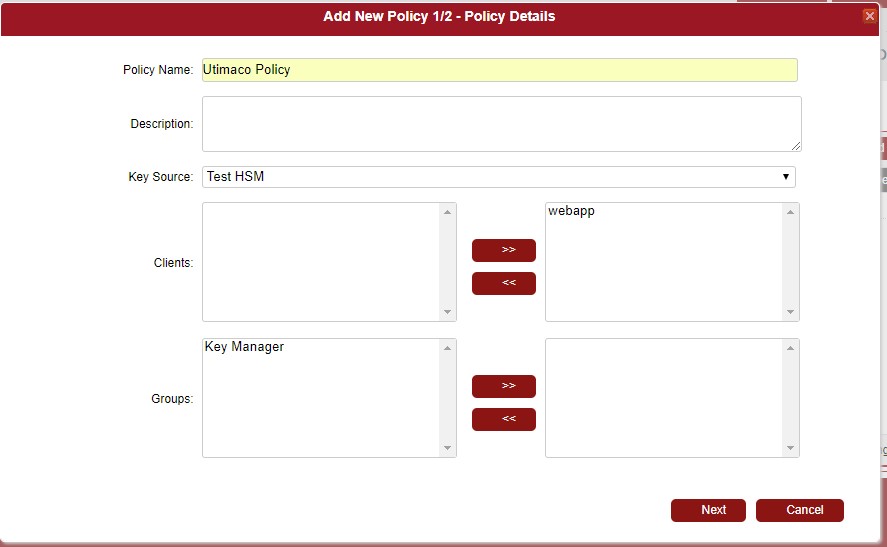
Click [+Add New Policy], and enter a policy name, then select a previously created HSM or HSM cluster in Key Source. Select a target client application and click Next.
On the next page add a key template and click Save.
When clients use this policy and the key template to create keys, key values will be generated by the HSM.
For more details please see ’DPM easyKey User Guide’.