

-
Check the existing database:
1>SELECT name FROM sysdatabases
2>go
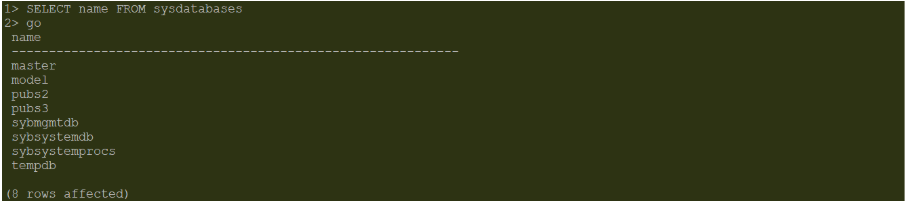
Existing Database Details
-
Create a database:
1>create database tde_test
2>go
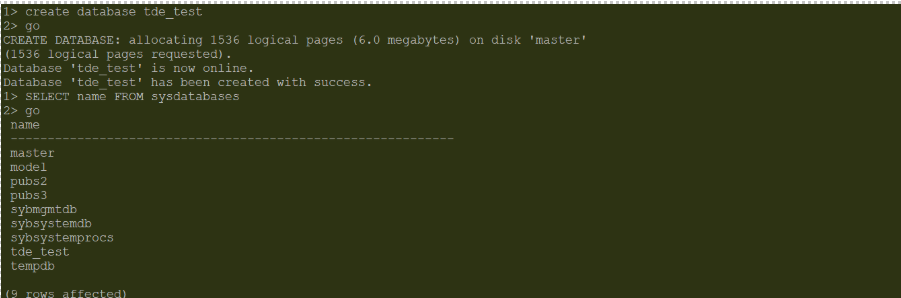
Create a Database
-
Create a table and insert data:
1>use tde_test
2>go

1>>create table emp_details (	emp_id  int  not null,
2>>emp_name     varchar(100),
3>>designation  varchar(50)	)
4>>go

1>alter table emp_details
2>add constraint pk_emp_details primary key (emp_id)
3>go

1>insert into emp_details	values (1, 'Alex', 'Engineer')
2>go
1>insert into emp_details values (2, 'John', 'Finance')
2>go
1>insert into emp_details values (3, 'Mark', 'Manager')
2>go
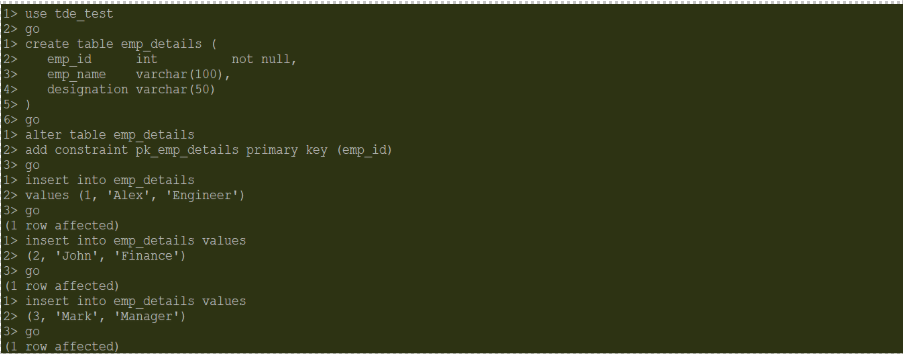
Table created and Data inserted
-
Verify the table details:
1>select * from emp_details
2>go
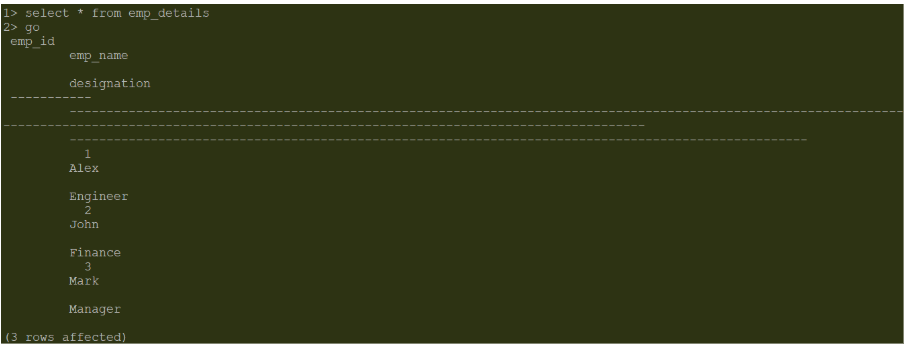
Table Details
-
Create a Database Encryption Key (DEK):
The database encryption key (DEK) is created in the master database and used to encrypt a database. Use the create encryption key command in the master database to create a database encryption key. The DEK used here is 'tde_key'.
1>use master
2>go

1>create encryption key tde_key for database encryption
2>go

1>sp_encryption helpkey
2>go
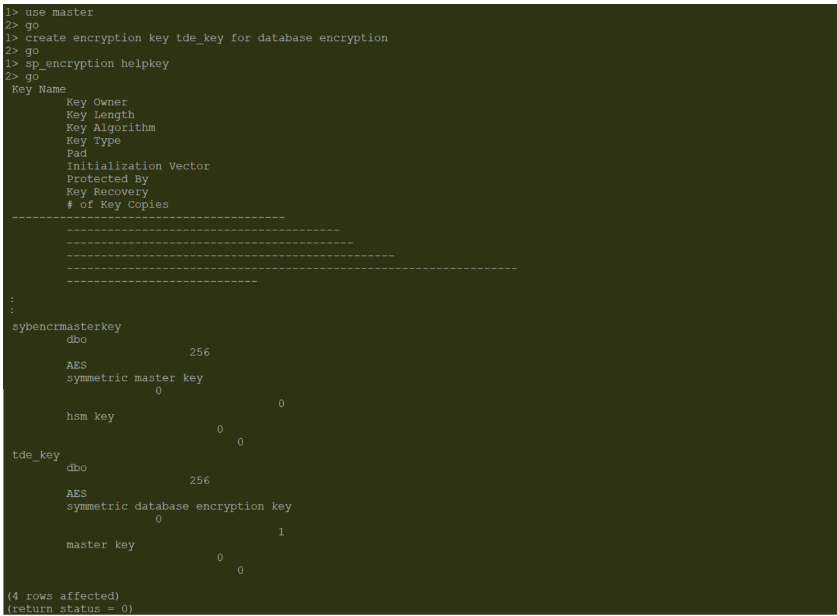
DEK Details
-
Encrypt the newly created unencrypted database using the alter database command:
1>alter database tde_test encrypt with tde_key
2>go

Database Encryption