

Please refer to the below link for downloading and installing SAP Sybase ASE in Linux:
The Transparent Data Encryption (TDE) option must be enabled during the SAP Sybase ASE installation.
In this integration, the /opt/sap directory is used to install SAP Sybase ASE, and the same path is referenced in all subsequent steps. Users may choose a different installation directory during setup; however, the selected path must be used consistently in all further configuration and integration steps.
Verify the SAP Sybase database version using the command below:
[sap@master-node ~]$ isql -SSAP01 -Usa
Password:
1> SELECT @@VERSION
2> go
1> SELECT @@SERVERNAME
2> GO
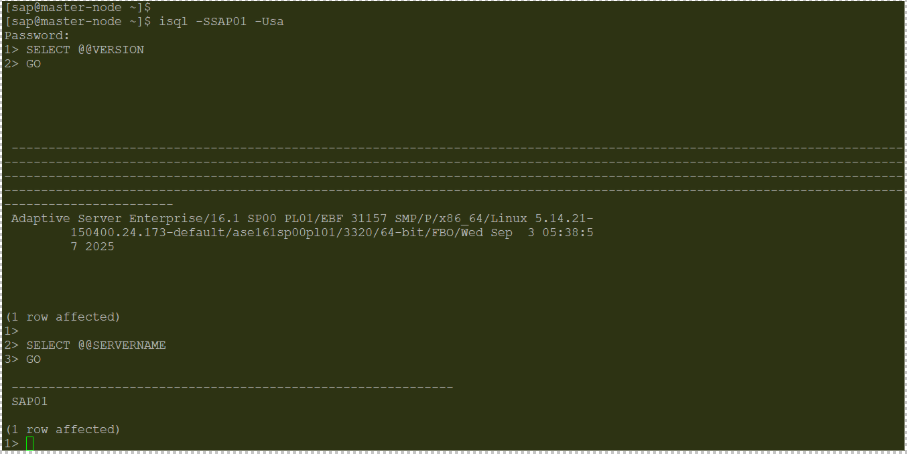
Version Information of SAP Sybase ASE Server
The ASE server can be accessed using the isql -S<Server name> -Usa command.