

Skip this section if you are not using CP5 HSM.
In CP5 a private key cannot be used without being authorized. For authorizing a key, you first need to initialize the private key with an authorization key then set the authorization with the AuthorizeKey command.
-
List keys using the cxitool.
|
›_ Console |
|---|
|
|
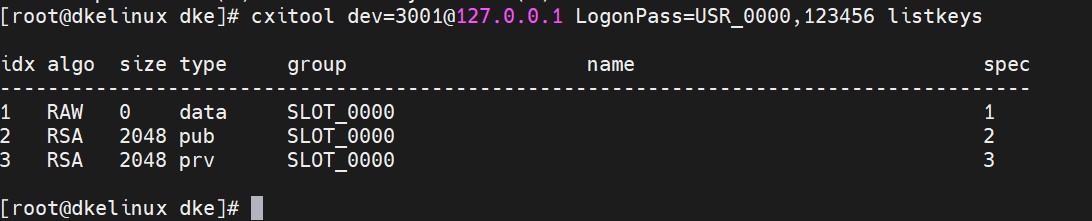
cxitool listkeys output
Note down spec id for RSA private key. In above case it is 3.
-
Check the status of the key initialization using the cxitool.
|
›_ Console |
|---|
|
|
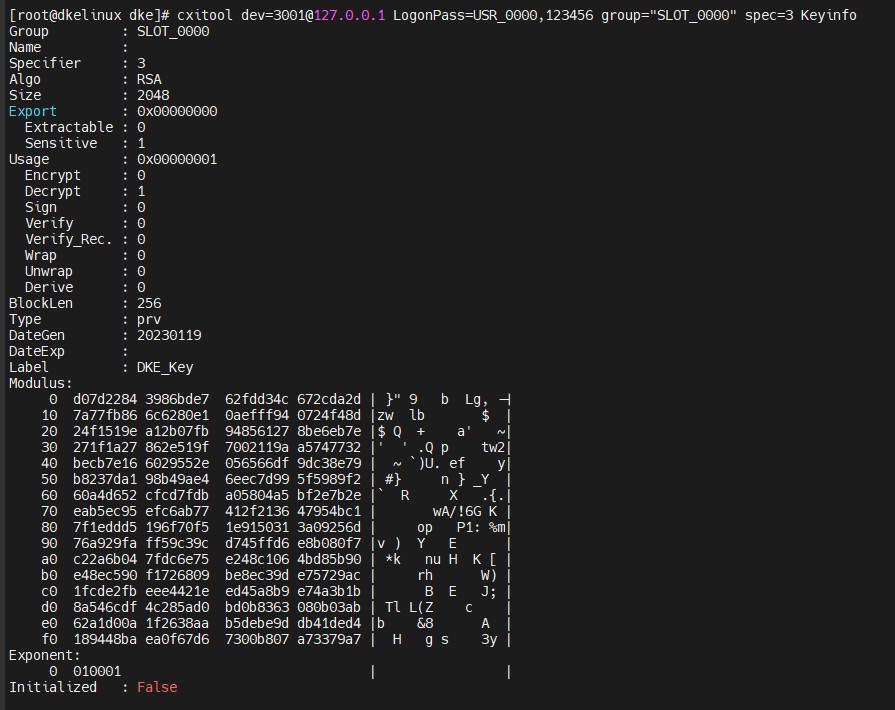
Key initialized status
-
The initialized status is false.
Run the command below to generate a user authentication key fileka.key, which contains an RSA key pair of the speciied size. This authentication key will be used to initialize the DKE_Key in the next step.
|
›_ Console |
|---|
|
|
-
Initialize the DKE_Key with the
ka.keyfile using the cxitool.
|
›_ Console |
|---|
|
|

Initialize the DKE_Key with the ka.key file
-
Authorize DKE_Key with the Authentication Key file
ka.key.
|
›_ Console |
|---|
|
|
6. Check the initialization status of keys.
|
›_ Console |
|---|
|
|
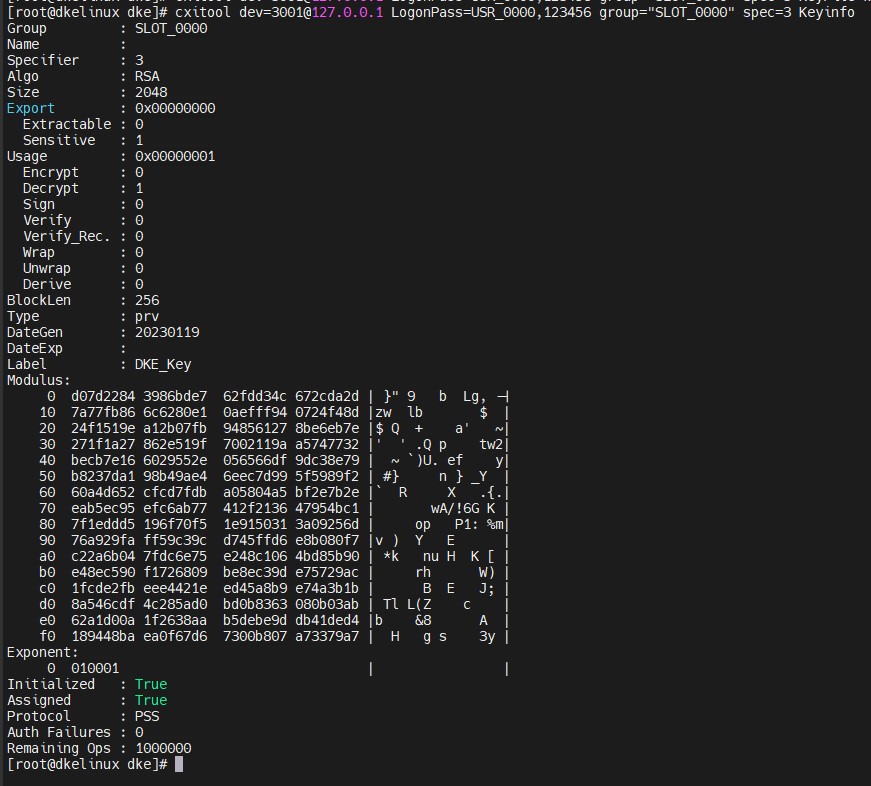
Initialization status of keys
The initialized status is true.