

-
Log in to a client machine as a user to whom access has been provided as described in Execute the DKE Anchor Manager on Linux, Create Sensitivity Labels using DKE, and Publish the Labels.
Make sure before creating any file delete the cache folder data from both client machine on this location: C:\Users\testuser4\AppData\Local\Microsoft\MSIP and MSIPC.
-
Create a word document and assign sensitivity labels as created earlier, for example DKE.
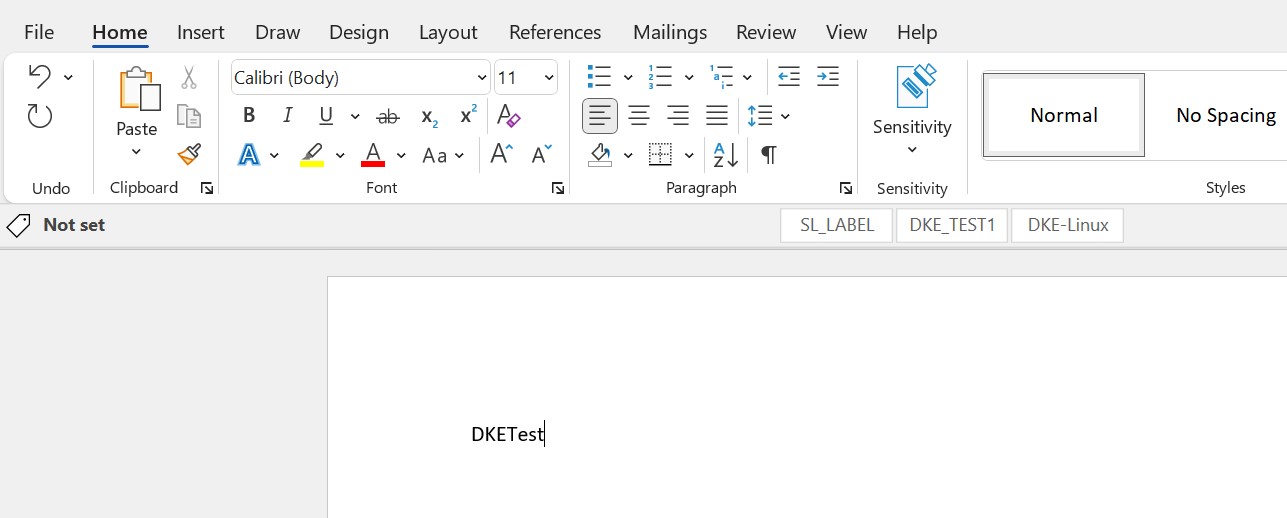
Word doument
-
Save the file to any location.
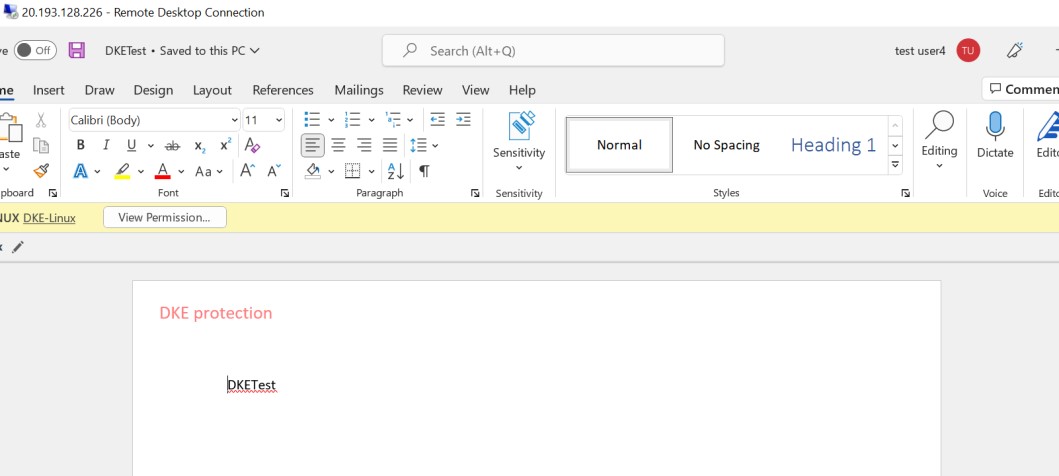
Encrypted Word document
-
Copy this file to another client machine and user with allowed access to this sensitivity label and DKE.
-
Open the file and verify that this authorized user is able to open the document.
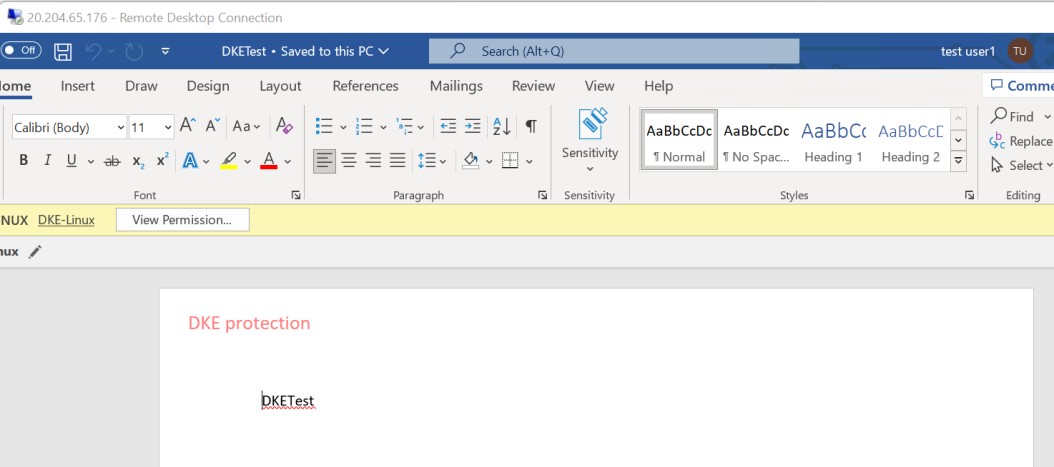
Encrypted Word document
-
Now copy the same file to another client machine with user who is not authorized to this sensitivity label and DKE
-
Try to open the document. You will get error with below permission message.
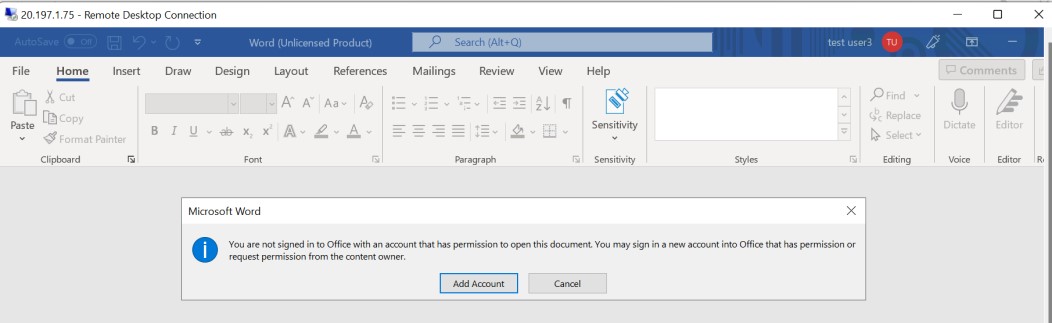
Access denied message