

For Linux-based deployments, Veeam Backup & Replication is installed using the provided ISO image (for example, the Rocky Linux-based appliance ISO). The ISO is mounted to the target virtual machine, and the installation is performed following the official Veeam installation procedure.
Please follow the installation and deployment guide Installing Veeam Infrastructure Appliance with ISO - Veeam Backup & Replication User Guide.
While the Linux Web UI supports standard management and backup operations, certain advanced configurations, such as KMIP/KMS integration, are not currently available through the Web UI. For these configurations, and for all subsequent setup steps, use the Windows-based Veeam Backup & Replication console following the standard Windows workflow.
The Windows console can be connected to the Linux backup server by specifying the Linux backup server IP address in the Specify backup server screen.
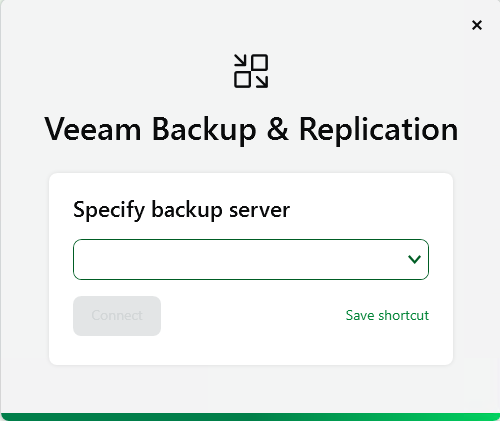
Veeam Backup & Replication - Specify Backup Server
After connecting to the Linux server, log in using the administrative credentials configured during installation.