

Download the Veeam Backup & Replication image from the official Veeam Product Download Page. For detailed installation instructions to ensure a smooth deployment, please refer to the installation guide Veeam Backup & Replication Installation Guide.
After the successful installation, launch the application and log in.
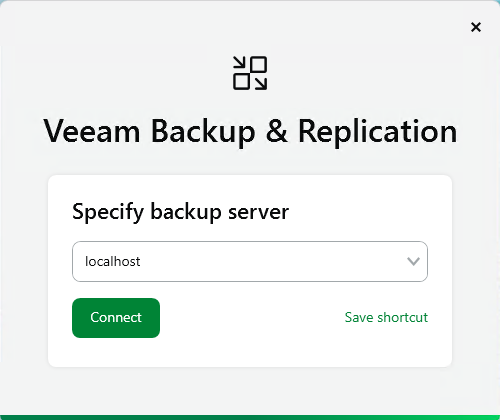
Veeam Backup & Replication - Specify Backup Server
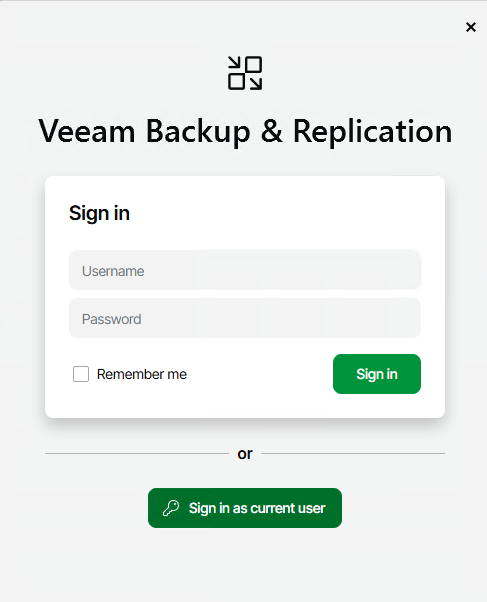
Veeam Backup & Replication - Sign-in Page
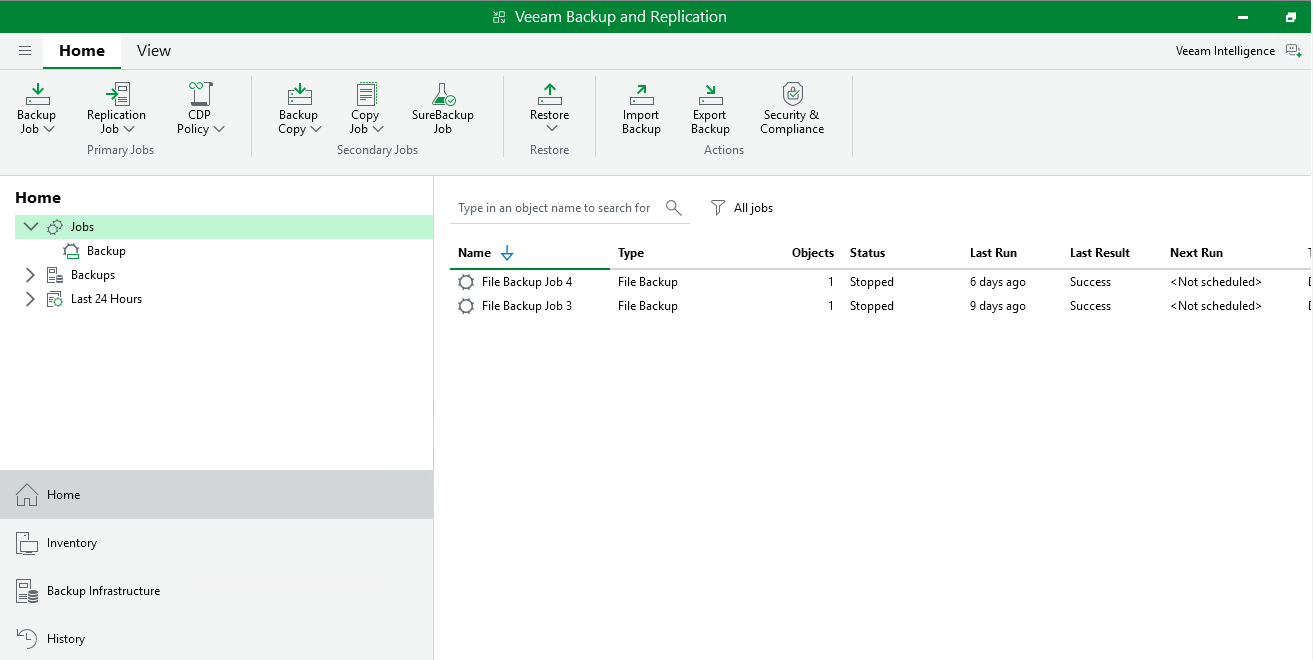
Veeam Backup & Replication Main Page