

Use the following steps to set up PuTTY and access serial console.
-
Navigate to device manager and figure out the COM port that you’ll be using.
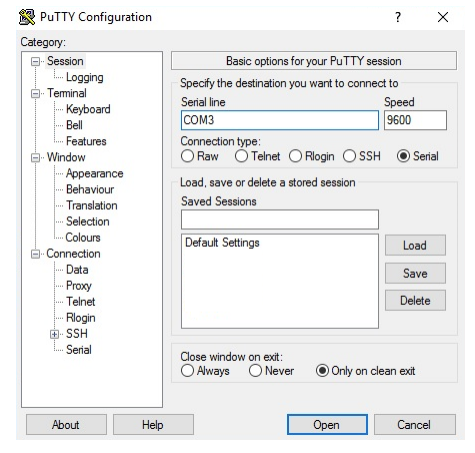
PuTTY Configuration
-
Run PuTTY.
-
Switch the Connection Type to Serial.
-
Edit the Serial Line to match the COM port you want to use.
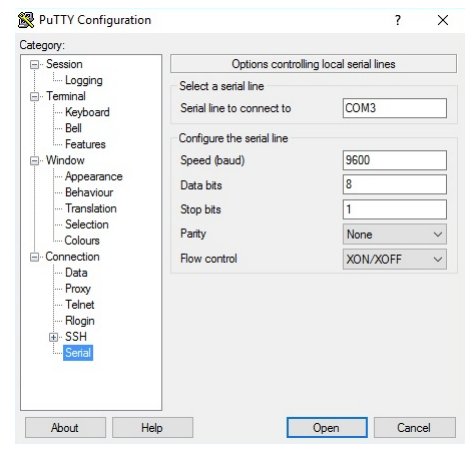
Serial line
-
Make sure all of the settings are correct.
-
Click Open to start the session.