

-
Generate the RSA key-pair using p11tool2.
# p11tool2 slot=<slot_no> LoginUser=<cryptouser_password> PubKeyAttr=CKA_LABEL="RSAKey",CKA_ID=0x45 PrvKeyAttr=CKA_LABEL="RSAKey",CKA_ID=0x45 GenerateKeyPair=RSA
-
Verify that the keys are generated onto the HSM using following command.
# p11tool2 slot=<slot_no> LoginUser=<cryptouser_password> ListObjects
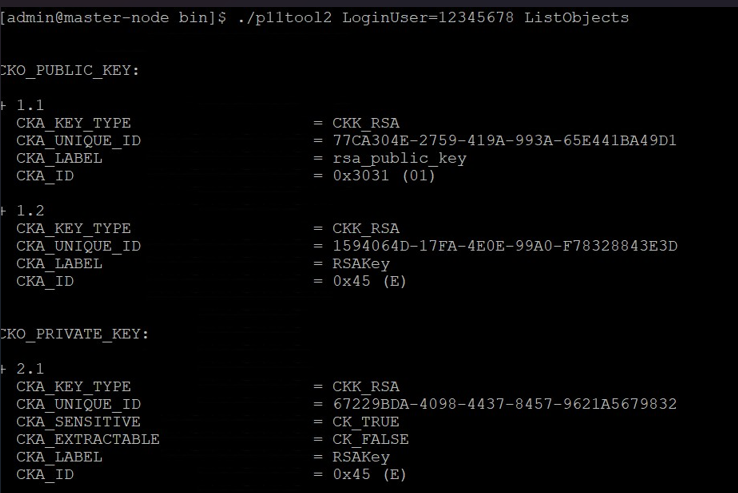
List objects output
-
Generate a certificate request.
# openssl req -engine pkcs11 -new -key "pkcs11:token=HTTPSERVER;object=RSAKey" -keyform engine -out apache.csr
Here HTTPSERVER is the token label and RSAKey is the key on the HSM. Provide Cryptouser PIN when prompted. apache.csr is the certificate signing request file. Also provide other required information for certificate when prompted.
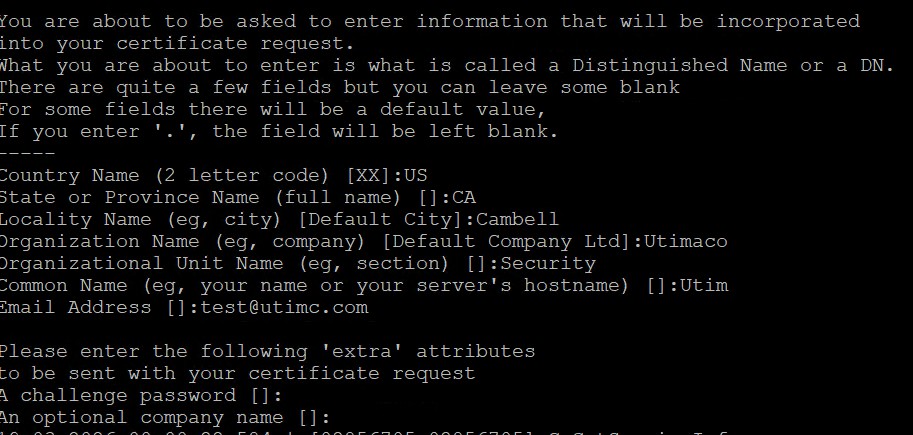
Generate CSR certificate output
-
Get this CSR signed by your CA and copy the signed certificate to Apache server.
-
Alternatively, you can create the self-signed certificate based on the generated key.
# openssl req -engine pkcs11 -new -x509 -days 365 -key "pkcs11:token=HTTPSERVER;object=RSAKey" -keyform engine -out SSL.crt
Here HTTPSERVER is the token label and RSAKey is the key on the HSM. Provide Cryptouser PIN when prompted. Also provide other required information for certificate when prompted.
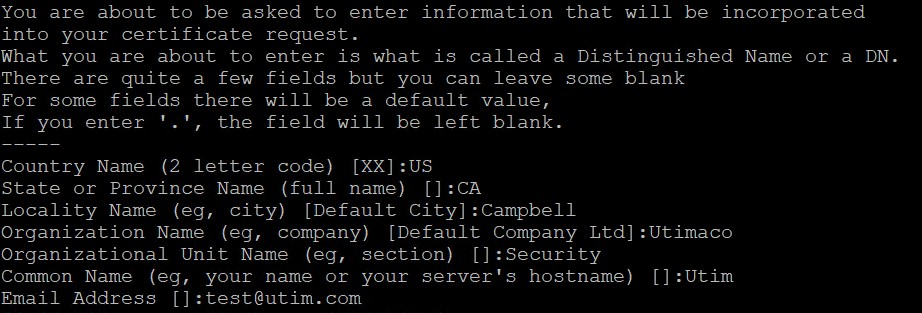
Generate Self-Signed Certificate Output
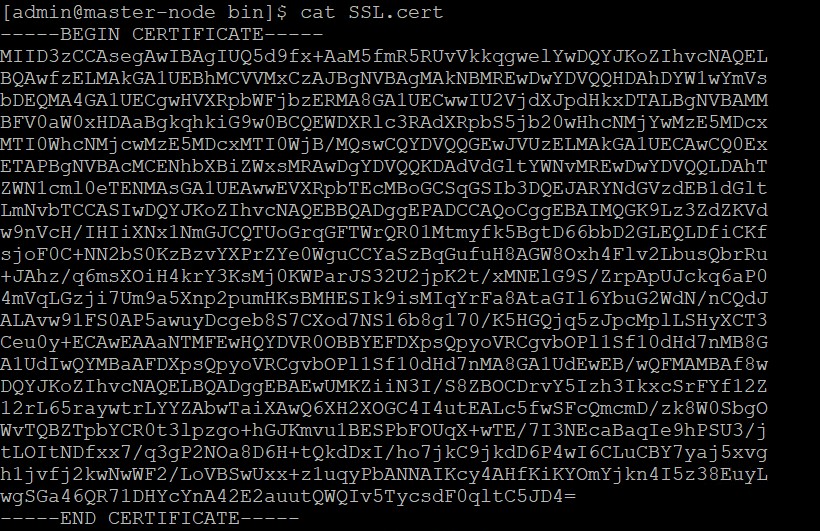
Certificate File Output
It is recommended to use CA signed certificate for production environment.