

-
Install the dependent packages for Apache HTTP server.
# dnf install apr apr-devel apr-util apr-util-devel expat pcre pcre-devel make gcc perl -y
-
Download the Apache Open-Source Library files from Apache Website.
# wget https://dlcdn.apache.org/httpd/httpd-2.4.56.tar.gz
If you are installing through dnf install httpd command, then skip step 3 and 4.
-
Extract the downloaded packages.
# tar -xzvf httpd-2.4.54.tar.gz
-
Go to httpd-2.4.54 directory, build and install Apache HTTP using the following commands.
# cd httpd-2.4.54.tar.gz

#./configure  --prefix=/usr/local/apache --enable-ssl --withssl=/usr/local/openssl

# make

# make install
-
Start the Apache HTTP Service with below command. If you have installed from source code:
# /usr/bin/apache/bin/apachectl -k start
If you have installed from dnf:
# systemctl start httpd.service
-
Open any browser and run the http://<apache_server_ip> to verify that apache service is running successfully.
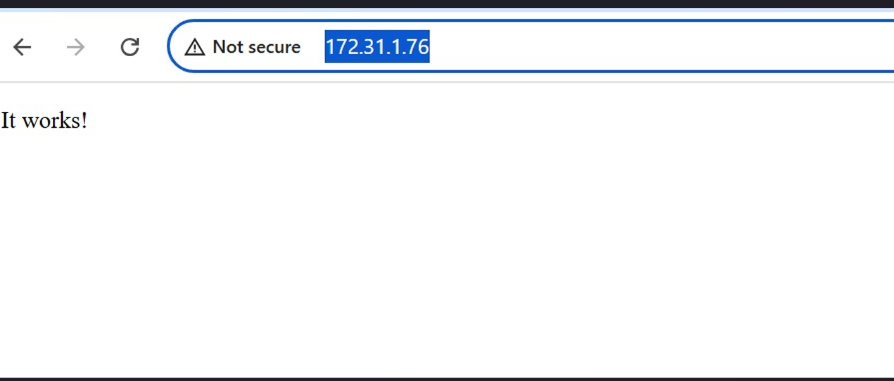
Apache web page