

If you have Apache running over SSL with the existing keys locally somewhere on the directory you can migrate those keys to Utimaco HSM and securely store them.
To migrate the existing key to Utimaco HSM follow these steps
-
Make sure to complete the steps for installing and configuring openssl and libp11 according to the sections Installing OpenSSL, Installing Libp11, and Configuring OpenSSL to Use Utimaco HSM before proceeding ahead.
-
Convert a private key to pkcs12 format with openssl.
openssl pkcs12 -export -nocerts -inkey private.pem -out myprivatekey.p12
-
Import converted private key to HSM using p11tool2.
# p11tool2 slot=<slot#> loginuser=<cryptouser_password> PubKeyAttr=CKA_LABEL="Imported_PublicKey",CKA_ID=0x25 PrvKeyAttr=CKA_LABEL="Imported_PrivateKey",CKA_ID=0x25 ImportP12=myprivatekey.p12,ask
Only private key is required to import to Utimaco HSM, as certificate contains only public key information.
-
List the generated imported keys using p11tool2.
# p11tool2 slot=<slot_no> LoginUser=<cryptouser_password> ListObjects
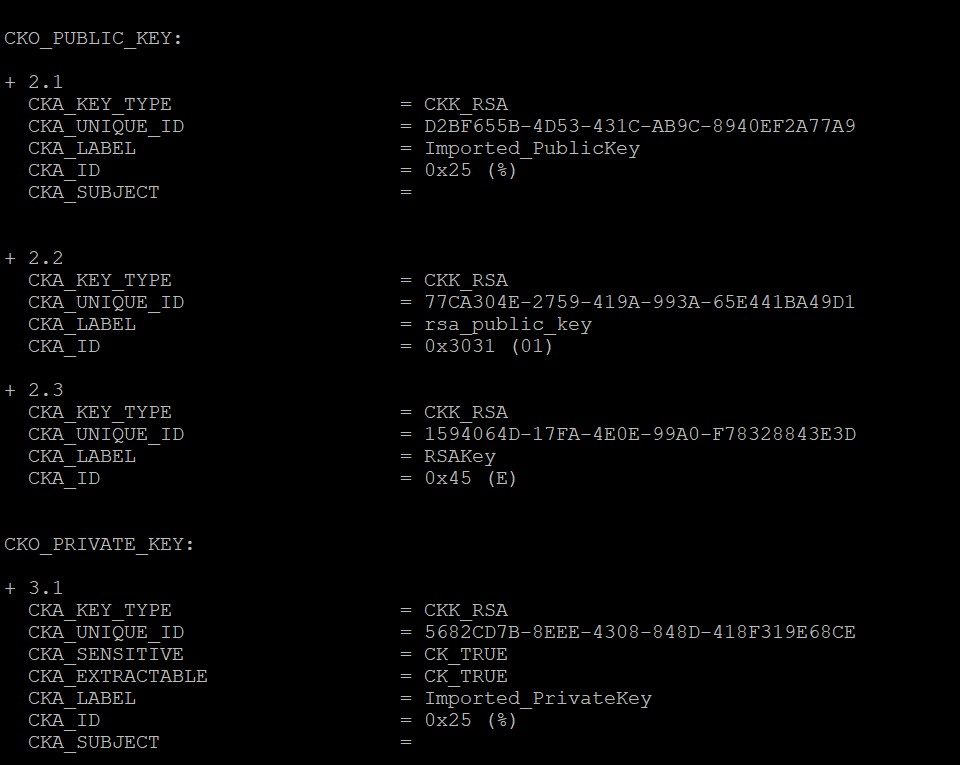
List Keys Output
-
Open the Apache SSL Configuration File
/usr/local/apache/conf/extra/httpd-ssl.confand update the Certificate and Private Key Objects as below.
SSLCryptoDevice pkcs11
Listen 443
<VirtualHost *:443>
ServerName <Name of the Server>:443
SSLEngine on
SSLCertificateFile "/<path>/SSL.cert"
SSLCertificateKeyFile "pkcs11:token=HTTPSERVER;object=Imported_PrivateKey?pin-value=<cryptouser_pin>"
</VirtualHost>
Where, pkcs11 is engine, HTTPSERVER is the name/label of token and Imported_PrivateKey is the key inside the HSM. SSL.cert is the existing cert that you have been using.
The path of httpd-ssl.conf file will change based on your installation method.
-
Restart the Apache Service with the below command.
If you have installed from source code:
# /usr/local/apache/bin/apachectl -k stop
# /usr/local/apache/bin/apachectl -X
If you are restarting the service through systemctl make sure to edit the systemd file and update the ExecStart with single worker apachectl command as described in point a, b and c as shown below. This integration is not supported with multiple workers.
If you have installed from dnf:
a) Create the backup of the Apache httpd service file /usr/lib/systemd/system/httpd.service as described below.
# cp /usr/lib/systemd/system/httpd.service /usr/lib/systemd/system/httpd.service.bkp
b) Open the Apache httpd service file /usr/lib/systemd/system/httpd.service and make sure it contains the below entries.
[Unit]
Description=The Apache HTTP Server
[Service]
Type=simple
RemainAfterExit=yes
Environment="PATH=/usr/local/openssl/bin:$PATH"
Environment="LD_LIBRARY_PATH=/usr/local/libp11/lib:/usr/local/openssl/lib"
ExecStart=/usr/local/apache/bin/httpd -X
ExecStop=/usr/local/apache/bin/apachectl -k graceful-stop
User=root
[Install]
WantedBy=multi-user.target
The path of openssl and libp11 library files will change based on your installation method.
c) Now, reload the systemd daemon and restart the httpd service with the below commands.
# systemctl daemon-reload
# systemctl restart httpd.service
-
Open <https://<apache_server_ip>> in any browser and verify that you are able to load the page.
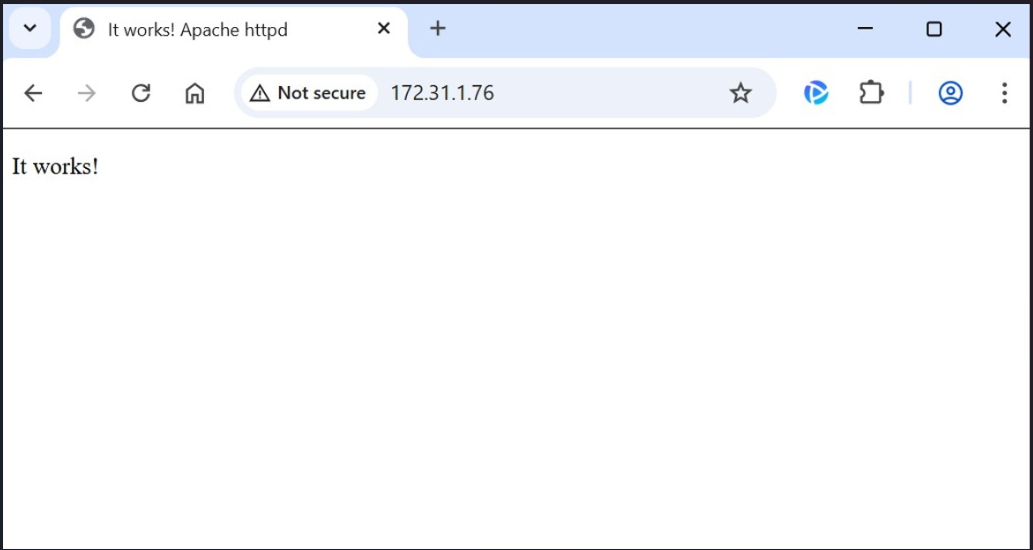
Apache Web Page
Once Apache is running successfully after migrating the keys on Utimaco HSM you can delete the private key from the software location.