

-
Download the
pinentryinstallation file.
# wget https://www.gnupg.org/ftp/gcrypt/pinentry/pinentry-1.3.1.tar.bz2

Downloading pinentry
-
Extract the file.
# tar -xjf pinentry-1.3.1.tar.bz2
-
Go to the directory where the file is extracted.
# cd pinentry-1.3.1
-
Run the following command to compile and install.
# ./configure --prefix=/usr/local --enable-pinentry-curses
# make
# make install
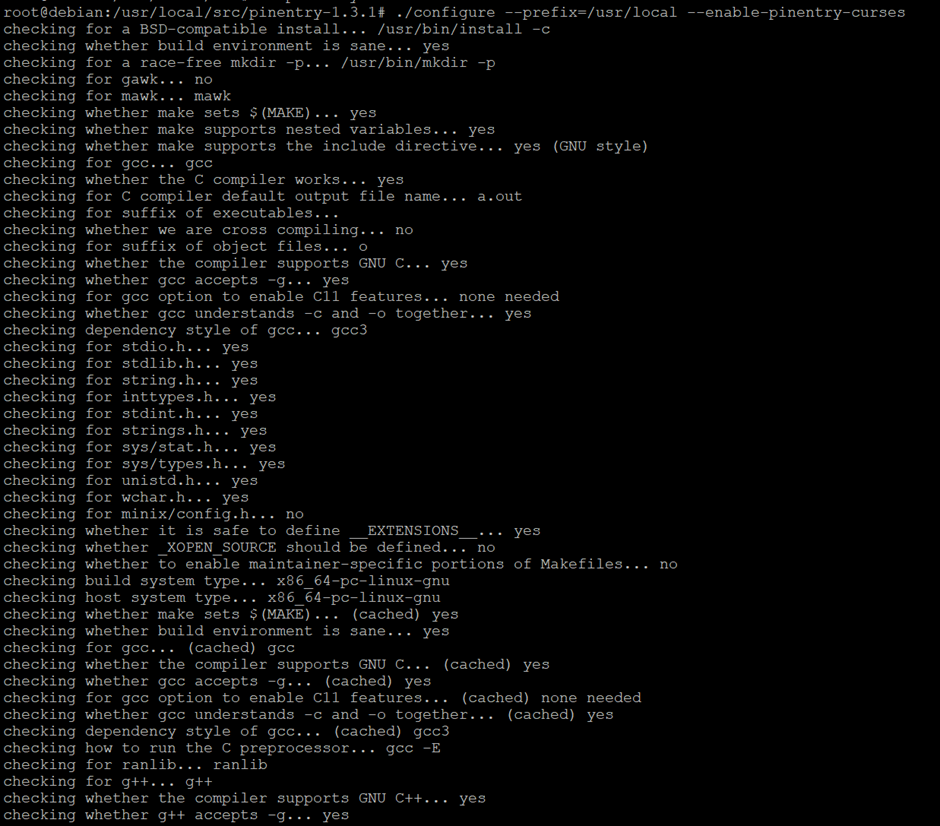
Installing pinentry
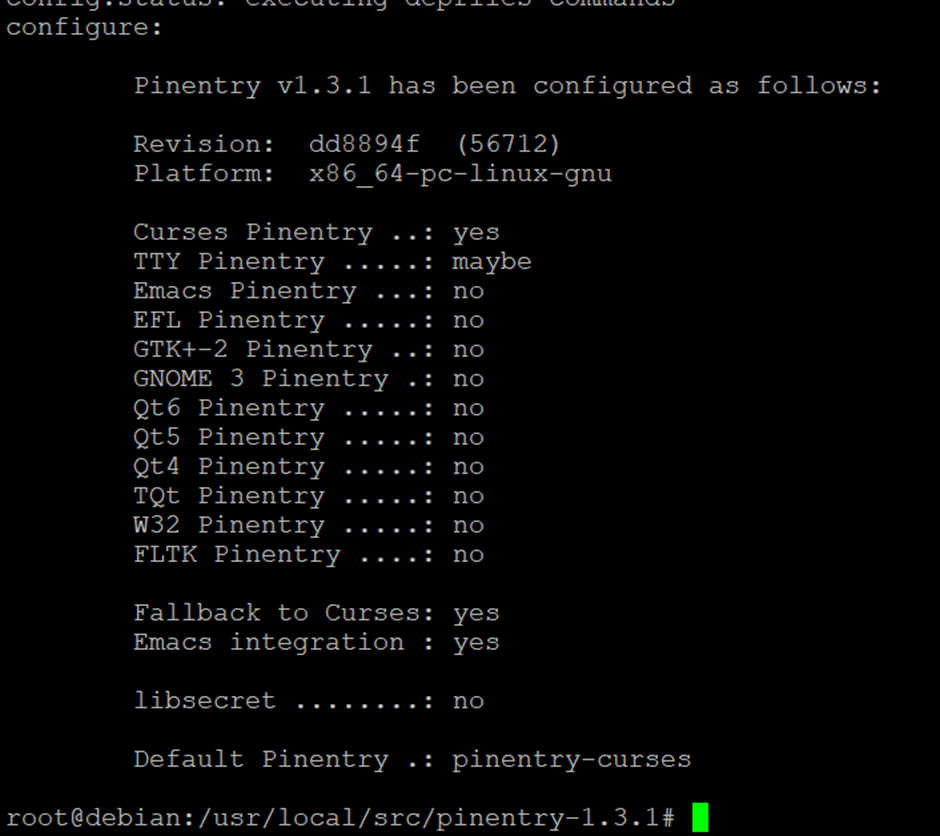
Installing pinentry_continued
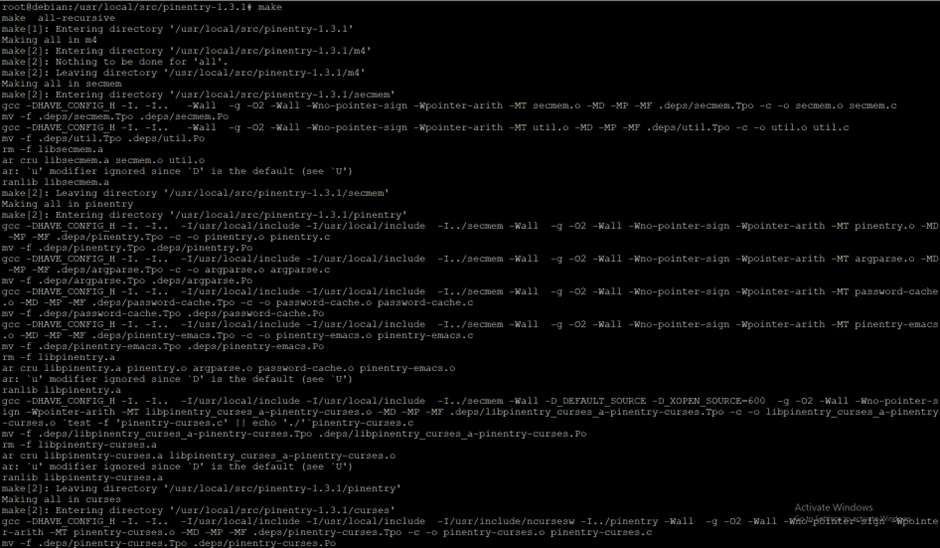
Installing pinentry_make
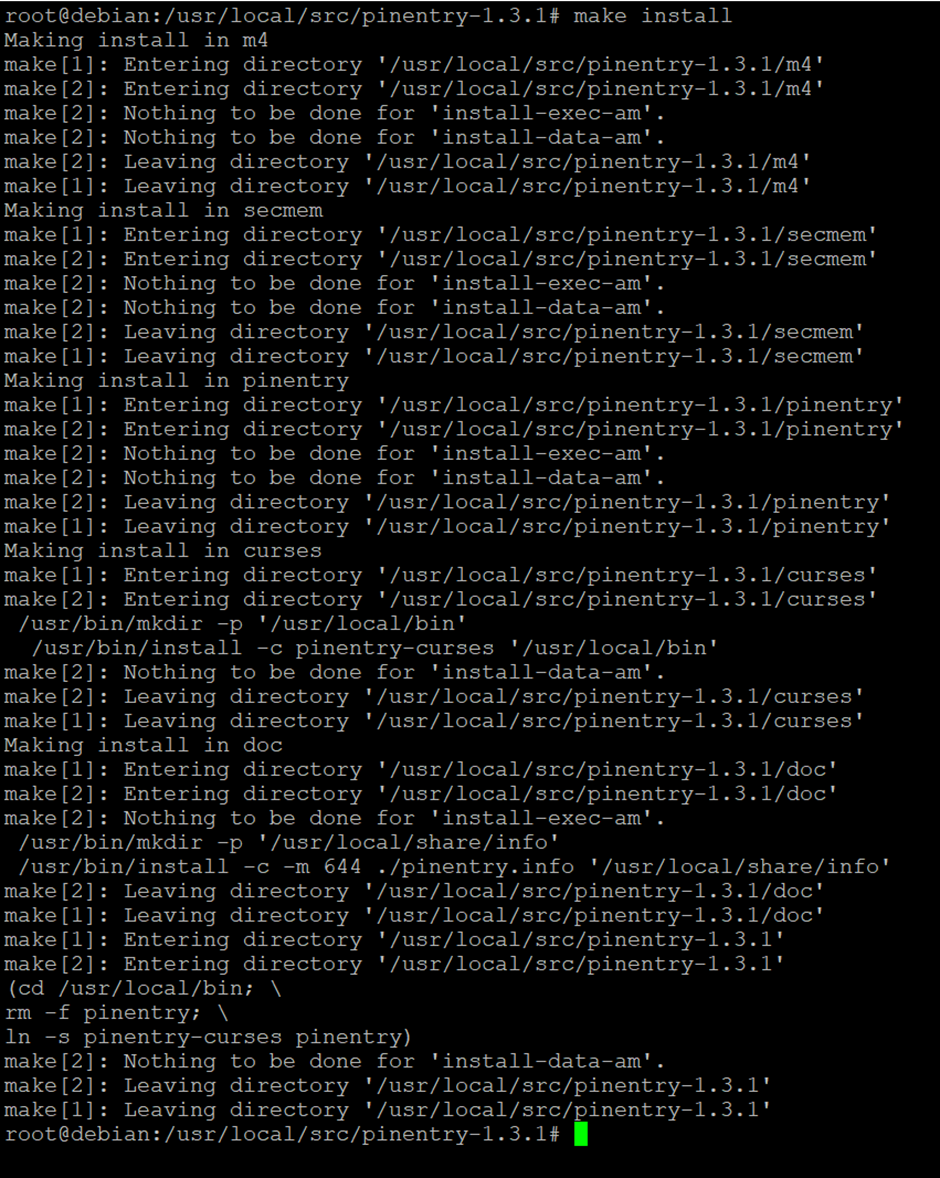
Installing pinentry_make install

Installing pinentry_version