

-
Export the public key to a file.
# gpg --export --armor test@utimaco.com > gpgpub.key
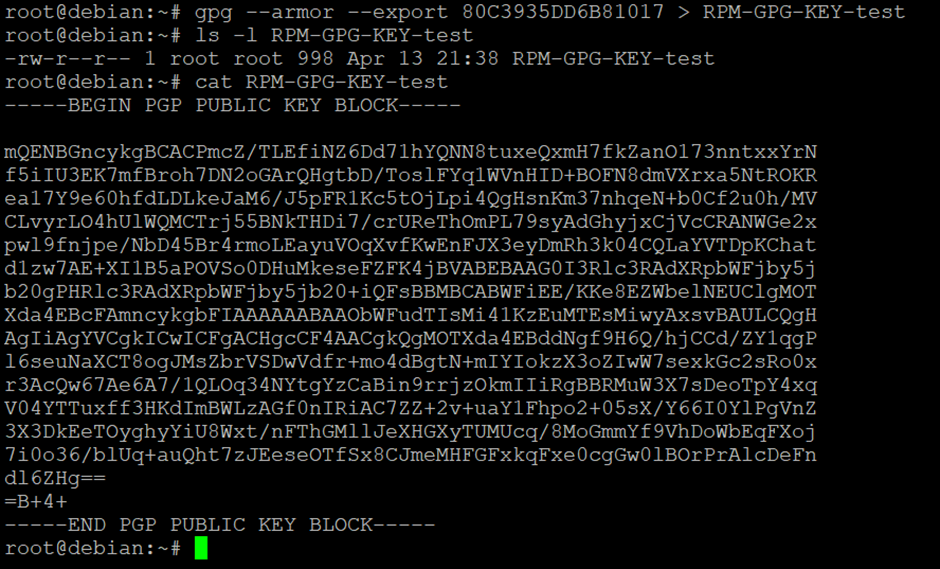
Exporting the public key to a file
-
Import the public key.
# rpm --import RPM-GPG-KEY-test

Importing the public key to rpm db
-
Verify the signature of the signed rpm.
# rpm --checksig <signed_rpm_file>

Verifying the signed rpm file
-
Verify the signing information.
# rpm -qpi ~/rpmbuild/RPMS/noarch/hello-1.0-1.noarch.rpm
The signature field contains the signing information.
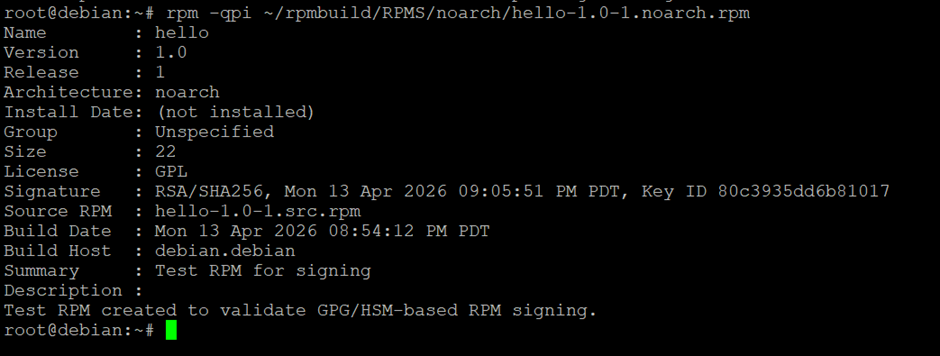
Verifying the signed rpm file signature information
This completes the Integration of GnuPG with u.trust GP HSM.