

-
Open
/etc/crypttaband add below content.
|
›_ crypttab file |
|---|
|
-
Use the command below to start the network service before running
system-cryptsetupservice.
|
›_ Console |
|---|
|
-
Reboot the system.
-
There is a password prompt during the boot for attaching LUKS volume. Provide the slot PIN when prompted.
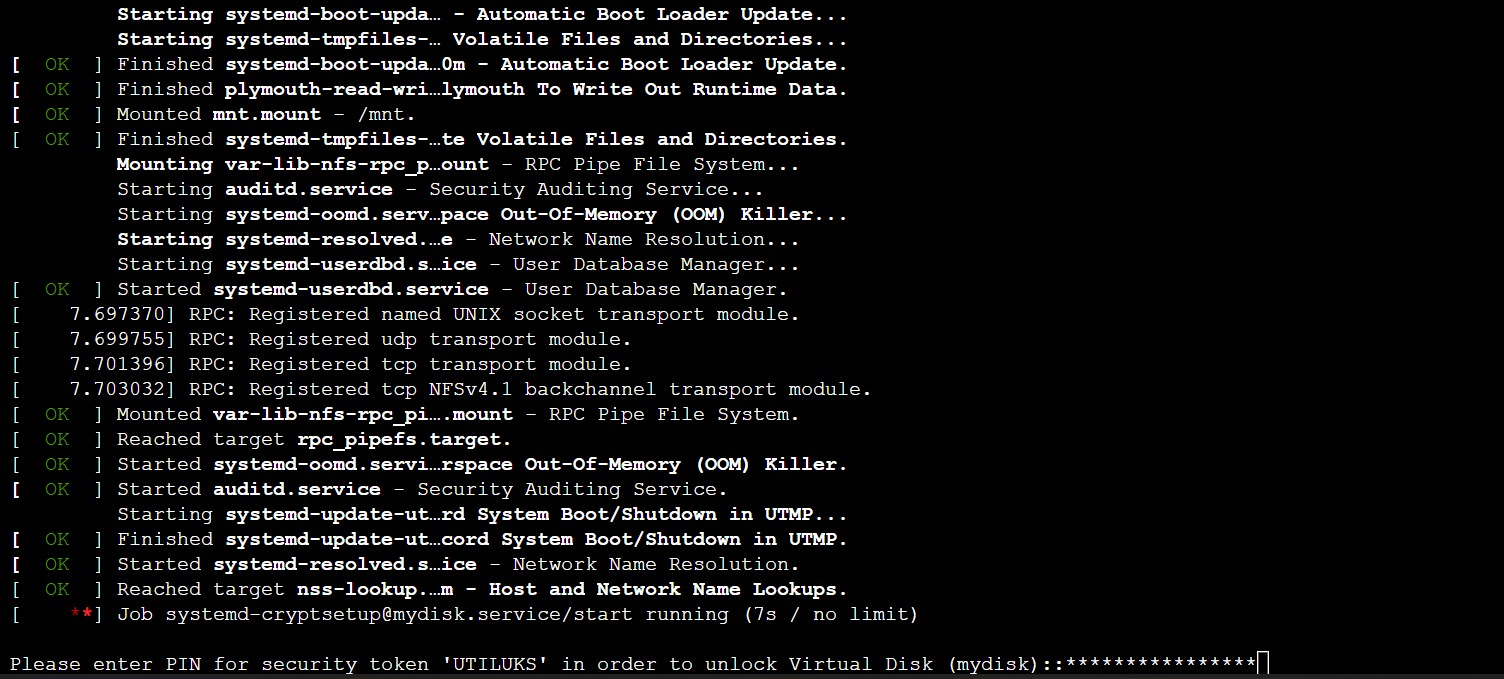
Boot window
-
Once the system is up, verify that status of systemd-cryptsetup service.
|
›_ Console |
|---|
|
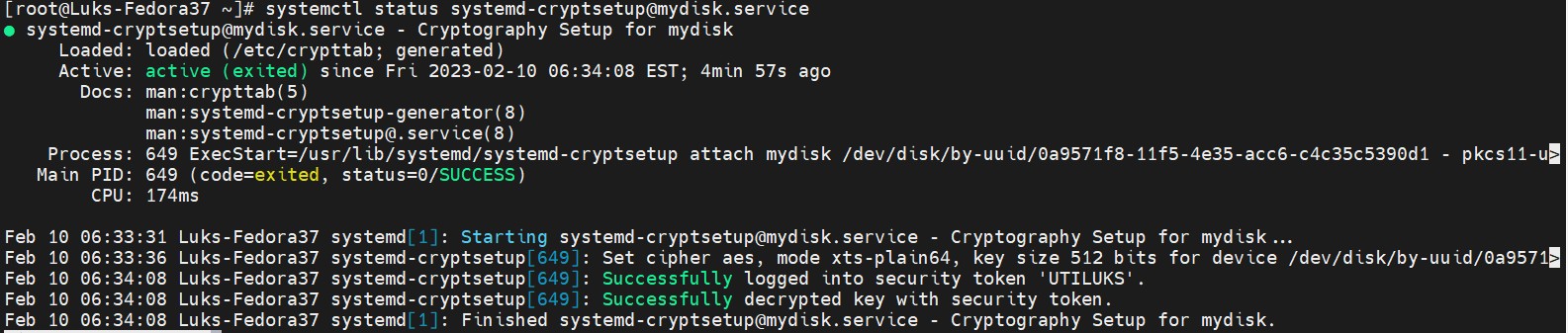
systemd-cryptsetup service status
-
Format the volume with File System.
|
›_ Console |
|---|
|
-
Create one directory for mounting the volume.
|
›_ Console |
|---|
|
-
Get UUID of
/dev/mapper/mydisk.
|
›_ Console |
|---|
|
-
Add below entry in
/etc/fstab.
|
›_ fstab file |
|---|
|
Here UUID is for /dev/mapper/mydisk.
-
Run below command to mount the encrypted volume.
|
›_ Console |
|---|
|

Mounting LUKS volume
If the above command does not work, troubleshoot accordingly.
-
Next, reboot the system and check if the reboot halts waiting for LUKS passphrase to mount the encrypted device.
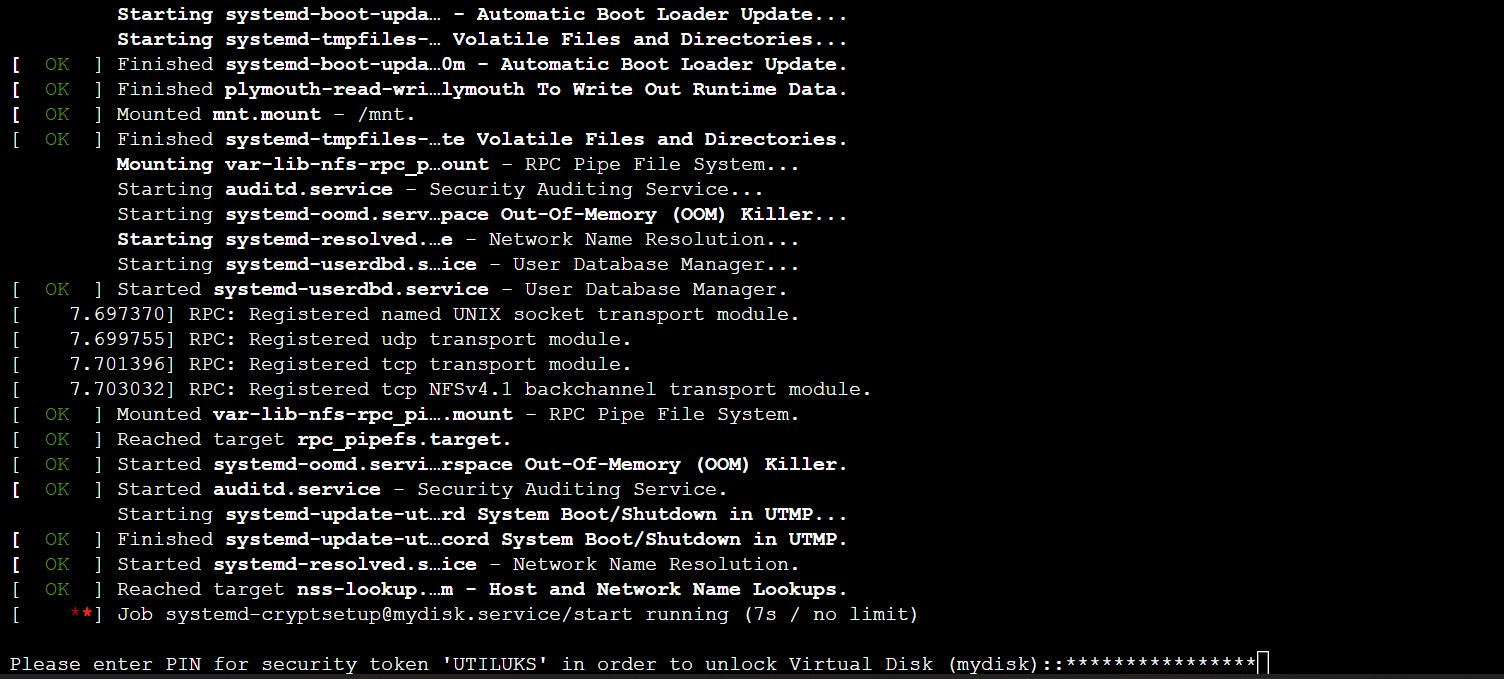
Boot window
Provide slot PIN when prompted.
-
When the system is up and running, verify that the encrypted volume is mounted automatically.
|
›_ Console |
|---|
|
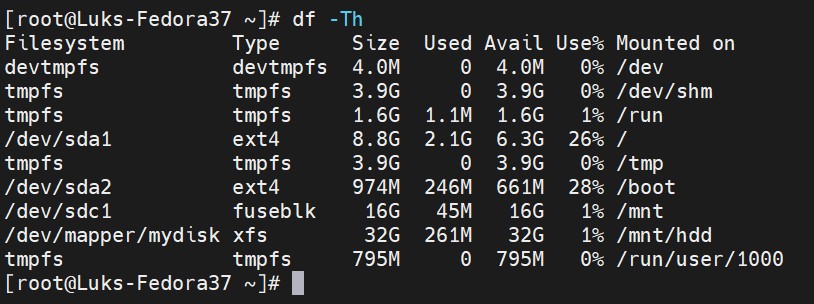
Listing mounted volumes