

-
Log in to cluster node as a user with Administrative privileges where disk is attached.
-
Open Server Manager, Select Tools, and select Failover Cluster Manager.
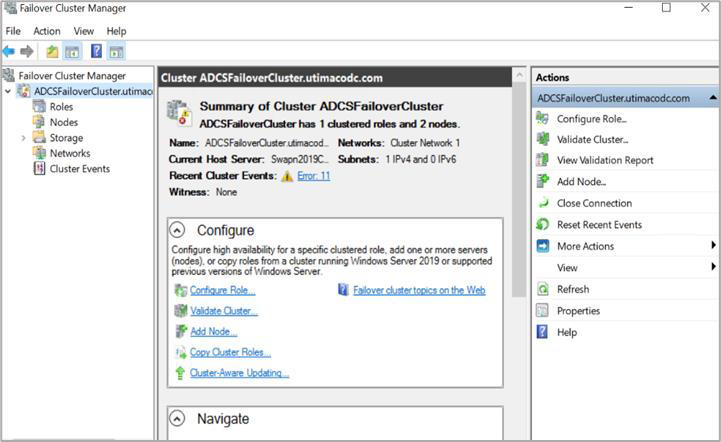
"Failover Cluster Manager"indow
-
From the Actions menu, click Create a Cluster.
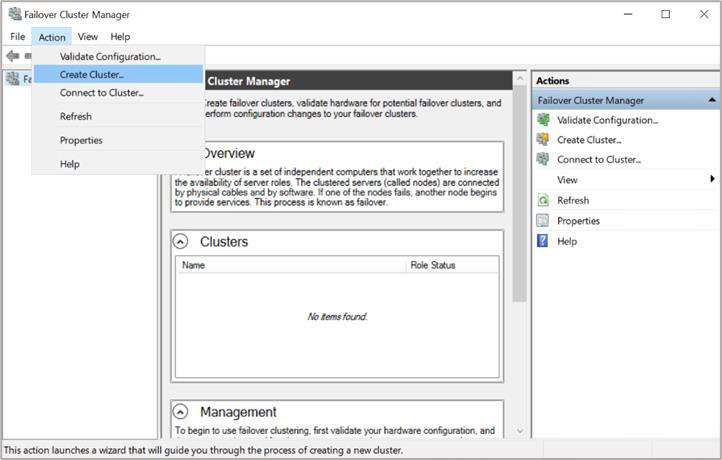
"Failover Cluster Manager" Window
-
On the Before You Begin page, click Next.
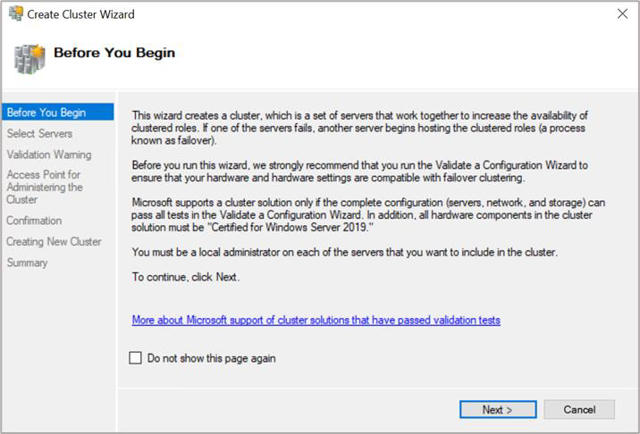
"Before You Begin" Window
-
Enter the first cluster node name in the Enter Server Name field and click Add.
-
Enter the second cluster node name in the Enter Server Name field and click Add.
-
Click Next.
-
Enter the Cluster Name and click Next until you reach the Summary page.
-
To perform the validation tests, choose Yes and click Next two times.
-
Keep the default option to Run all tests and click Next two times.
-
Verify the test report and click Finish.
-
Provide the cluster name and click Next until you reach the Summary page.
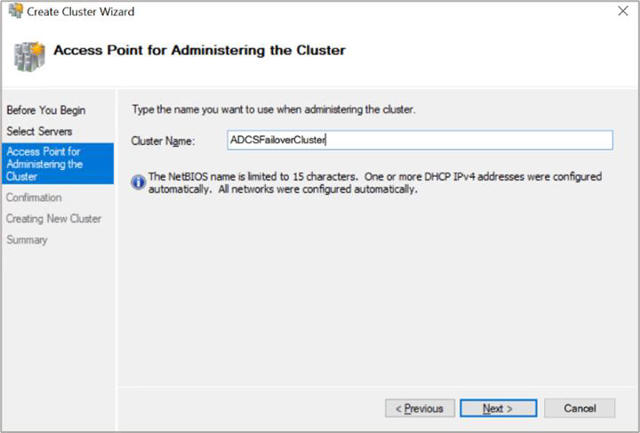
"Access Point for Administering the Cluster" Window
-
Verify the cluster got configured successfully. Check the status of both nodes, disk, and network. It should be in green.