

Using the GUI, the procedure is as follows:
-
Run
certmgr.msc, either by pressing Windows-R or opening a console and entering this command. -
Right-click on Certificates - Current User > Personal and then click on All Task > Import and follow the instructions to import the signed certificate. Verify the certificate is successfully imported in Certificates - Current User > Personal > Certificates.
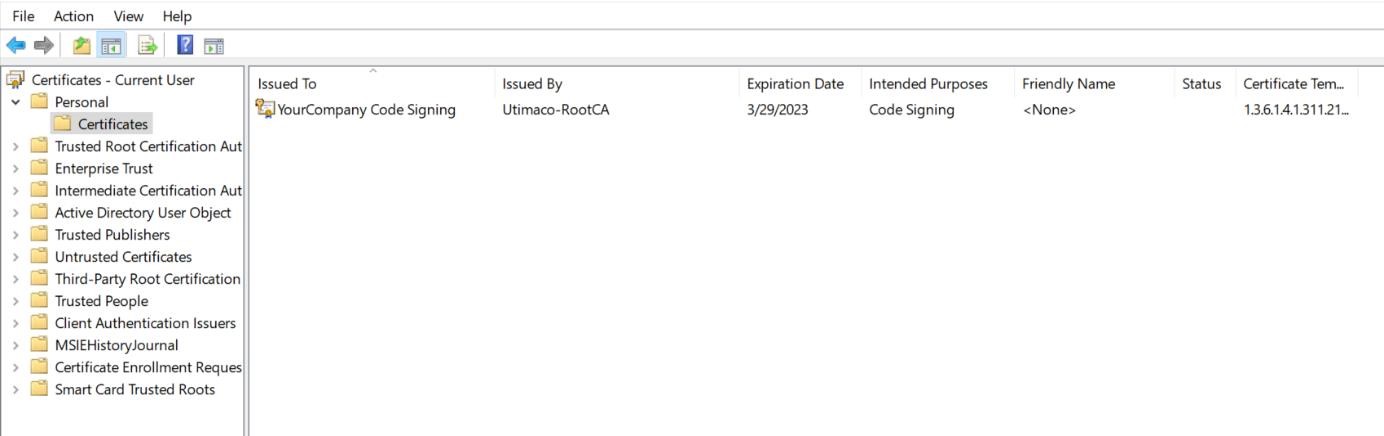
Code-signing certificate
-
Double-click the certificate and confirm that there is a private key mapped with this certificate. Check the message at the bottom.
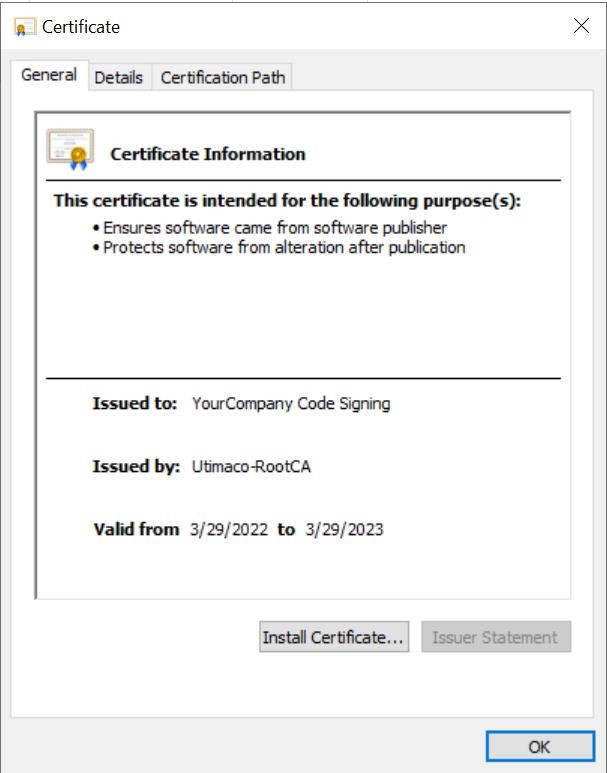
Certificate properties
-
In case the private key is not mapped with private in the CryptoServer, repair the code-signing certificate using the
certutil repairstoreutility.
-
Browse to the details tab.
-
Select the serial number or thumb print field.
-
Copy the data.
-
Use the
certutiltool to link the private key on the CryptoServer with the code-signing certificate. Don’t forget the double quotes since the serial number or thumb print copied before usually contains spaces.
|
›_ Console |
|---|
|
5. After the repairstore command has been successfully executed, refresh the certificate manager snap in, open the certificate and make sure you see the message "You have a private key that corresponds to this certificate".